#751
The machine was unable to connect to the network due to a disconnection.
Check the Network Status and Settings.
If the machine is not connected to a network, recongure the network settings.
Checking the Network Status and Settings(P. 89)
Setting Up the Network(P. 50)
#753
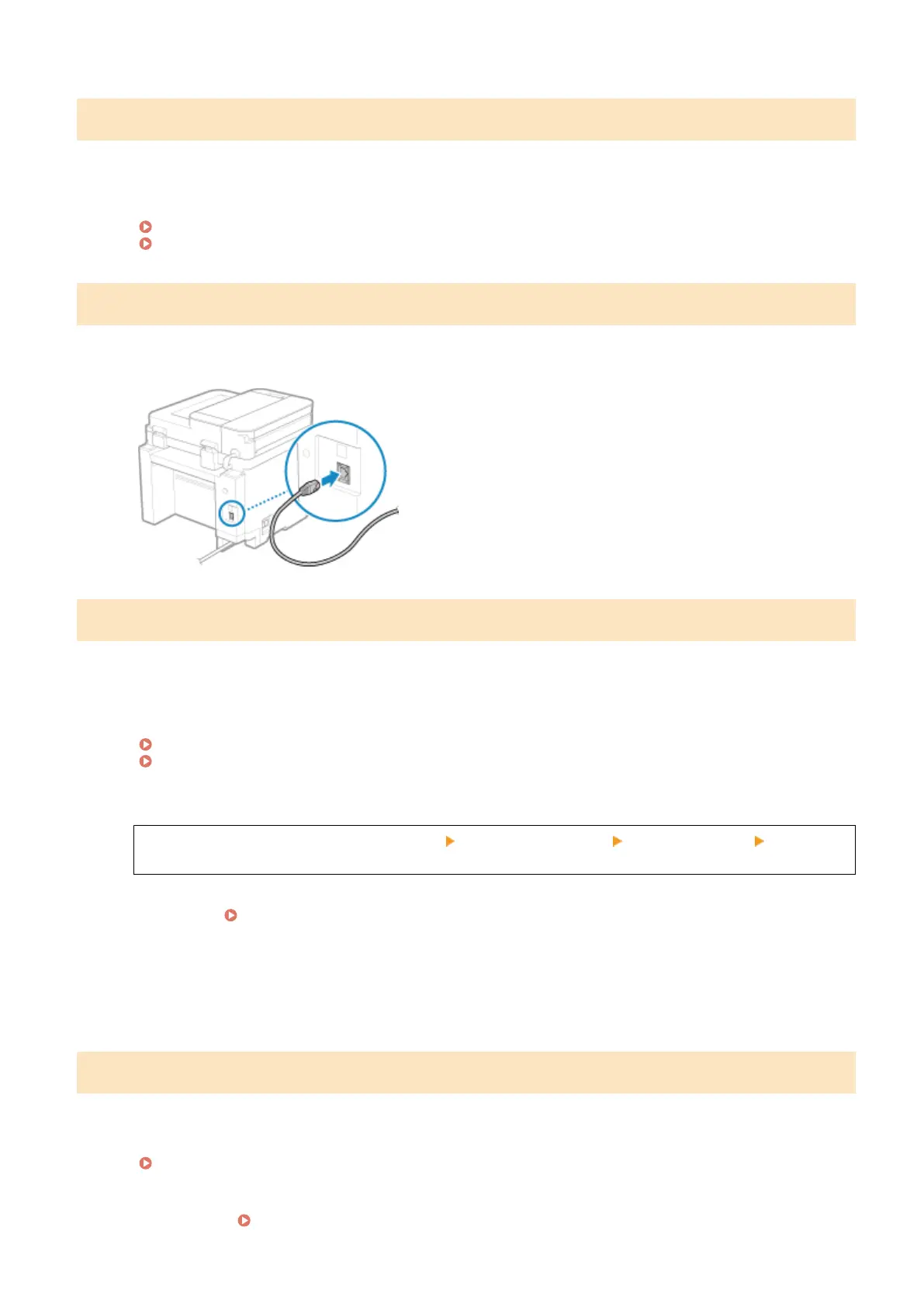
The machine was unable to connect to the network due to a disconnected Ethernet cable.
Check That the Ethernet Cable Is Pr
operly Connected.
#755
The TCP/IP is not congured correctly, or the machine was unable to connect to the network due to the set wait time
before connection.
Check the Network Status and Settings.
If the machine is not connected to a network, recongure the network settings.
Checking the Network Status and Settings(P. 89)
Setting Up the Network(P. 50)
Is Ther
e a Set Wait Time Before Connection?
Check whether a wait time is set.
Log in to Remote UI in System Manager Mode [Settings/Registration] [Network Settings] [Waiting
Time for Connection at Startup]
On the operation panel, select [Menu] in the [Home] screen, and then select [Preferences] to view this
information. [Waiting Time for Connection at Startup](P. 389)
● If
a wait time is set, a connection cannot be established immediately after turning ON the power of the
machine. Sending starts after the wait time has elapsed.
● To change the wait time, click [Edit] on the above [Waiting Time for Connection at Startup] screen, enter
the wait time, and then click [OK].
#766
The certicate has expired.
Renew the certicate, or use a certicate that is not expired.
Managing and Verifying a Key and Certicate(P
. 315)
Are the current date and time on the machine correct?
Check the date and time setitngs. If the settings are not correct, set the time zone, and then set the current
date and time.
Setting the Date and Time(P. 348)
Troubleshooting
578











 To Next Page