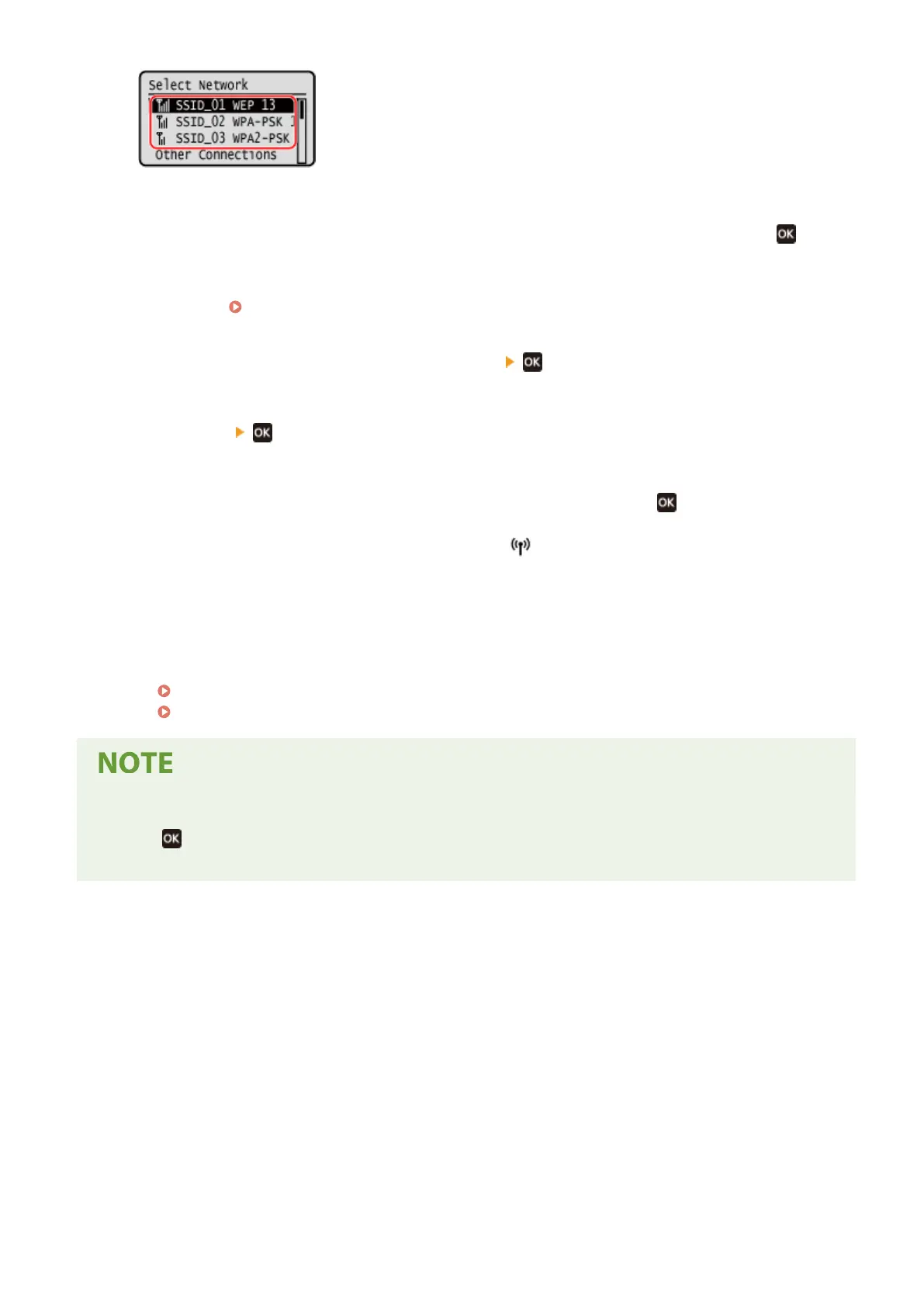
➠ The Network Ke
y input screen is displayed.
When selecting the SSID of the wireless LAN router supporting WPA-EAP or WPA2-EAP for the security
standard, the message [IEEE 802.1X Settings values will be applied to connect.] appears. Press
, and
pr
oceed to Step 4.
If you cannot find the wireless LAN router to which you want to connect, check that the router is
discoverable.
Cannot Connect to Wireless LAN(P. 526)
3
Enter the network key, and press [<Apply>] .
4
Press [Yes] .
5
When [Connected.] is displayed on the operation panel, press
.
➠ When the machine is connected to the wir
eless LAN, [
] appears on the [Home] screen.
6
Wait a few minutes.
➠ By default, an IP addr
ess is set automatically.
To use a specific IP address, set this manually.
Setting IPv4 Addresses(P. 71)
Setting IPv6 Addresses(P. 75)
If an Error Message Appears during Operation and a Connection Cannot Be Established
● Pr
ess
, check the information (SSID or network key) of the wireless LAN router to which you want to
connect, and r
epeat the procedure starting from Step 2.
Setting Up
65











 To Next Page