Printing Posters in Sections
Printing Posters in Sections
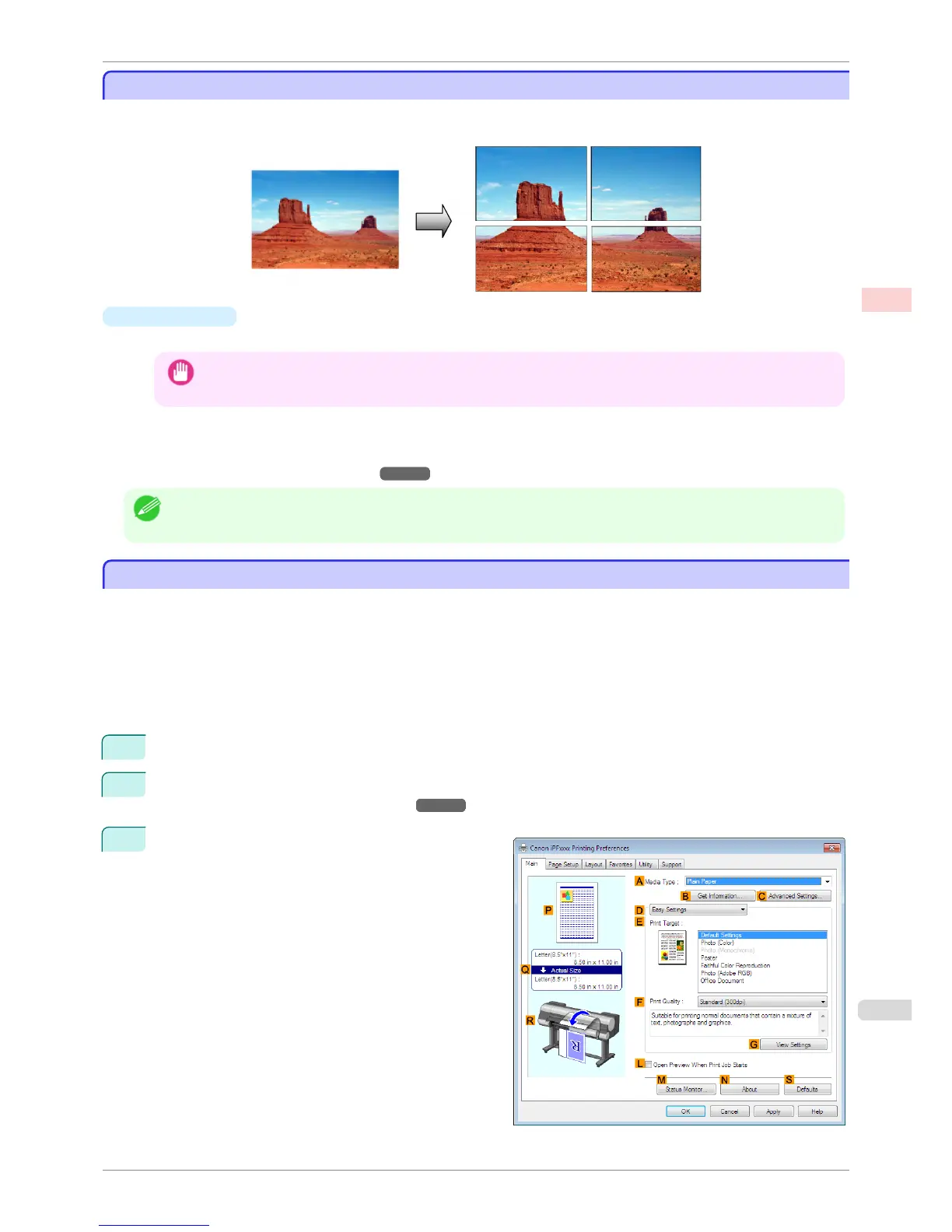
You can enlarge an original to print it in sections on several sheets. By assembling the printed sheets, you can
create a poster larger than the maximum supported paper size of the printer.
•
Page Layout
Choose poster printing.
Important
• When printing using this function, the Print Centered, Watermark, No Spaces at Top or Bottom (Conserve Pa-
per), and Page Options settings are disabled.
For instructions on printing large posters, refer to the following topics, as appropriate for your computer and
operating system.
•
Printing Large Posters (Windows) ➔ P.117
Note
• This method of poster printing is supported in Windows.
Printing Large Posters (Windows)
Printing Large Posters (Windows)
You can enlarge an original to print it in sections on several sheets. By assembling the printed sheets, you can
create a poster larger than the maximum supported paper size of the printer. This topic describes how to enlarge
an A2 original for printing it in sections on four sheets, based on the following example.
•
Document: Poster
•
Page size: A2 (420.0×594.0 mm [16.5 × 23.4 in])
•
Paper: Sheets
•
Paper Size: A2 (420.0 × 594.0 mm [16.5 × 23.4 in])
1
Choose Print in the application menu.
2
Select the printer in the dialog box, and then display the printer driver dialog box. (See "Accessing the Print-
er Driver Dialog Box from Applications .") ➔ P.156
3
Make sure the Main sheet is displayed.
iPF8400S
Printing Posters in Sections
User's Guide
Enhanced Printing Options Tiling and multiple pages per sheet
117














 To Next Page