Note
• The maximum value is 999.
• You can change the numbers by clicking either ▲ button or ▼ button.
•
Restore Defaults Button
Click the button to reset to the setting when starting Preview.
•
Print Button
Click the button to begin printing.
•
Update Printer Info. Button
Click the button to acquire printer information.
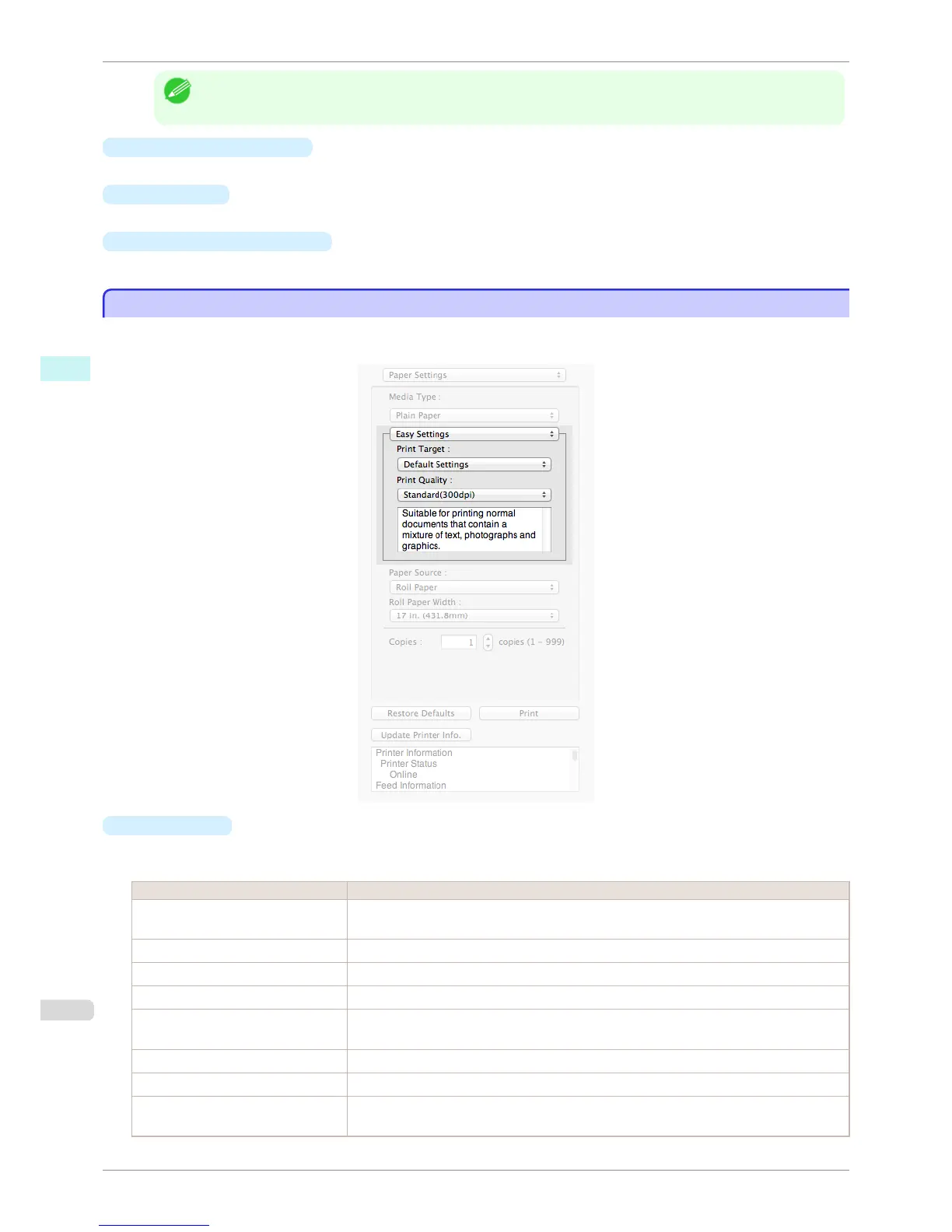
Easy Settings
Easy Settings
You can easily select the best settings for the print job by just selecting an item from the print target list that match-
es the content of the document.
•
Print Target
You can easily select the best settings for the print job simply.
If you select each Print Target item the corresponding comment for that item is displayed below the list.
Setting Details
Default Settings Suitable for printing normal documents that contain a mixture of text, photographs, and graph-
ics.
Photo (Color) Suitable for printing photographic images captured with a digital camera.
Photo (Monochrome) Suitable for optimized printing of monochrome photos.
Poster The best setting for posters.Prints using vivid and high impact colors.
Faithful Color Reproduction Prints by minimizing color differences. Suitable for when the printing results are too vivid or
when printing scanned images.
Photo (Adobe RGB) Prints using a color space with the best colors for Adobe RGB images.
CAD (Color Line Drawing) Suitable for printing fine lines such as drawings clearly.
Perspective, GIS Suitable for attractive printing of 3D-CAD drawings, perspective drawings, and GIS drawings
including maps.
Easy Settings
iPF8400S
User's Guide
Mac OS Software Preview
342














 To Next Page