Selecting an Object
Selecting an Object
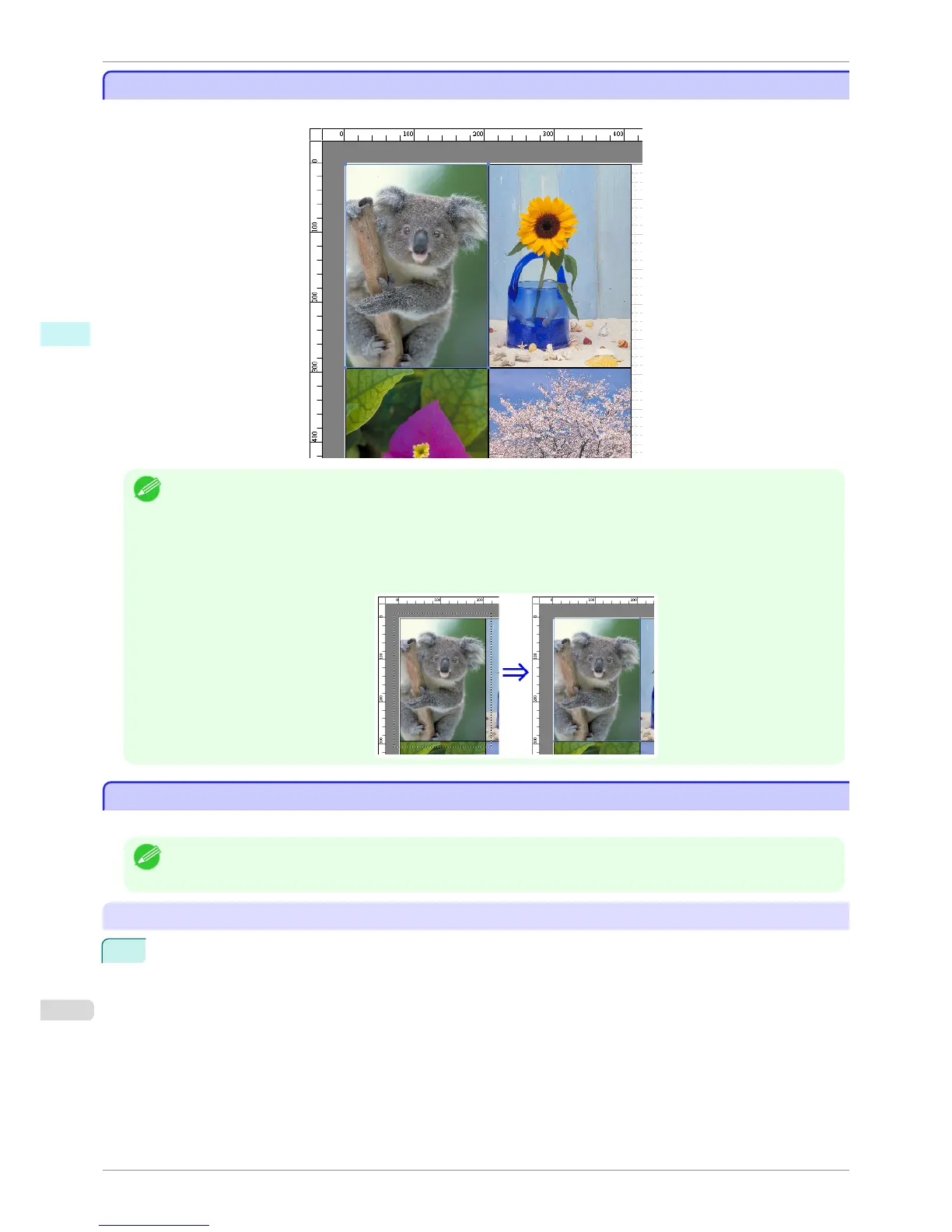
When an object is selected, a select box (blue border) appears around the object.
Note
• To select an object, click that object.
• To select multiple successive objects, click them while holding down the Shift key.
• To select multiple arbitrary objects, click them while holding down the Ctrl key.
• To select all objects, select Select All from the Edit menu.
• When you specify the area with dragging the mouse, the object in the area is selected.
Changing the Object Size
Changing the Object Size
You can change the object size by means of mouse operation or by specifying a scaling value.
Note
• The vertical-to-horizontal ratio remains unchanged when the object is enlarged or reduced.
Resizing by means of mouse operation
1
Select an object.
Selecting an Object
iPF8400S
User's Guide
Windows Software Free Layout
204














 To Next Page