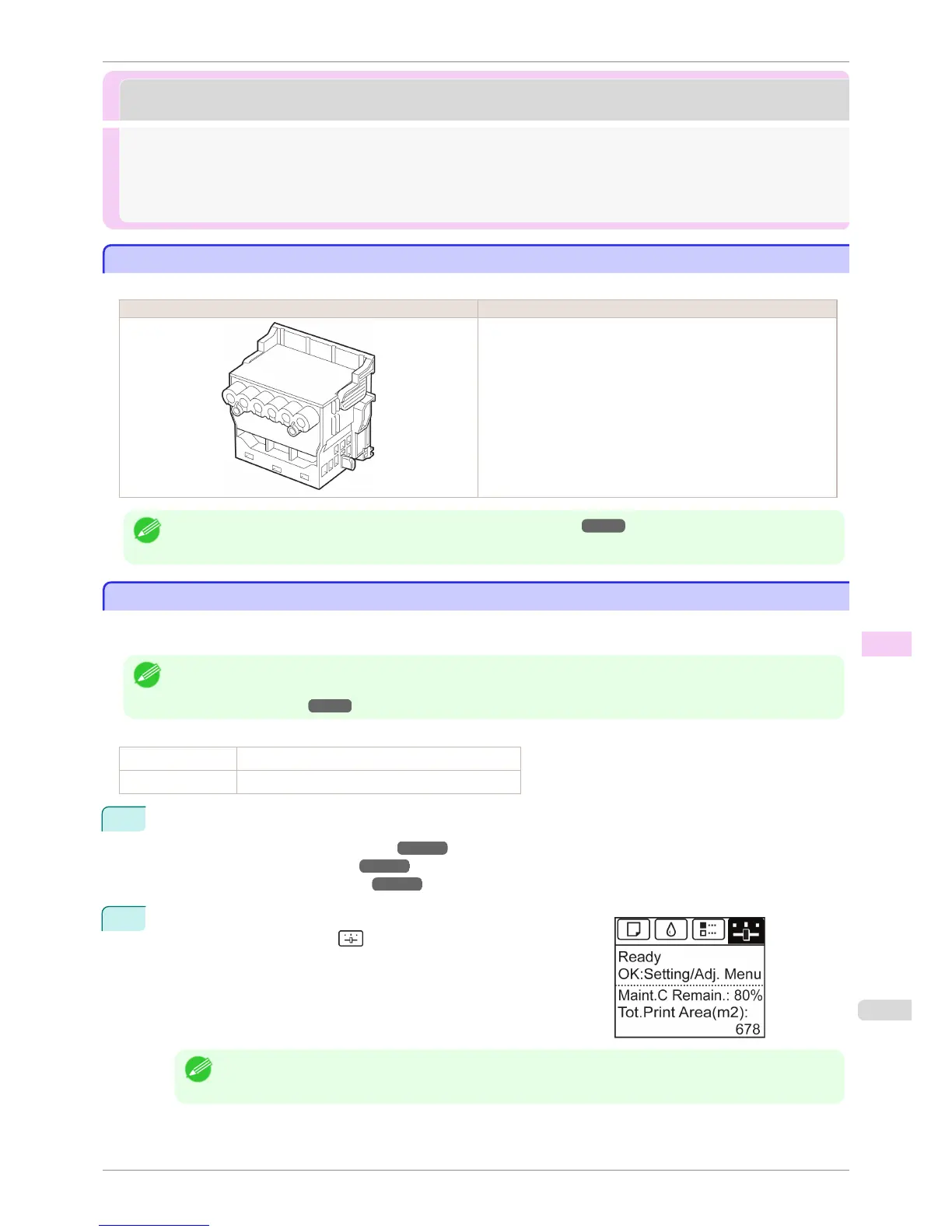
Printheads
Printheads
Printhead ............................................................................................................................................................................ 817
Checking for Nozzle Clogging .................................................................................................................................. 817
Cleaning the Printhead ................................................................................................................................................ 818
Replacing the Printhead .............................................................................................................................................. 819
Printhead
Printhead
When purchasing, check the Model number.
Shape Model number
PF-05
Note
• For instructions on replacing the Printhead, see "Replacing the Printhead." ➔ P.819
Checking for Nozzle Clogging
Checking for Nozzle Clogging
If printing is faint or affected by banding in different colors, make sure the Printhead nozzles are clear by printing a
test pattern to check the nozzles.
Note
• By default, nozzles are checked at fixed intervals.
Configure the settings on the Control Panel menu in Nozzle Check.
(See "Menu Settings.") ➔ P.591
Paper to Prepare
When Using Rolls An unused roll at least 254.0 mm (10.00 in) wide
When Using Sheets One sheet of unused paper of at least A4/Letter size
1
Load paper.
•
Attaching the Roll Holder to Rolls ➔ P.469
•
Loading Rolls in the Printer ➔ P.471
•
Loading Sheets in the Printer ➔ P.492
2
On the Tab Selection screen of the Control Panel, press ◀ or ▶ to
select the Settings/Adj. tab ( ).
Note
• If the Tab Selection screen is not displayed, press the Menu button.
iPF8400S
Printhead
User's Guide
Maintenance and Consumables Printheads
817














 To Next Page