Setting Details
Information Print Position
Bottom (Footer) Information is printed on the bottom of the image.
Print History Number Place a checkmark here to print the print history number.
File Name Place a checkmark here to print the file name.
Printed at Place a checkmark here to print the time and date.
Color Adjustment Value Place a checkmark here to print the color adjustment value.
Printer Name Place a checkmark here to print the printer name.
Comment Place a checkmark here to print the comment details.
Comment Details Place a checkmark here to display the comment details.
•
Edit Comment button
Click the button to display the Edit Comment dialog box, where you can edit the comment.
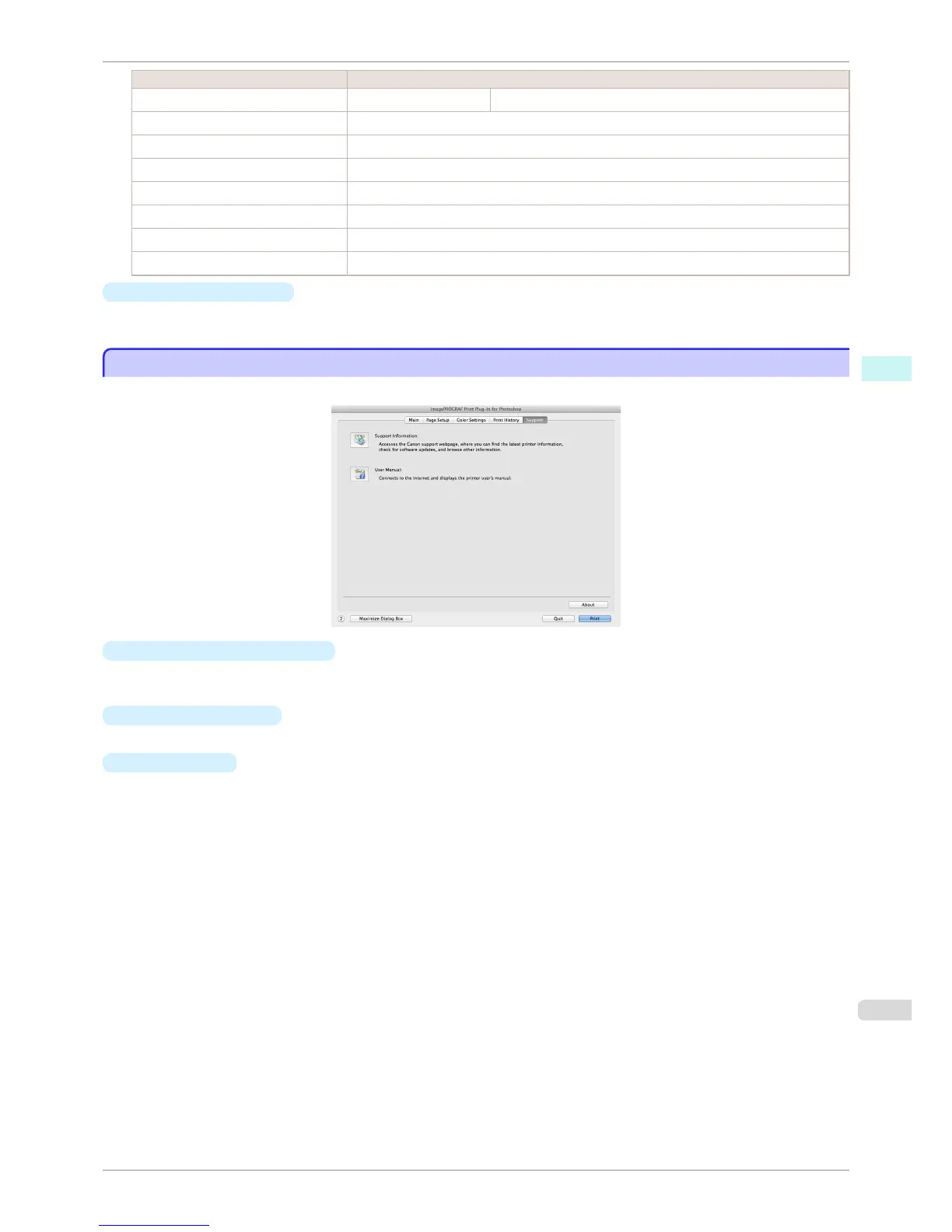
Support Sheet
Support Sheet
You can display product support information and the electronic manual.
•
Support Information button
Click this button to check information such as the latest information on the product and version upgrade infor-
mation for the software.
•
User Manual button
Click this button to display the printer User Manual.
•
About button
Click the button to open the version information window of the Print Plug-In. Click the OK button in the version
information window to return to the Print Plug-In window.
iPF8400S
Support Sheet
User's Guide
Mac OS Software Print Plug-In for Photoshop / Digital Photo Professional
415














 To Next Page