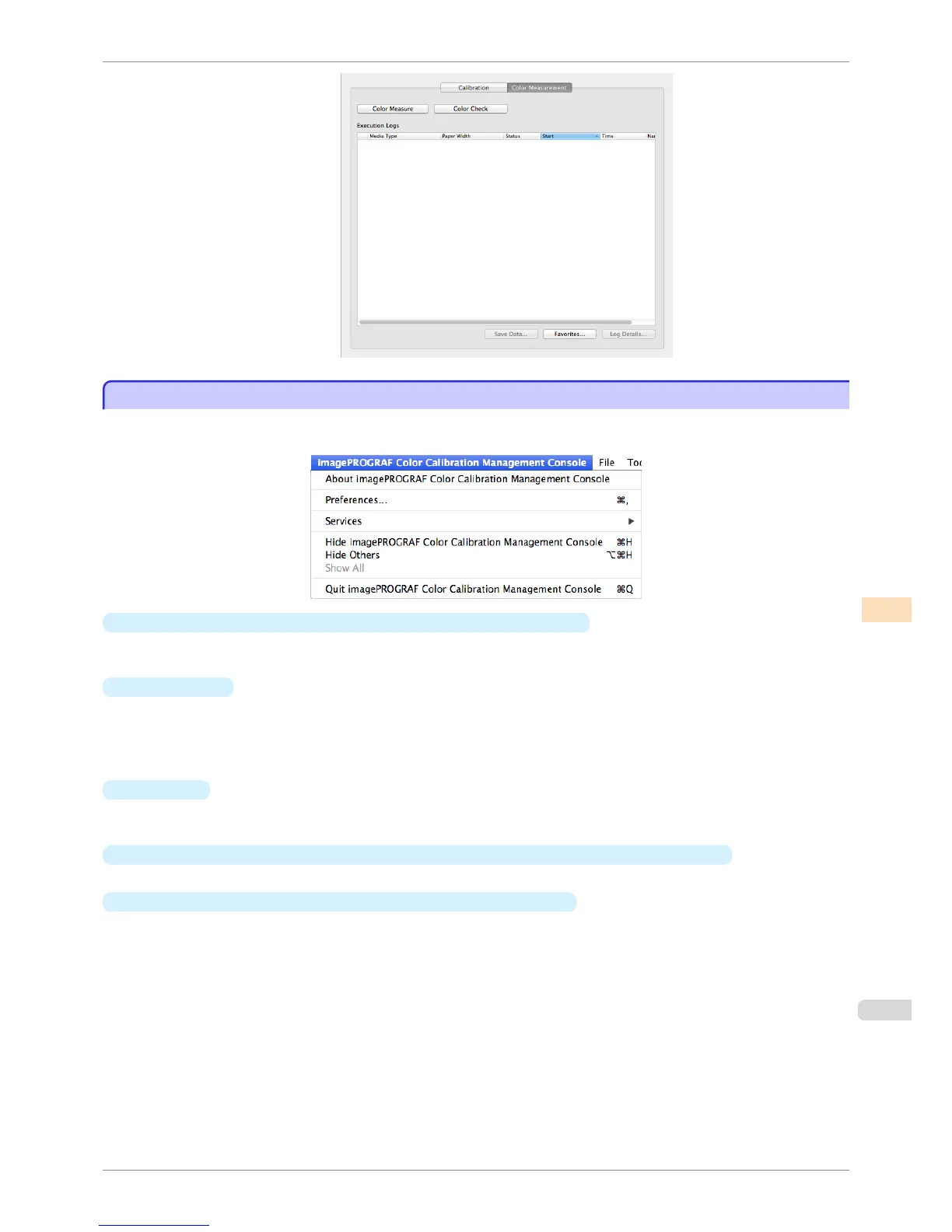
imagePROGRAF Color Calibration Management Console Menu
imagePROGRAF Color Calibration Management Console Menu
This section describes each of the menu items in the imagePROGRAF Color Calibration Management Console
menu.
•
About imagePROGRAF Color Calibration Management Console
Displays the About dialog box, which allows you to check the version of Color Calibration Management Con-
sole.
•
Preferences
Displays the Preferences dialog box.
This allows you to select the units displayed in the Color Calibration Management Console, configure the
sound that is displayed when executing a color calibration, acquiring color measurement data, or executing a
color check finishes, and configure other settings.
•
Services
You can use the functions of other applications while you are using Color Calibration Management Console.
For details, refer to the Mac OS help.
•
Hide imagePROGRAF Color Calibration Management Console/Hide Others/Show All
Switches between displaying and hiding windows.
•
Quit imagePROGRAF Color Calibration Management Console
Exits Color Calibration Management Console.
iPF8400S
imagePROGRAF Color Calibration Management Console Menu
User's Guide
Color Management Color Calibration Management Console (Mac OS)
779














 To Next Page