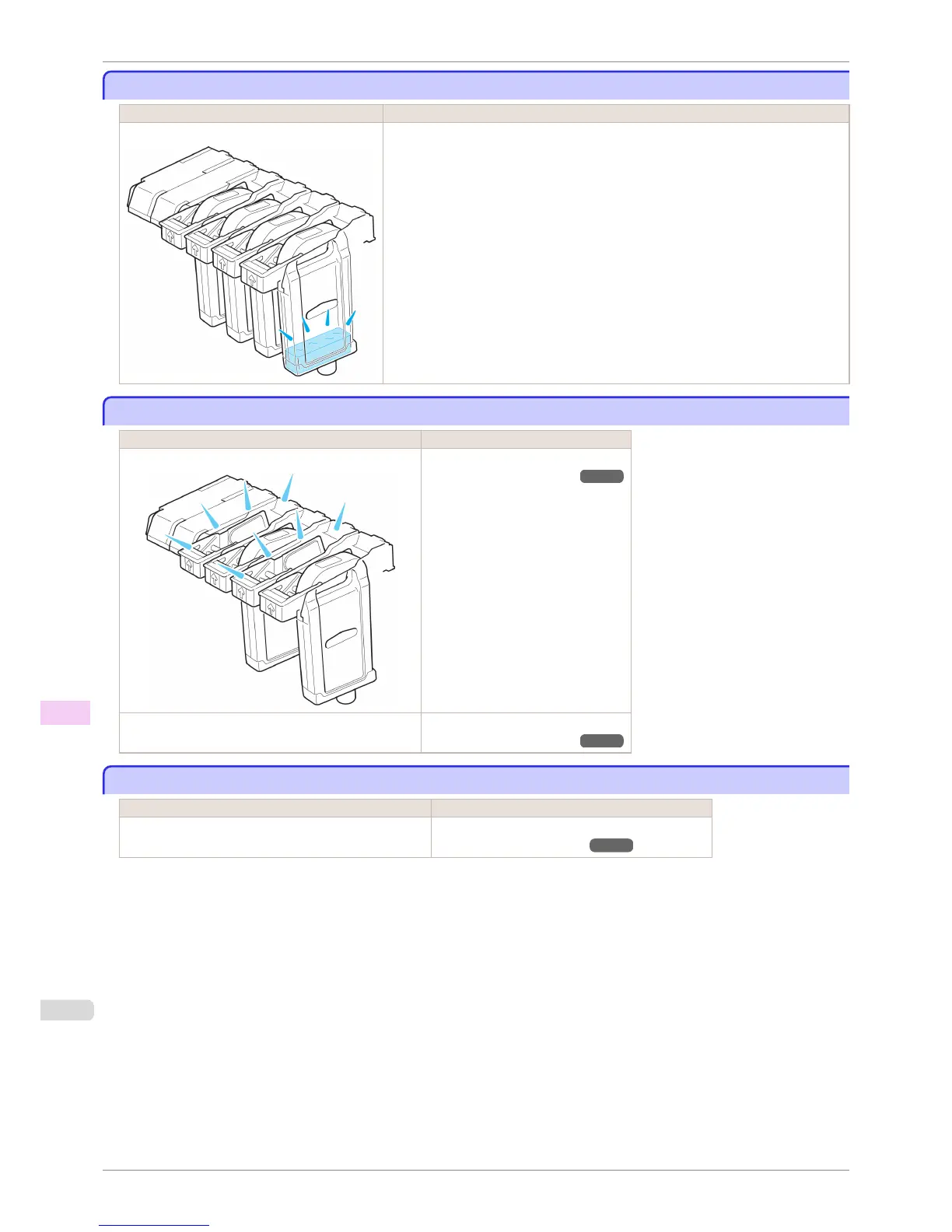
Not much ink is left.
Not much ink is left.
Cause Corrective Action
Not much ink is left. Prepare a new Ink Tank.
We recommend replacing the Ink Tank with a new Ink Tank at this point if you plan to
print large-format or high-quantity jobs.
No ink tank loaded.
No ink tank loaded.
Cause Corrective Action
There is no Ink Tank of the indicated color in the printer. Load the Ink Tank.
(See "Replacing Ink Tanks.") ➔ P.806
There is a problem with the Ink Tank. Replace it with a new Ink Tank.
(See "Replacing Ink Tanks.") ➔ P.806
The following ink tanks cannot be recognized.
The following ink tanks cannot be recognized.
Cause Corrective Action
An Ink Tank that is incompatible with the printer is loaded. Load an Ink Tank that is compatible with the printer.
(See "Replacing Ink Tanks.") ➔ P.806
Not much ink is left.
iPF8400S
User's Guide
Error Message Messages regarding ink
894














 To Next Page