Note
• If printed from Free Layout or Preview, the Document title is saved under the name imagePROG-
RAF.
2.
Select the personal box number in the Mail box list.
3.
Click OK to close the Destination dialog box.
•
Print after reception is complete
This option is available in combination with Print. You can prevent degradation of print quality that oc-
curs when receiving a print job is interrupted and printing is aborted in the middle.
Managing the Job Queue (Deleting or Preempting Other Jobs)
Managing the Job Queue (Deleting or Preempting Other Jobs)
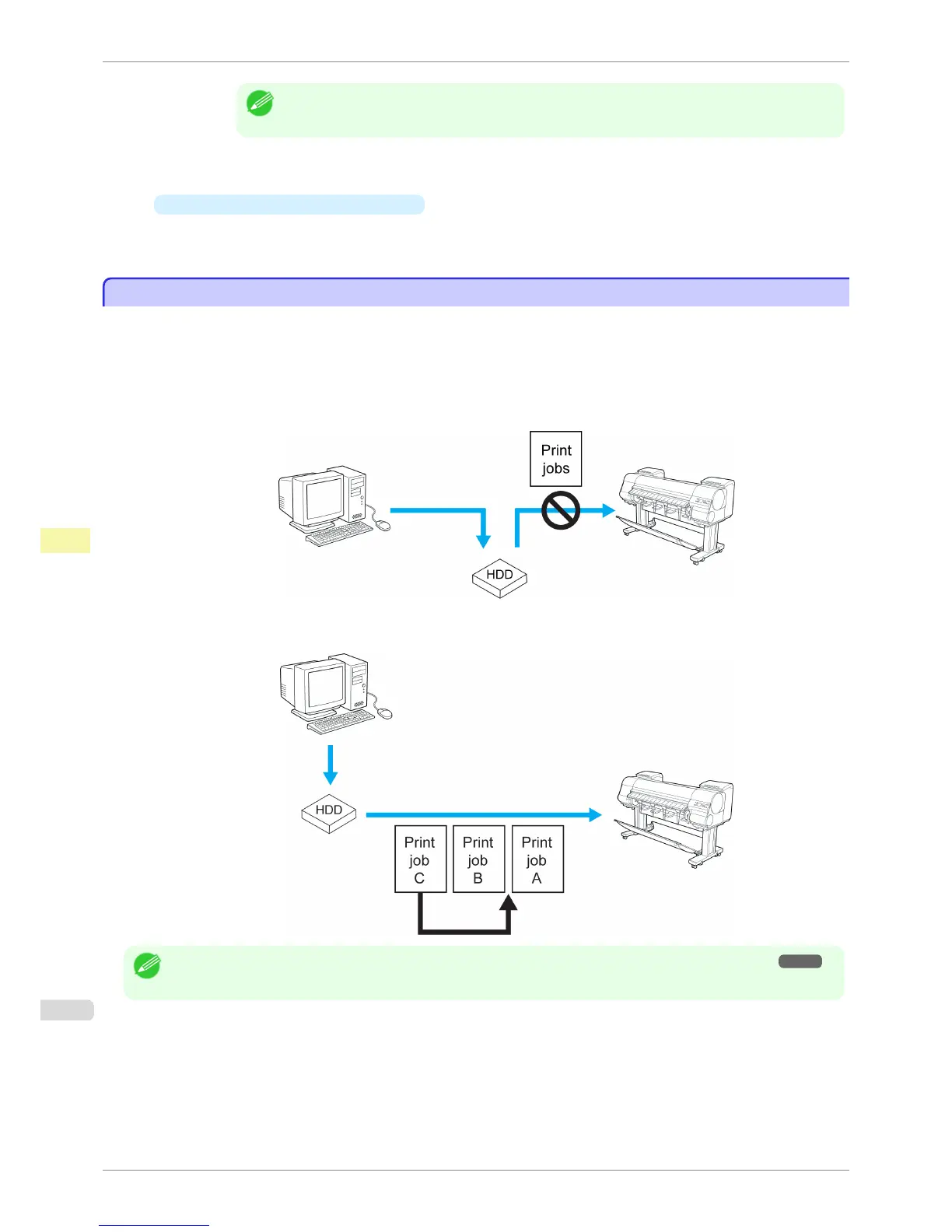
Print jobs being processed by the printer are collectively called the job queue. You can delete or preempt jobs in
the job queue as needed.
These operations are available from the Control Panel or in RemoteUI, imagePROGRAF Status Monitor, and im-
agePROGRAF Printmonitor.
•
Delete
Note that only jobs that are not currently being deleted can be deleted from the job queue.
•
Preempting other jobs
You can preempt other jobs by printing jobs that are currently being received or prepared for processing first.
Note
• For information on managing jobs being held, see "Managing Pending Jobs (Printing or Deleting Jobs on Hold)." ➔ P.676
Managing the Job Queue (Deleting or Preempting Other Jobs)
iPF8400S
User's Guide
Print Job Management Basic Print Job Operations
674














 To Next Page