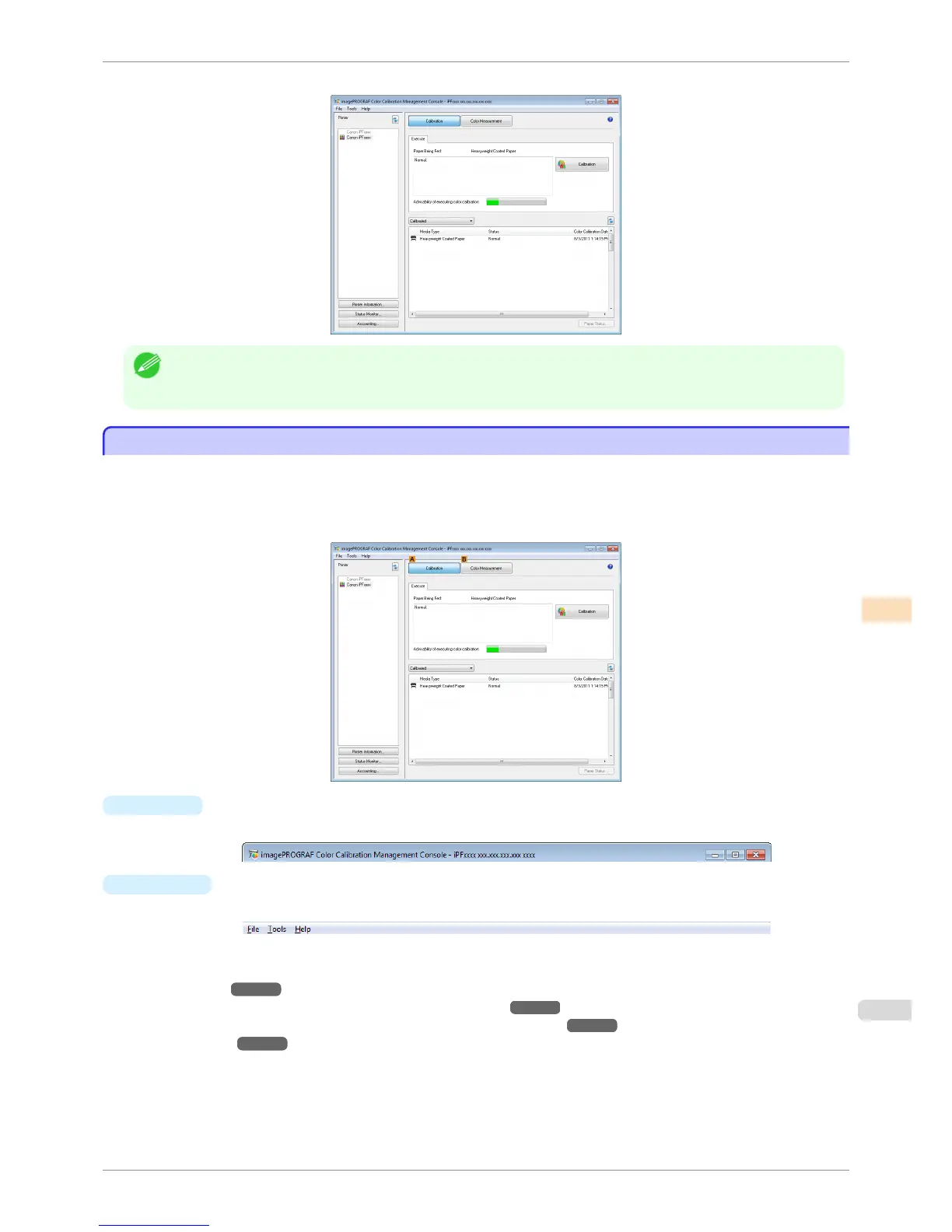
This displays the Color Calibration Management Console main window.
Note
• If there is no Color Calibration Management Console icon on the desktop, click start and navigate to All Pro-
grams>imagePROGRAF Color Calibration Management Console>imagePROGRAF Color Calibration Management
Console.
Main Window
Main Window
The Color Calibration Management Console main window consists of a title bar, menu bar, Printer list, Calibration
sheet, and Color Measurement sheet.
You can switch between the Calibration sheet and Color Measurement sheet by clicking the A Calibration but-
ton or B Color Measurement button. You can also switch between the sheets from the File menu in the menu bar.
•
Title bar
Displays the model name, port name, and installation location of the printer selected in the Printer list.
•
Menu bar
Allows you to select the menu items for the necessary operations.
For details on each of the menu items, refer to the following topics.
•
File Menu ➔ P.747
•
Tools Menu (When the Calibration Sheet is Displayed) ➔ P.748
•
Tools Menu (When the Color Measurement Sheet is Displayed) ➔ P.749
•
Help Menu ➔ P.750
iPF8400S
Main Window
User's Guide
Color Management Color Calibration Management Console (Windows)
745














 To Next Page