3
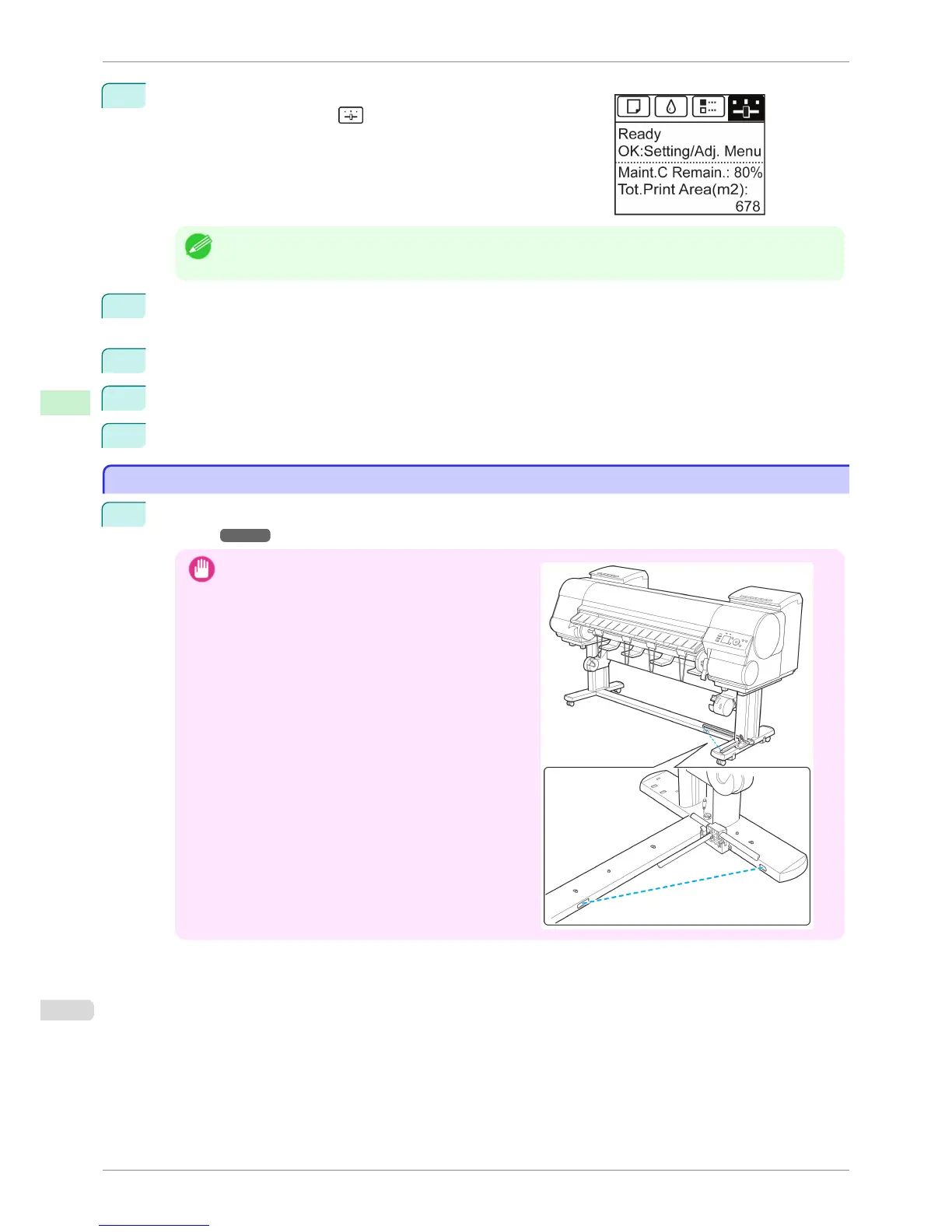
On the Tab Selection screen of the Control Panel, press ◀ or ▶ to
select the Settings/Adj. tab ( ).
Note
• If the Tab Selection screen is not displayed, press the Menu button.
4
Press the OK button.
The Set./Adj. Menu is displayed.
5
Press ▲ or ▼ to select Take-up Reel, and then press the OK button.
6
Press ▲ or ▼ to select Use Take-up Reel, and then press the OK button.
7
Press ▲ or ▼ to select Disable, and then press the OK button.
Loading the Rewind Spool on the Media Take-up Unit
Loading the Rewind Spool on the Media Take-up Unit
1
When using the Output Stacker, stow the Output Stacker before this procedure. (See "Storing the Output
Stacker.") ➔ P.504
Important
•
Position the Basket Cloth and Basket Rod so they do
not interfere with the Media Take-up Sensor (wave
portion). This may impair operation.
Loading the Rewind Spool on the Media Take-up Unit
iPF8400S
User's Guide
Handling and Use of Paper Media take-up unit
508














 To Next Page