Setting Details
File Name Place a checkmark here to print the file name.
Printed at Place a checkmark here to print the time and date.
Color Adjustment Value Place a checkmark here to print the color adjustment value.
Printer Name Place a checkmark here to print the printer name.
Comment Place a checkmark here to print the comment details.
Comment Details Place a checkmark here to display the comment details.
•
Edit Comment button
Click the button to display the Edit Comment dialog box, where you can edit the comment.
Support Sheet
Support Sheet
You can display product support information and the electronic manual.
•
Support Information button
Click this button to check information such as the latest information on the product and version upgrade infor-
mation for the software.
•
User Manual button
Click this button to display the printer User Manual.
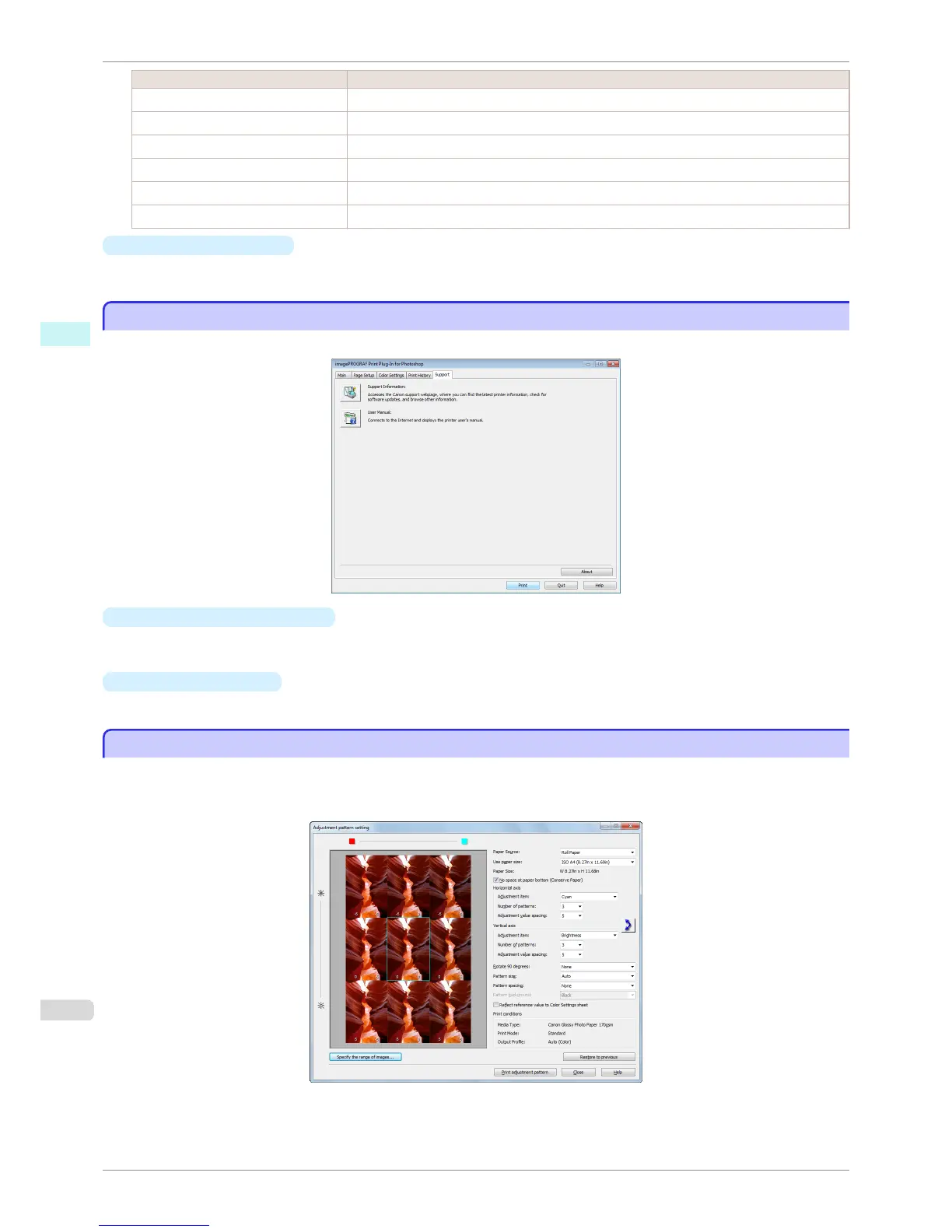
Adjustment pattern setting dialog box
Adjustment pattern setting dialog box
Displays the adjustment pattern by taking images with the adjustment values varying up and down in steps from
the baseline adjustment values in the Color Settings sheet (color or monochrome). This allows you to print the
adjustment pattern and select your preferred adjustment values while comparing the images.
Support Sheet
iPF8400S
User's Guide
Windows Software Print Plug-In for Photoshop / Digital Photo Professional
240














 To Next Page