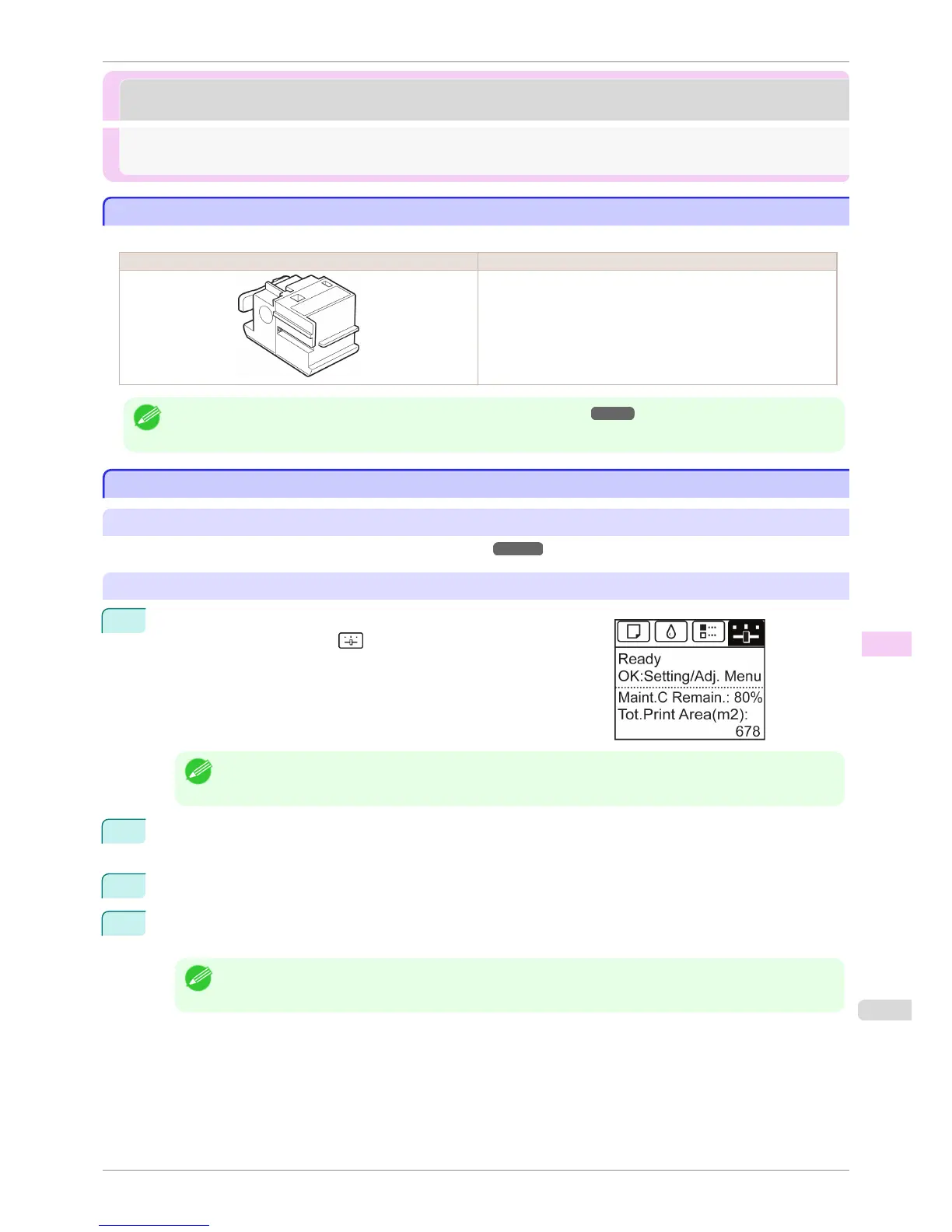
Cutter Unit
Cutter Unit
Cutter Unit ........................................................................................................................................................................ 827
Replacing the Cutter Unit ........................................................................................................................................... 827
Cutter Unit
Cutter Unit
When purchasing, check the Model number.
Shape Model number
CT-06
Note
• For instructions on Cutter Unit replacement, see "Replacing the Cutter Unit." ➔ P.827
Replacing the Cutter Unit
Replacing the Cutter Unit
Compatible Cutter Units
For information on compatible cutter units, see "Cutter Unit."
➔P.827
Access the menu for cutter unit replacement
1
On the Tab Selection screen of the Control Panel, press ◀ or ▶ to
select the Settings/Adj. tab ( ).
Note
• If the Tab Selection screen is not displayed, press the Menu button.
2
Press the OK button.
The Set./Adj. Menu is displayed.
3
Press ▲ or ▼ to select Maintenance, and then press the OK button.
4
Press ▲ or ▼ to select Change Cutter, and then press the OK button.
The Carriage moves. When it finishes moving, instructions are displayed on the Display Screen.
Note
• If you do not respond within two minutes, cutter cleaner replacement is canceled. In this case, repeat the proce-
dure.
iPF8400S
Cutter Unit
User's Guide
Maintenance and Consumables Cutter Unit
827














 To Next Page