Replace the Printhead
1
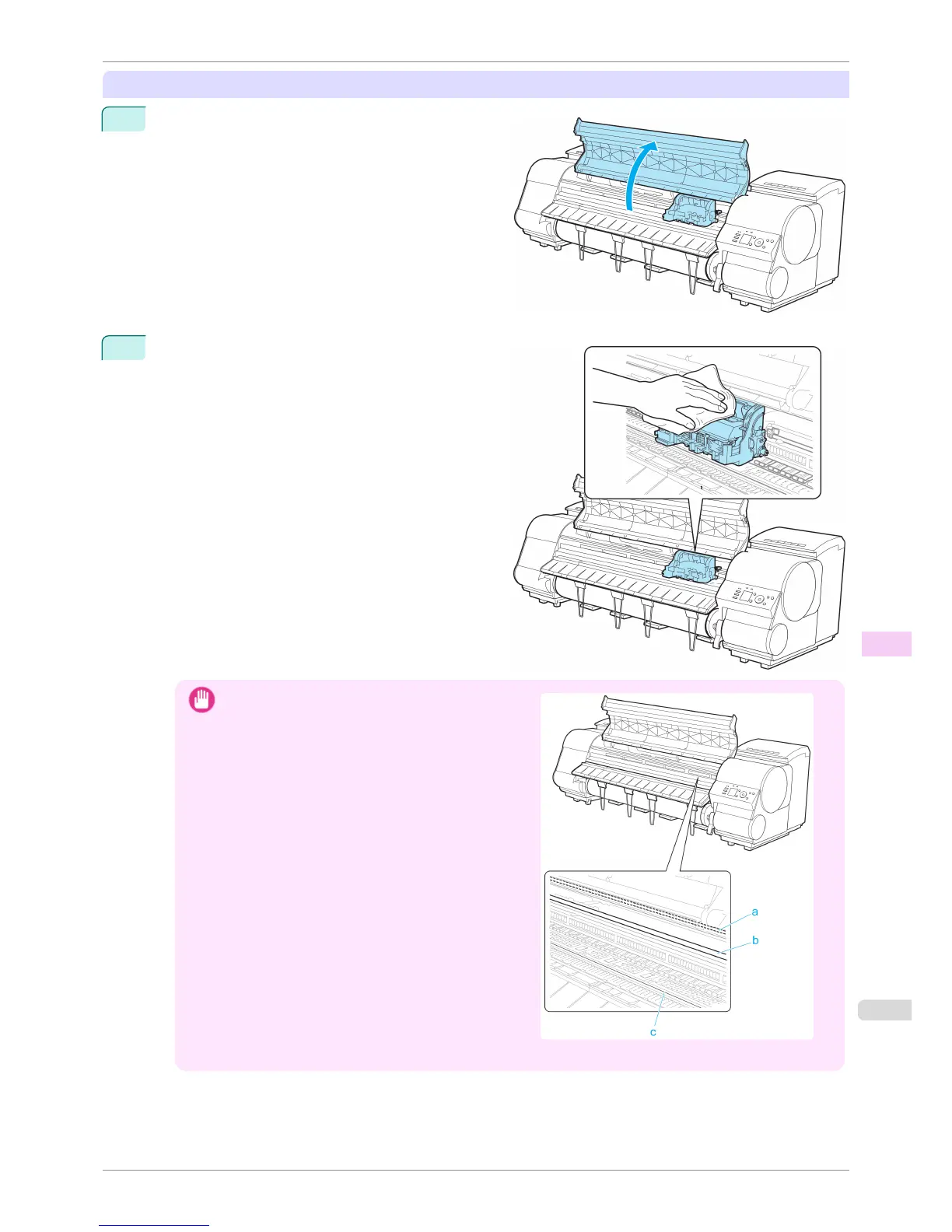
Open the Top Cover.
2
If the Carriage Cover is dirty, use a damp cloth that
you have wrung out completely to wipe it clean.
Important
•
Do not touch the Linear Scale (a), Carriage Shaft (b),
or Fixed Blade (c). This may stain your hands and
damage the printer.
• Never touch the metal contacts of the Carriage. This may damage the printer.
iPF8400S
Replacing the Printhead
User's Guide
Maintenance and Consumables Printheads
821














 To Next Page