Stabilizing Colors (Color Calibration Execution Guide Settings)
It is important to carry out color calibration because color tones change as a printhead ages and the environment
changes.
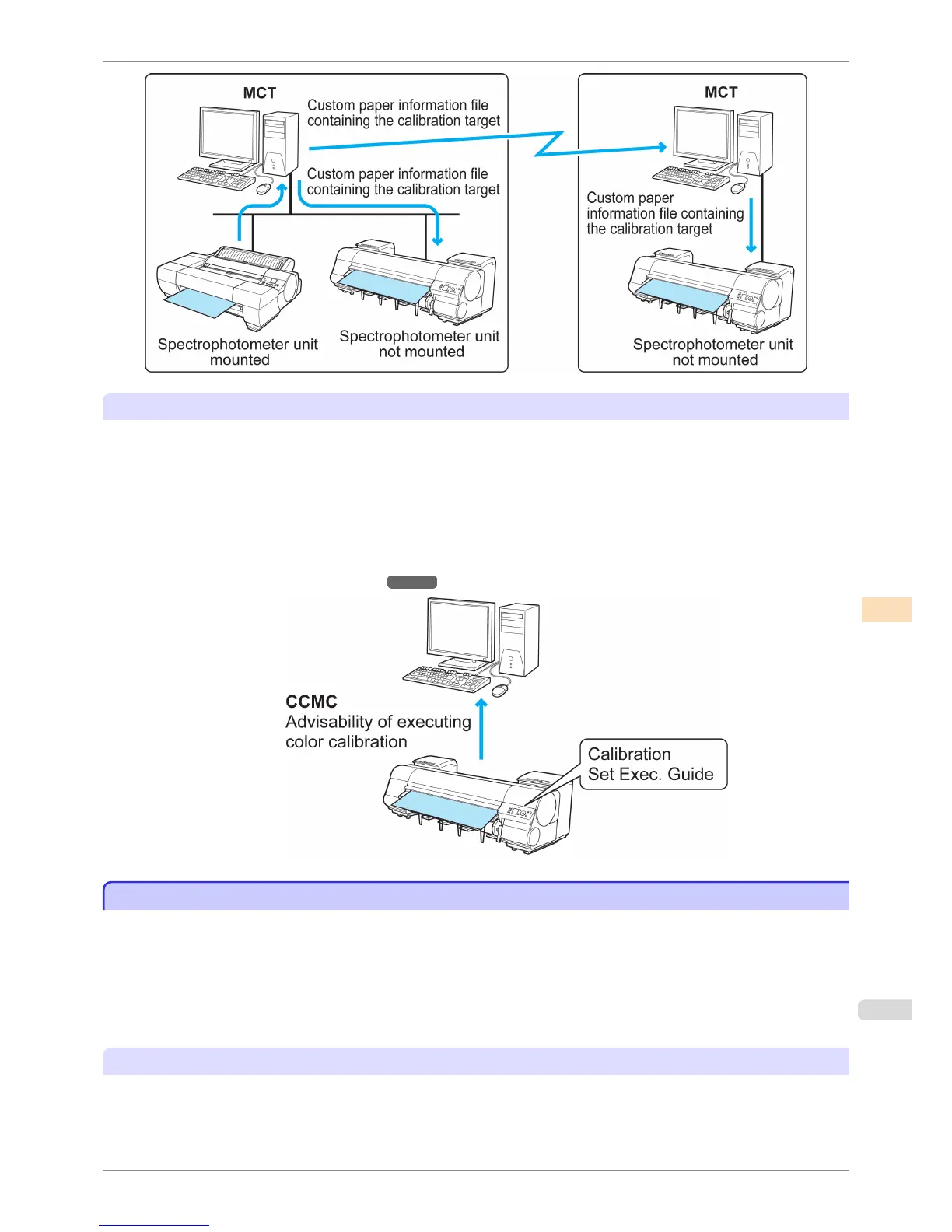
This printer has a function that notifies when it is recommended to execute color calibration. This prevents forget-
ting to carry out color calibration and allows you to continuously reduce variations in color tones.
In the CCMC color management utility, Advisability of executing color calibration is displayed as a progress
bar. This allows you to manage color efficiently because you can visually check roughly how long until color calibra-
tion is executed next.
For a detailed explanation, see the following.
•
Managing Colors Using Printer Sensors ➔ P.733
Managing Colors Using Printer Sensors
Managing Colors Using Printer Sensors
You can correct for variations in color tones due to differences between individual printheads and changes with ag-
ing by executing the following functions using the color calibration function using the printer sensor.
Furthermore, you can execute color calibration and check the calibration logs of printers remotely by using the Col-
or Calibration Management Console (CCMC) color management utility. If the printer is connected to a network, ex-
ecution can be managed remotely from the computer.
Since this allows the color management status of printers to be centrally managed, it delivers efficient low-cost col-
or management.
Color Calibration Using the Printer Sensor
Although there are slight differences in how colors appear due to individual variations or aging among printers,
there are only small variations in the printed color tones because the variations in color tones can be corrected by
executing color calibration using the printer sensor.
iPF8400S
Managing Colors Using Printer Sensors
User's Guide
Color Management Color Calibration
733














 To Next Page