Checking Images Before Printing
Checking Images Before Printing
Checking the Layout in a Preview Before Printing
Checking the Layout in a Preview Before Printing
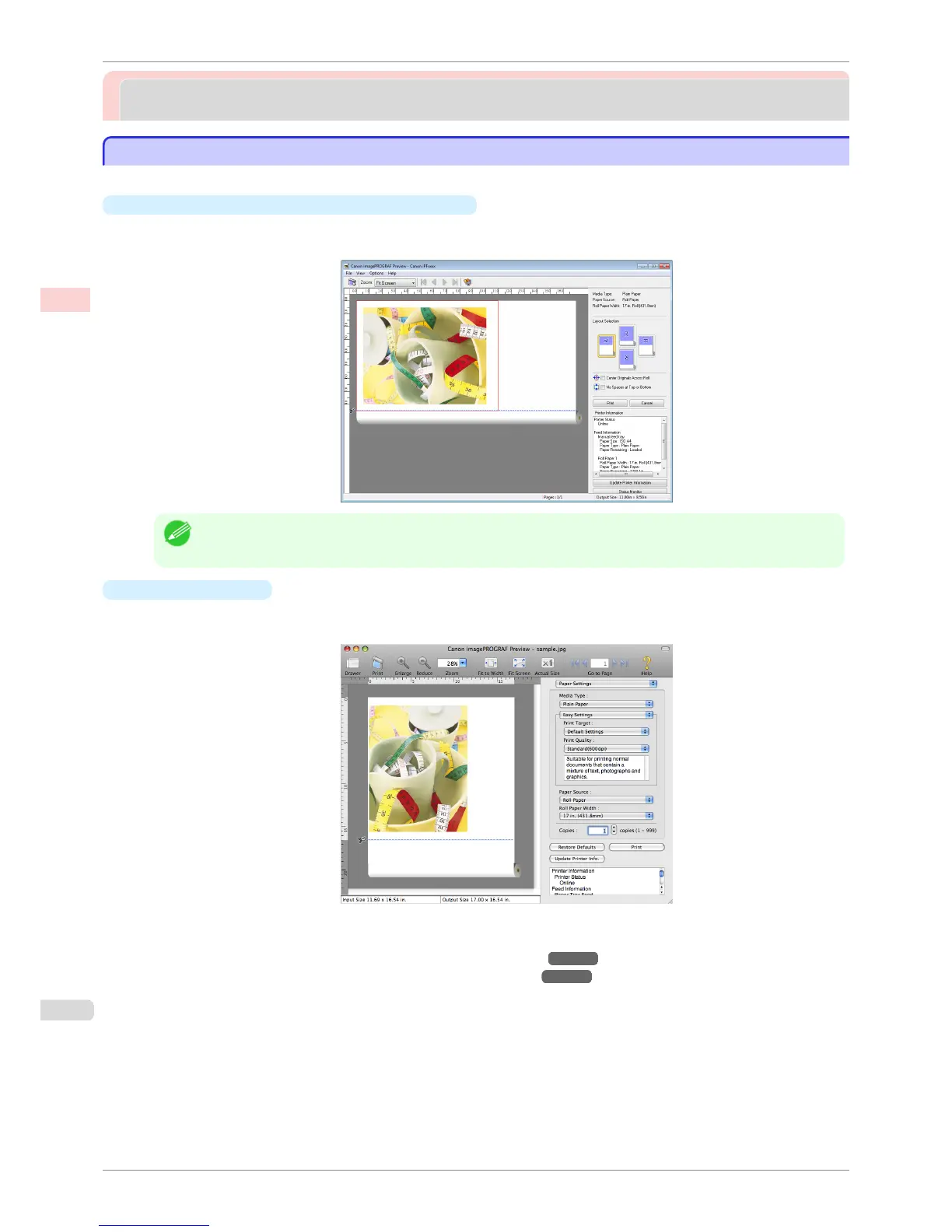
You can check the print layout on the preview screen.
•
Open Preview When Print Job Starts (Windows)
While viewing the preview screen, you can also adjust orientation or other settings, and your changes will be
instantly applied on the preview screen.
Note
• Under some settings and in some environments, PageComposer may be started.
•
Preview (Mac OS)
While viewing the preview screen, you can also adjust layout or size settings, and your changes will be instant-
ly applied on the preview screen.
For instructions on how to check the layout before printing, refer to the following topics:
•
Checking the Layout in a Preview Before Printing (Windows) ➔ P.153
•
Checking the Layout in a Preview Before Printing (Mac OS) ➔ P.321
Checking the Layout in a Preview Before Printing
iPF8400S
User's Guide
Enhanced Printing Options Checking Images Before Printing
136














 To Next Page