Layout Plug-In for Photoshop
Layout Plug-In for Photoshop
About the Layout Plug-In ............................................................................................................................................ 452
Layout Plug-In Main Window ..................................................................................................................................... 452
Add Canvas Size dialog box ...................................................................................................................................... 454
Creating and Printing a Layout Image for Mounting on a Frame ............................................................. 455
About the Layout Plug-In
About the Layout Plug-In
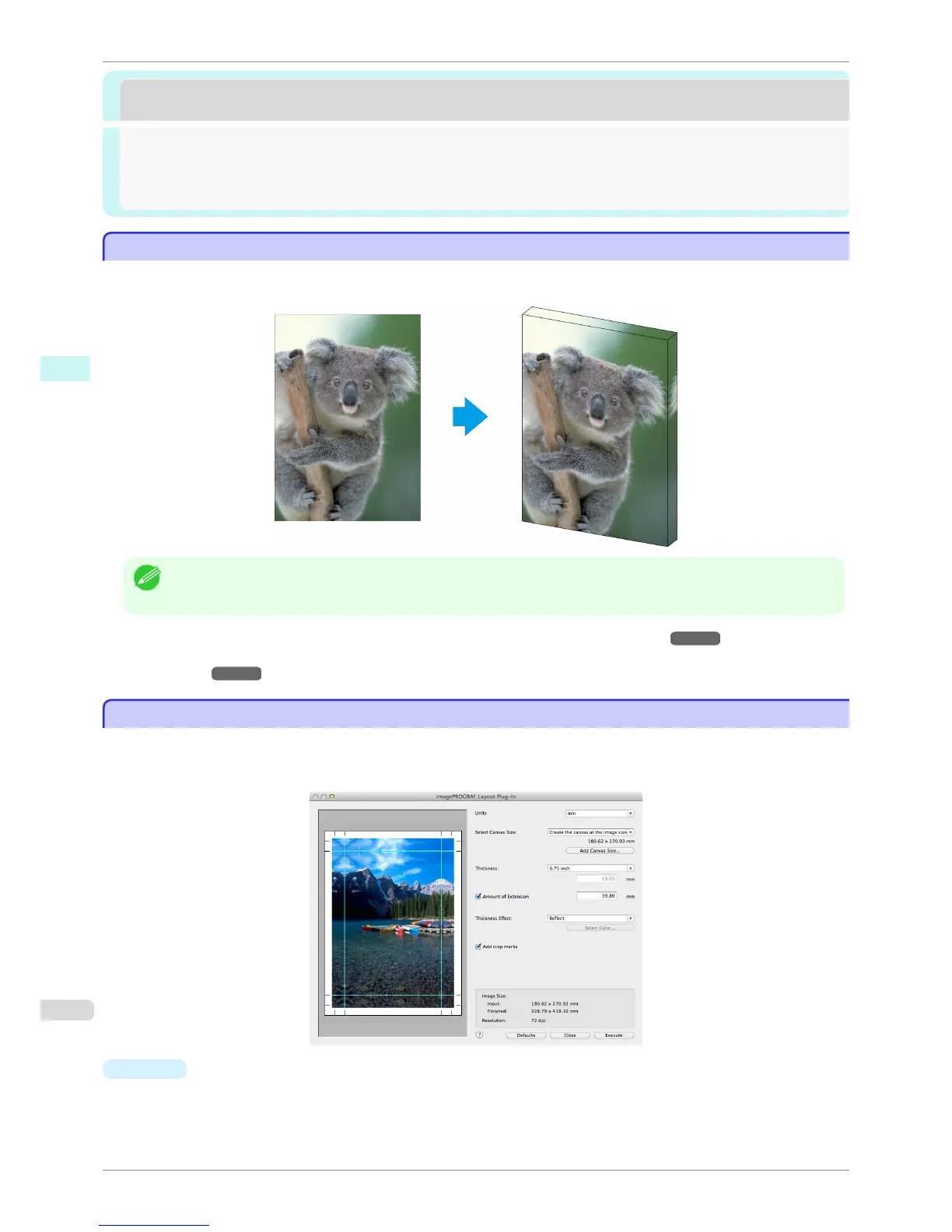
When printing a photo to mount on a frame, you can start the Layout Plug-In from Photoshop and create a layout
image where the image extends to the sides of the frame.
Note
• The Layout Plug-In can be used with Photoshop CS6, Photoshop CS5.1, and Photoshop CS5.
• Layout images created in the Layout Plug-In can be printed as-is from the Print Plug-In for Photoshop.
For details on the functionality of the Layout Plug-In, see "Layout Plug-In Main Window." ➔ P.277
For details on how to start and how to use the Layout Plug-In, see "Creating and Printing a Layout Image for Mount-
ing on a Frame." ➔ P.280
Layout Plug-In Main Window
Layout Plug-In Main Window
This window is for creating a layout image for finishing an image extended around the sides of the frame when
printing a photo for mounting on a frame.
You can check the details of the settings in the preview area on the left side of the Layout Plug-In Main Window.
•
Units
You can select the units from mm, inches, and pixels.
About the Layout Plug-In
iPF8400S
User's Guide
Mac OS Software Layout Plug-In for Photoshop
452














 To Next Page