3
Set the Adjustment Item, Number of Patterns, and
Adjustment Value Spacing for the Horizontal Axis
and Vertical Axis.
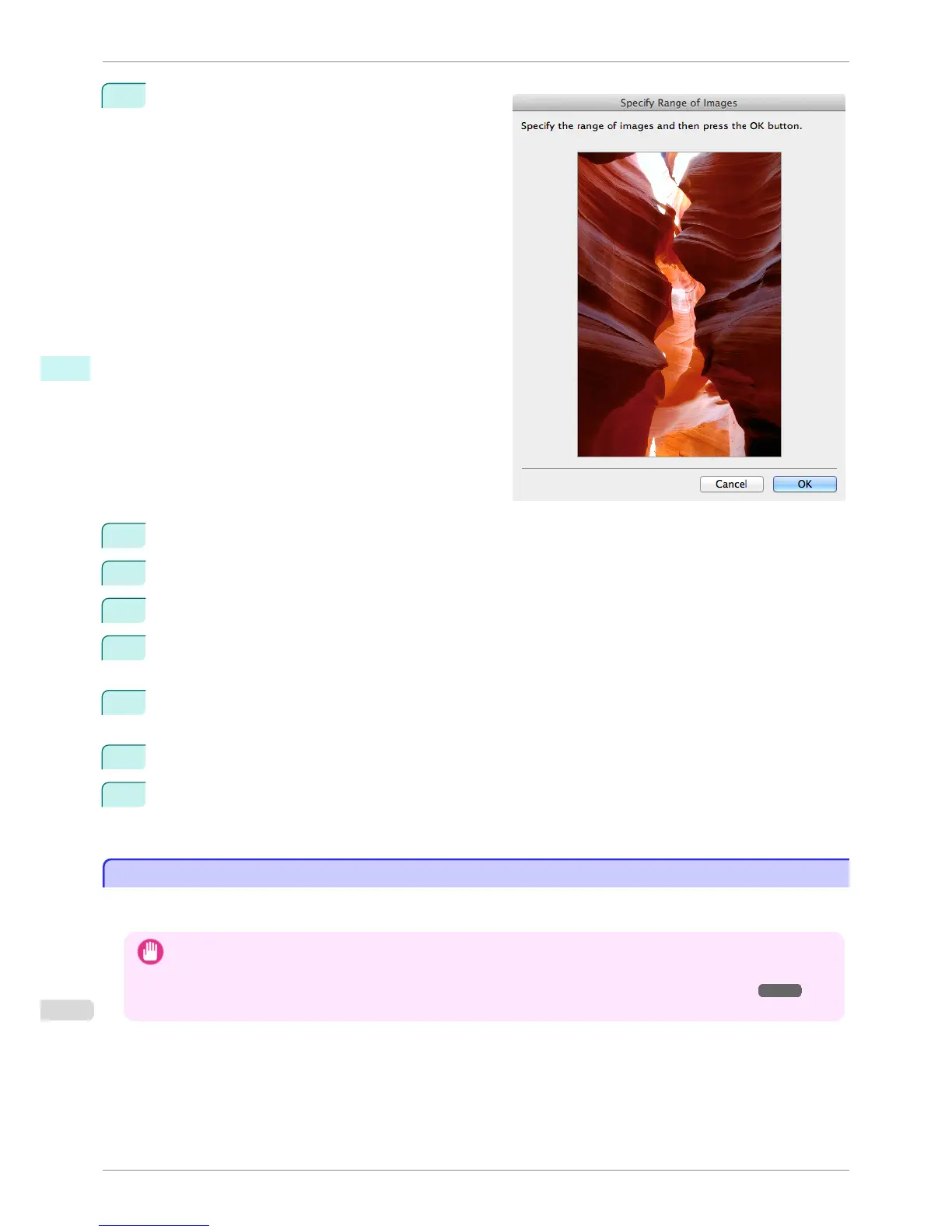
If you want to check part of an image as the adjust-
ment pattern, click the Specify the Range of Images
button, select the range you want to check in the
Specify the Range of Images dialog box, and then
click the OK button.
4
Set Rotate 90 degrees, Pattern Size, Pattern Spacing, and Pattern Background as needed.
5
For the Paper Source setting, select how the paper to print on is to be supplied.
6
For the Use Paper Size setting, select the paper size to print on.
7
Click the Print Adjustment Pattern button.
The adjustment pattern starts printing.
8
Check the image in the adjustment pattern that is closest to the customer image and click the correspond-
ing image in the preview area.
9
If there are any other items that you want to adjust, select Adjustment Item and perform steps 7 and 8.
10
Once you have made the necessary adjustments, select the Update Base Values in the Color Settings
Sheet check box and click the Close button.
The previous adjustment values in the Color Settings sheet (color or monochrome) are updated.
Perform Black Point Compensation
Perform Black Point Compensation
Black point compensation that is equivalent to Photoshop can be performed using the following procedure. Use this
to avoid saturation in the black areas of images.
Important
• In order to make the black point compensation settings effective, close down and restart Photoshop or Digital Photo
Professional.
• Adobe CMM needs to be installed in order to use black point compensation. Refer to "Using Adobe CMM" ➔ P.434 for
details on how to install Adobe CMM.
Perform Black Point Compensation
iPF8400S
User's Guide
Mac OS Software Print Plug-In for Photoshop / Digital Photo Professional
436














 To Next Page