4
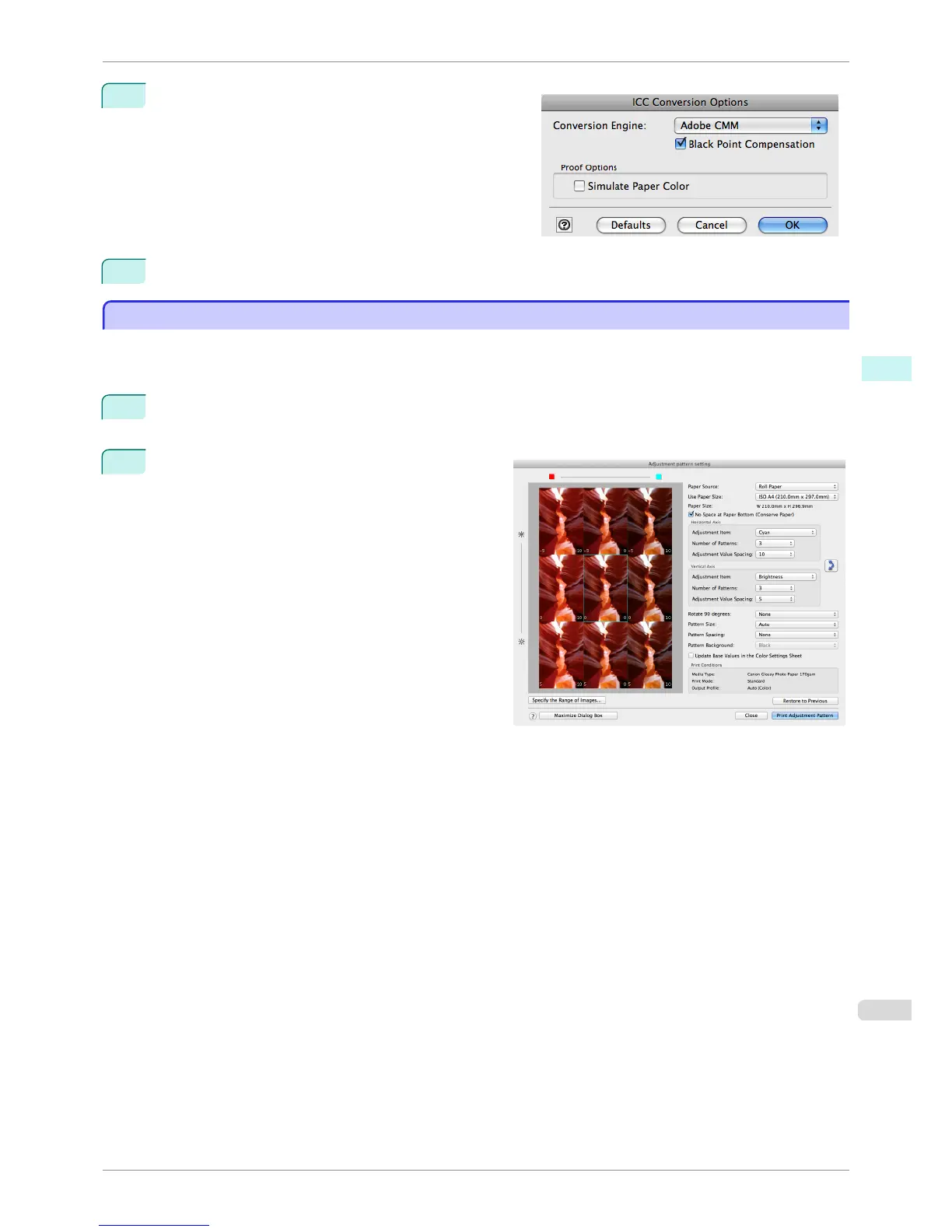
In the ICC Conversion Options dialog box, select
Adobe CMM from Conversion Engine.
5
Click the OK button to close the ICC Conversion Options dialog box.
Printing an Adjustment Pattern and Selecting Adjustment Values
Printing an Adjustment Pattern and Selecting Adjustment Values
Since you can print an adjustment pattern and select your preferred adjustment values while comparing the im-
ages, this allows you to conserve ink and paper, and save the time it takes to repeatedly check adjustment results.
The procedure for displaying and printing an adjustment pattern is as follows.
1
Display the Color Settings sheet (color or monochrome) and set the adjustment values to use as the base-
line values.
2
Click the Adjustment pattern setting button to dis-
play the Adjustment pattern setting dialog box.
iPF8400S
Printing an Adjustment Pattern and Selecting Adjustment Values
User's Guide
Mac OS Software Print Plug-In for Photoshop / Digital Photo Professional
435














 To Next Page