•
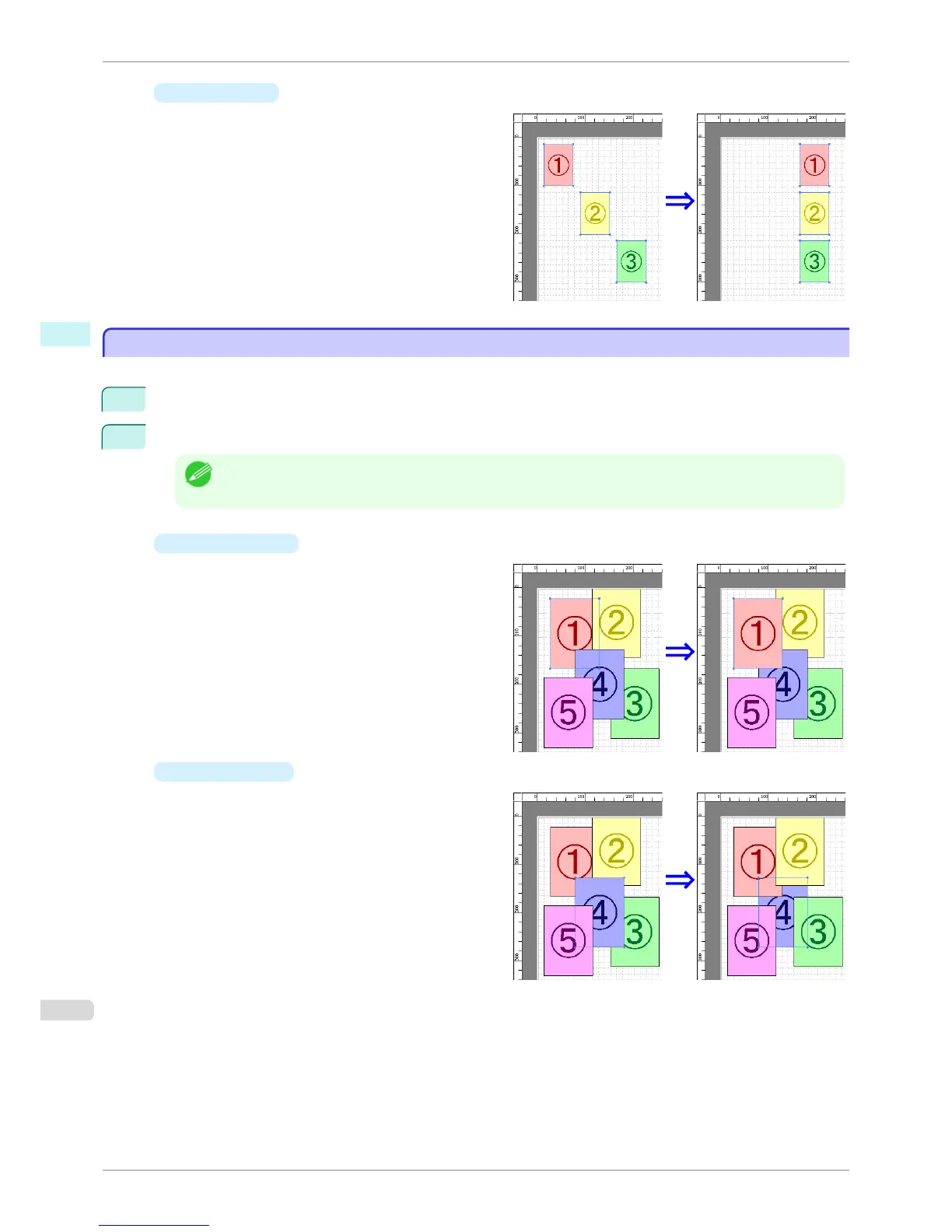
Align Right
Lays out the objects, justifying them to the right.
Changing the Object Overlapping Order
Changing the Object Overlapping Order
You can change the object overlapping order.
1
Select an object.
2
Select the Overlapping Order menu from the Object menu.
Note
• The order of overlapping affects the order of objects automatically laid out.
• You can also select by clicking the right button of the mouse on an object.
•
Bring to Front
Moves the object to the frontmost position.
•
Send to Back
Moves the object to the backmost position.
Changing the Object Overlapping Order
iPF8400S
User's Guide
Windows Software Free Layout
208














 To Next Page