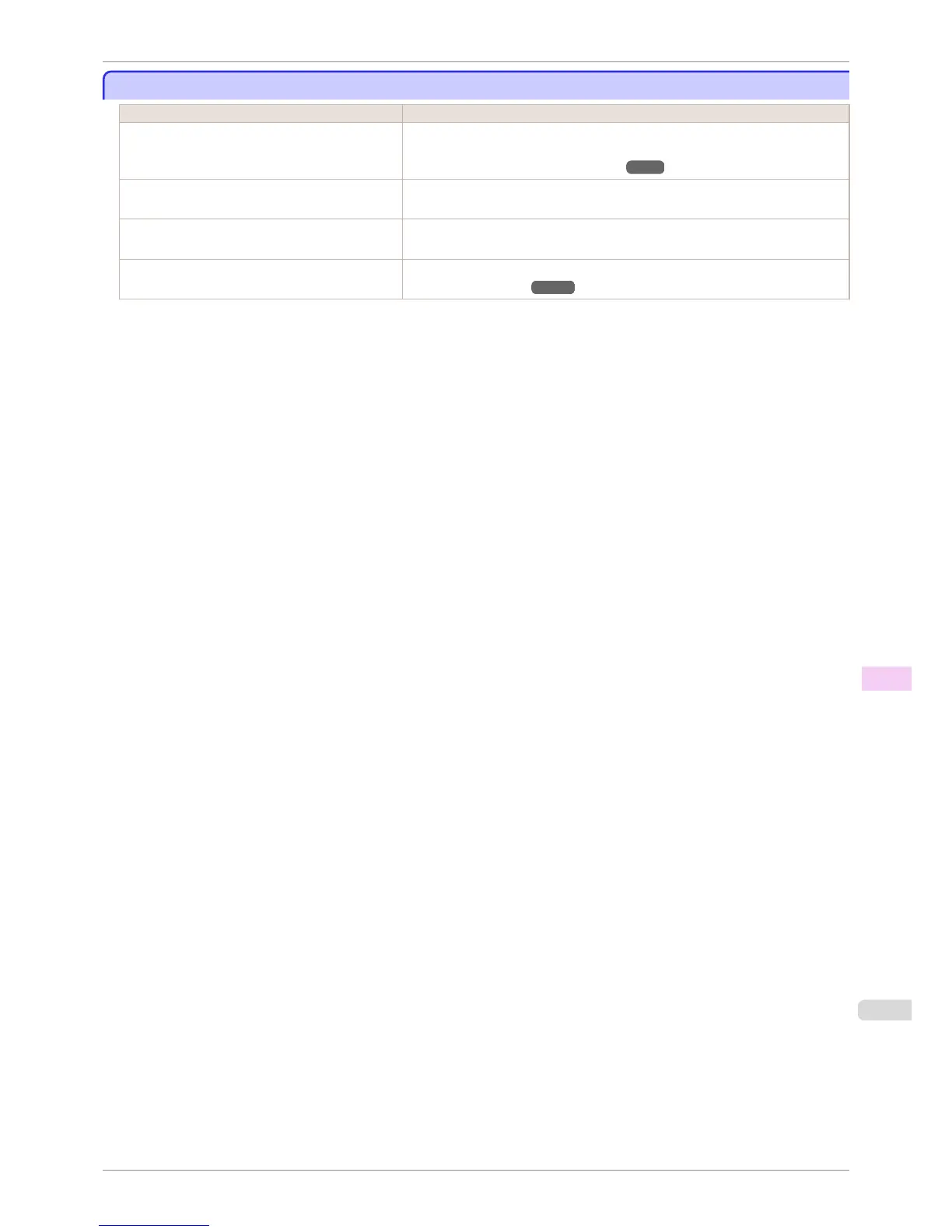
Borders appear in borderless printing
Borders appear in borderless printing
Cause Corrective Action
If borderless printing was performed at the actual
size, paper wider than the page size was selected.
When performing borderless printing at the actual size, use roll paper with the same
width as the width of the page size.
(See "Borderless Printing at Actual Size.") ➔ P.78
The printing image data has margins. Check that the printing image data does not have any objects like crop marks and
transparent objects.
Margins are configured in the application software
you are using.
Check that no margins are configured in the application software you are using.
BordlessOversize is set to Little in the Control
Panel menu.
Set BordlessOversize to Standard in the Control Panel menu.
(See "Menu Settings.") ➔ P.591
iPF8400S
Borders appear in borderless printing
User's Guide
Troubleshooting Problems with the printing quality
873














 To Next Page