Setting Details
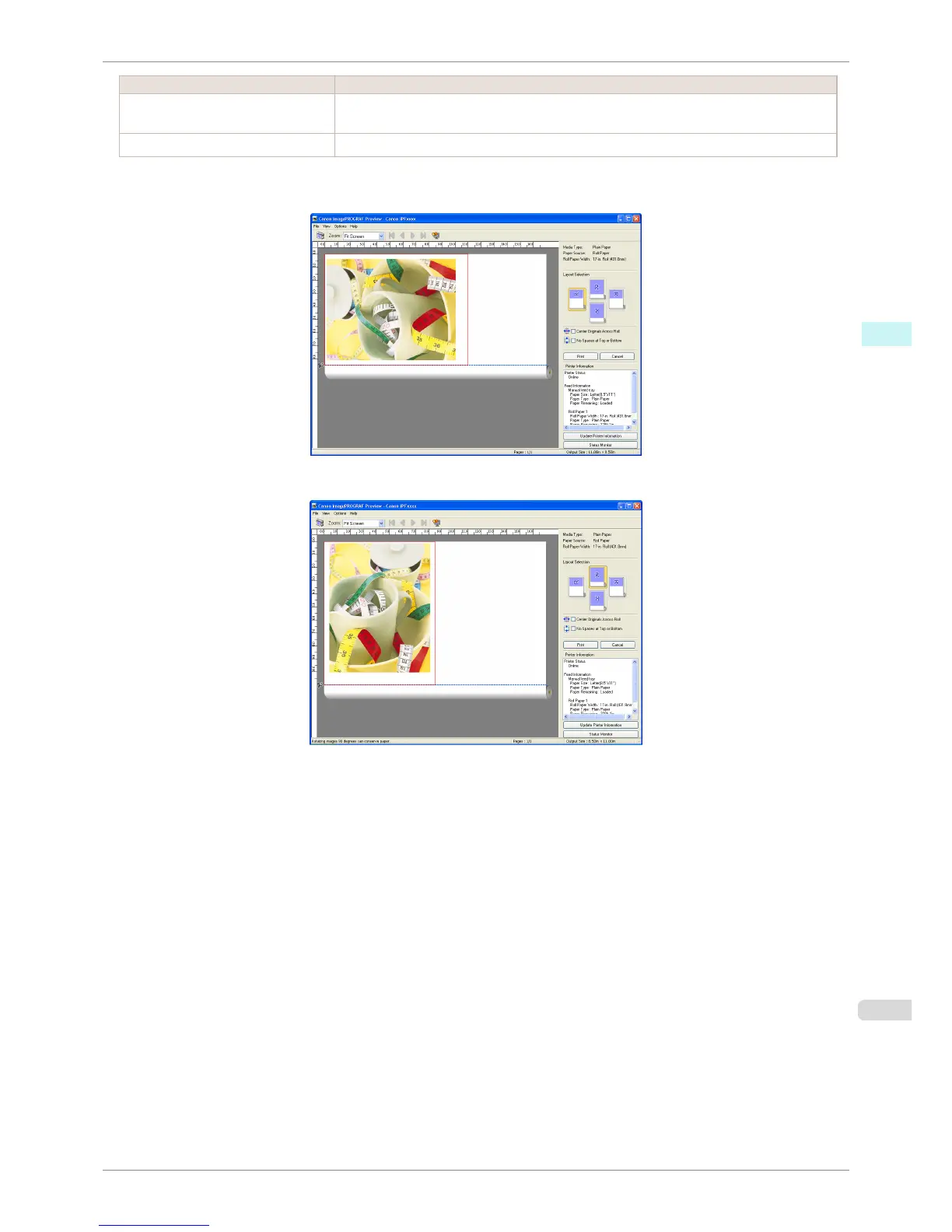
Rotate 90 Degrees If Possible Rotates pages in portrait orientation 90 degrees before printing. Pages are only rotated if they
can fit lengthwise across the roll.
Use Driver Settings Follows printer driver settings when determining whether to rotate pages.
Selecting Rotate 90 Degrees If Possible or Placing a checkmark for Rotate Page 90 degrees (Conserve Paper)
on the printer driver
Selecting Use Driver Settings
iPF8400S
Priority setting for rotating 90 degrees
User's Guide
Windows Software Preview
187














 To Next Page