1
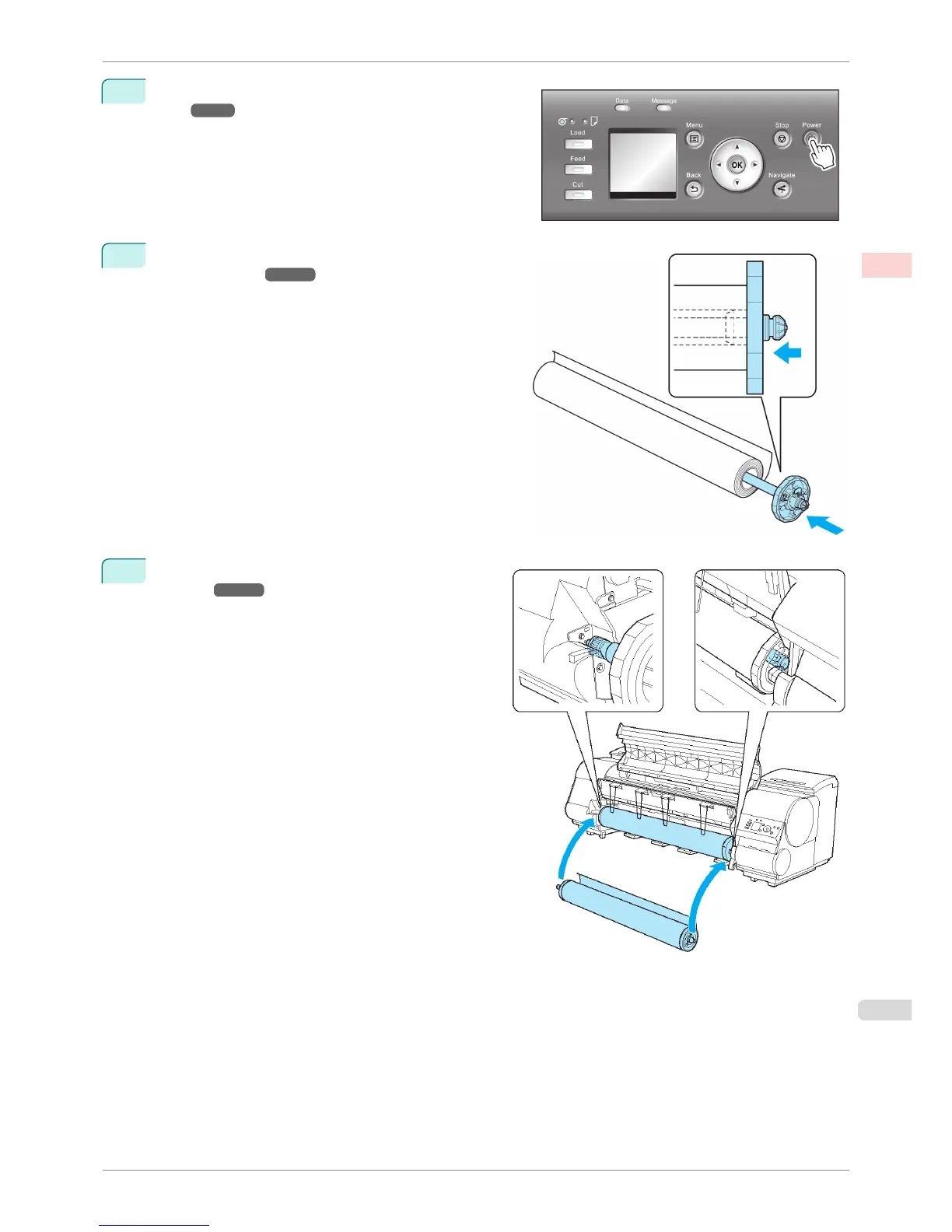
Turn the printer on. (See "Turning the Printer On and
Off.") ➔ P.21
2
Load the roll on the Roll Holder. (See "Attaching the Roll
Holder to Rolls.") ➔ P.469
3
Load the roll in the printer. (See "Loading Rolls in the
Printer.") ➔ P.471
iPF8400S
Loading and Printing on Rolls
User's Guide
Basic Printing Workflow Printing procedure
23














 To Next Page