5
Start the installer in the downloaded file to perform the installation.
Important
• Use version 1.1 or higher of Adobe CMM.
•
Adobe CMM System Requirements
The system requirements for Adobe CMM are as follows.
•
Supported OS
Windows XP SP2, Windows Vista
•
Supported CPU
Intel Xeon, Xeon Dual, Intel Centrino, Pentium 4 processor
Note
• Check with Adobe for details.
•
How to Use Adobe CMM
The procedure for using Adobe CMM is as follows.
1
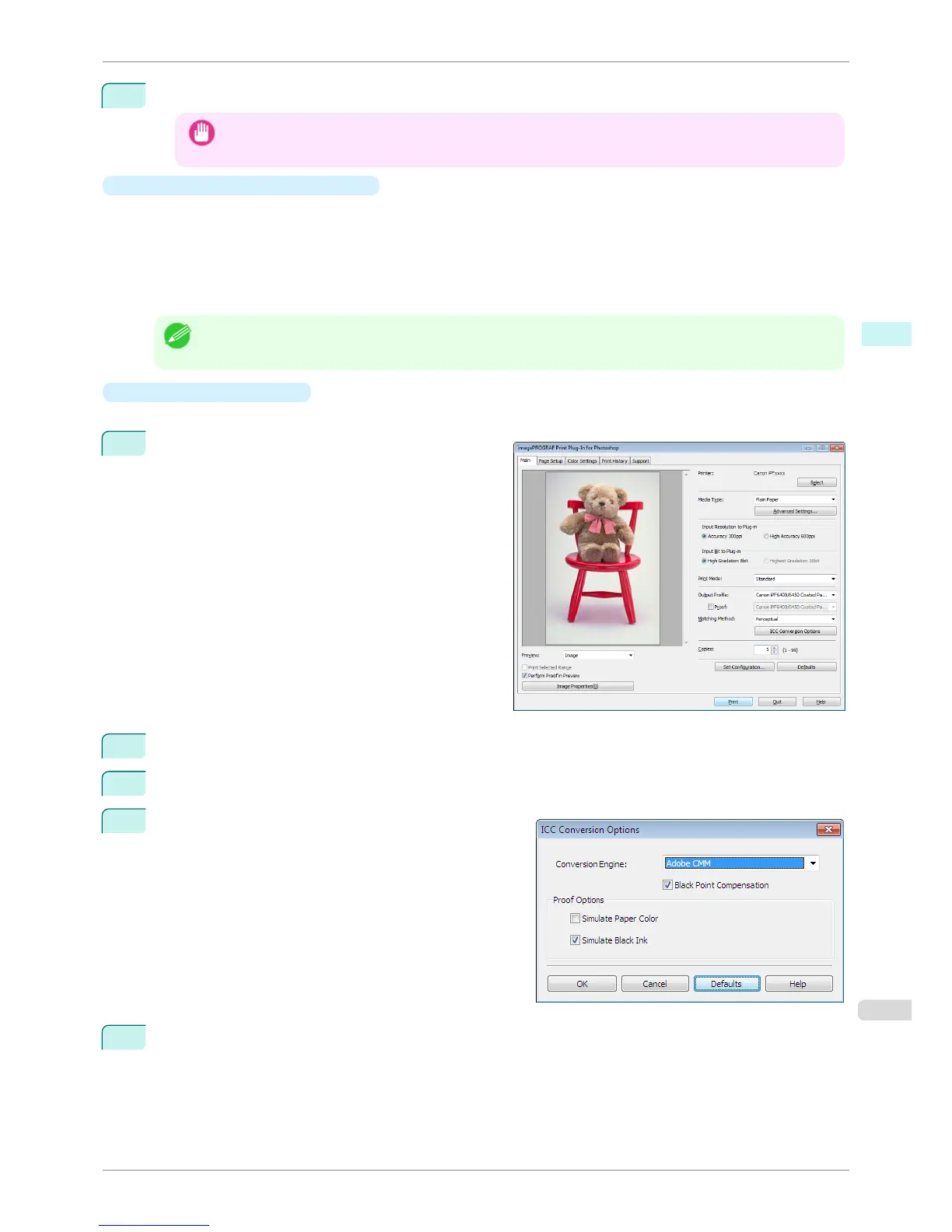
Display the Main sheet.
2
Select one of the ICC profiles as the Output Profile.
3
Click the ICC Conversion Options button.
4
In the ICC Conversion Options dialog box, select
Adobe CMM from Conversion Engine.
5
Click the OK button to close the ICC Conversion Options dialog box.
iPF8400S
Using Adobe CMM
User's Guide
Windows Software Print Plug-In for Photoshop / Digital Photo Professional
259














 To Next Page