5
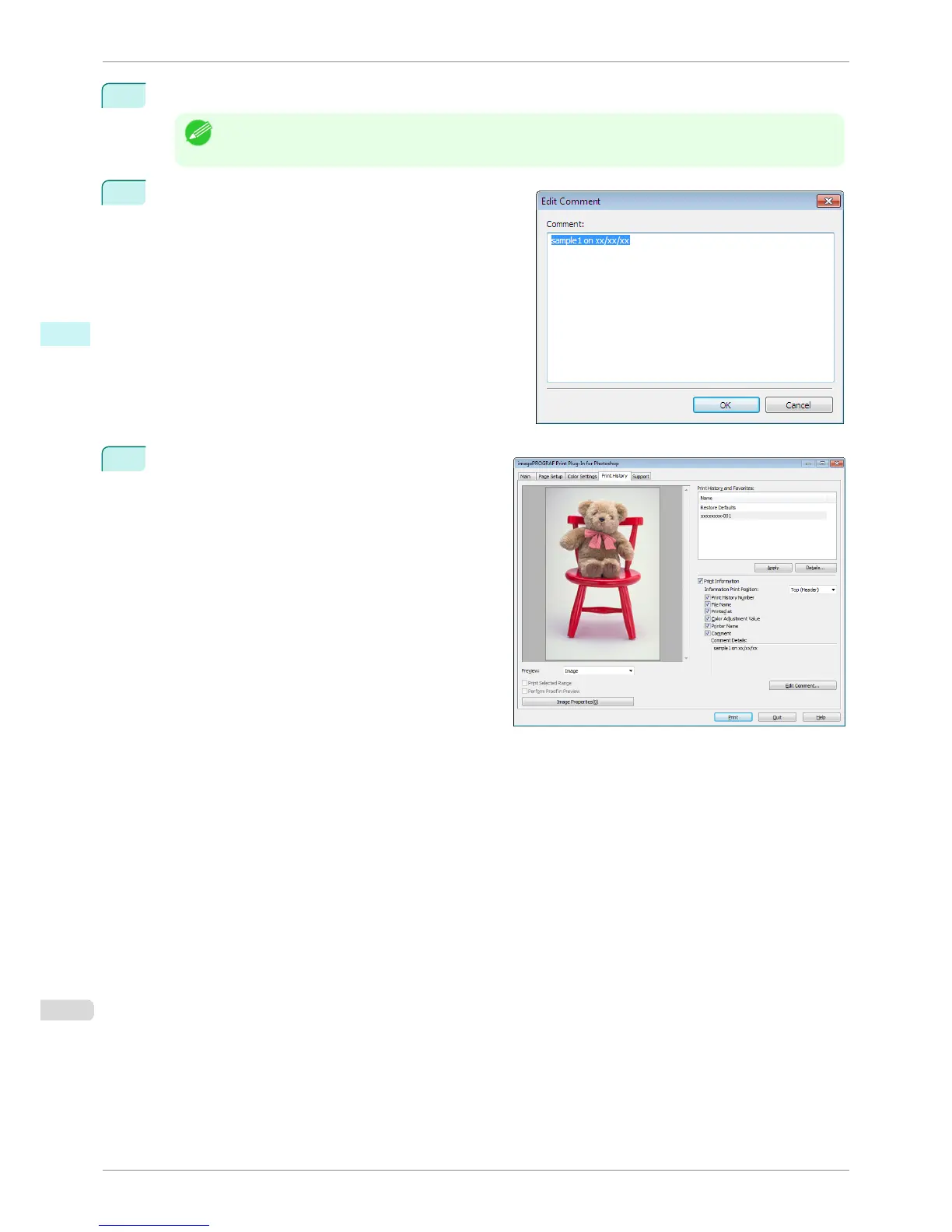
When you wish to edit the comment, click the Edit Comment button.
Note
• When you do not wish to edit the comment, move to step 7.
6
Input the comment in the Edit Comment dialog box, and
click OK button.
7
Click the Print button.
Comments are printed with images.
Set Information to Print with Image
iPF8400S
User's Guide
Windows Software Print Plug-In for Photoshop / Digital Photo Professional
276














 To Next Page