4
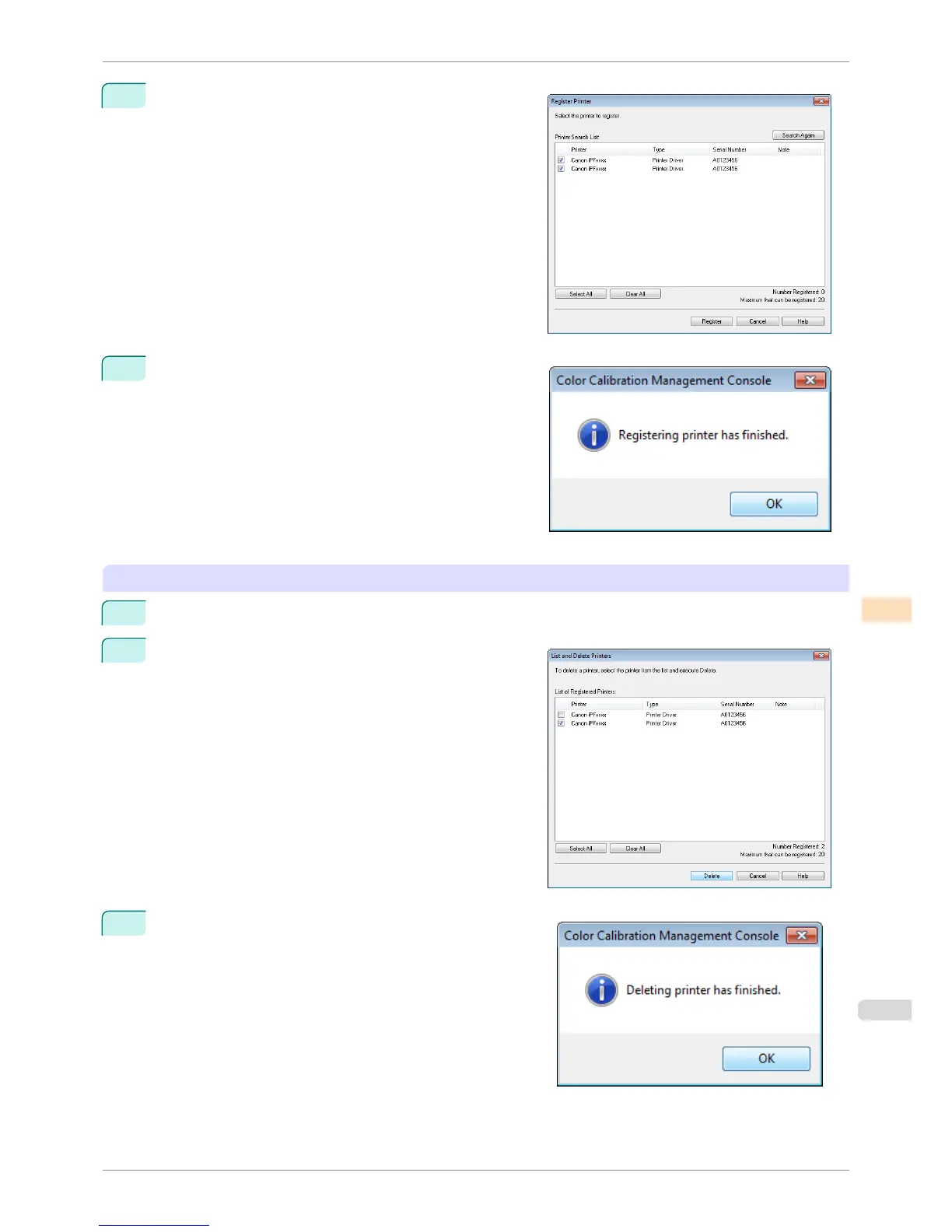
Select the check box for the printer to register from Printer
Search List and click the Register button.
5
Click the OK button.
Deleting a Printer from the Printer List
1
Select Manage Printer List > List and Delete from the File menu.
2
In the List and Delete Printers dialog box, select the
printer to delete from List of Registered Printers and
click the Delete button.
3
Click the OK button.
iPF8400S
Changing the Printers Displayed in the Printer List
User's Guide
Color Management Color Calibration Management Console (Windows)
755














 To Next Page