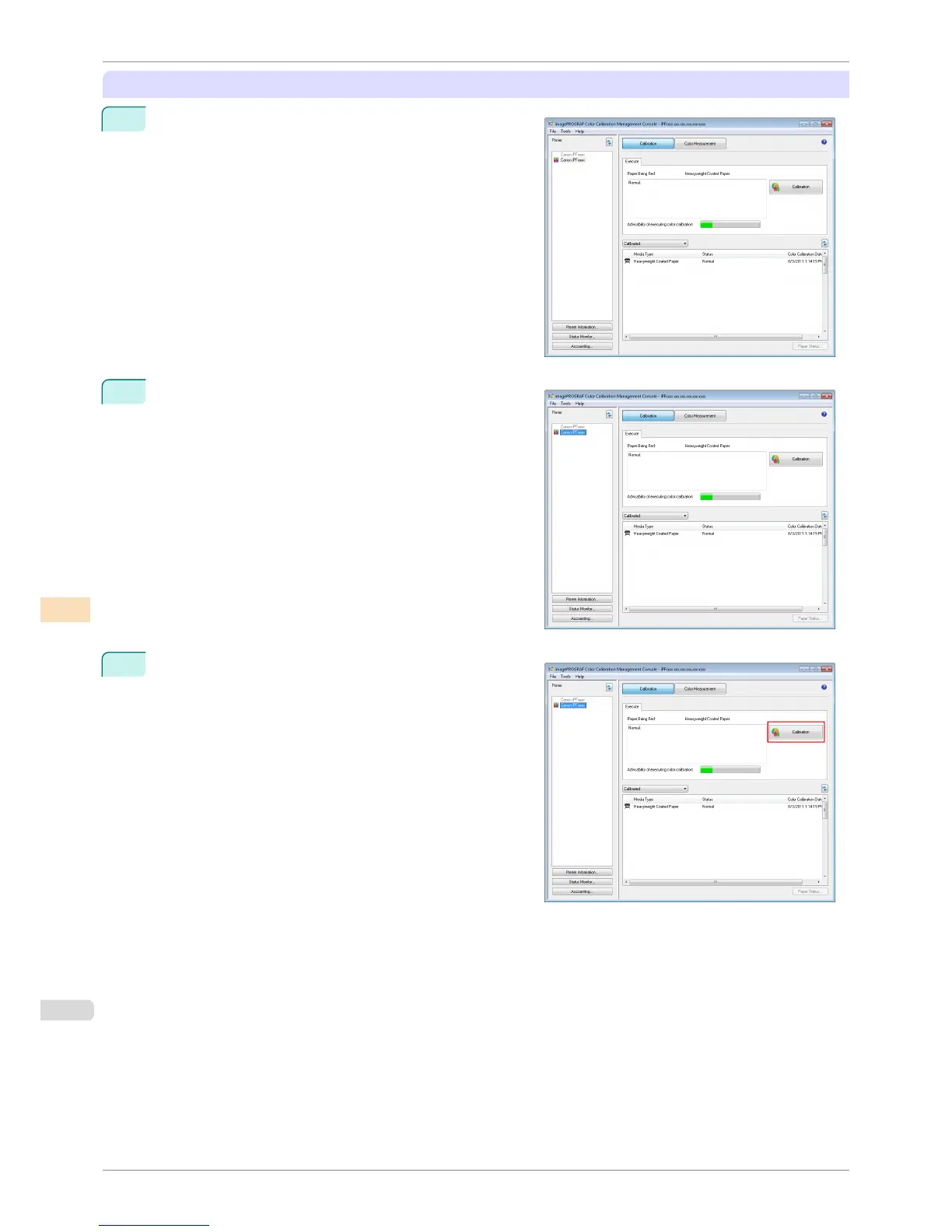
Executing Color Calibration
1
Open the Calibration sheet.
2
Select the printer you want to execute color calibration on
from the Printer list.
3
Click the Calibration button.
Executing Color Calibration
iPF8400S
User's Guide
Color Management Color Calibration Management Console (Windows)
758














 To Next Page