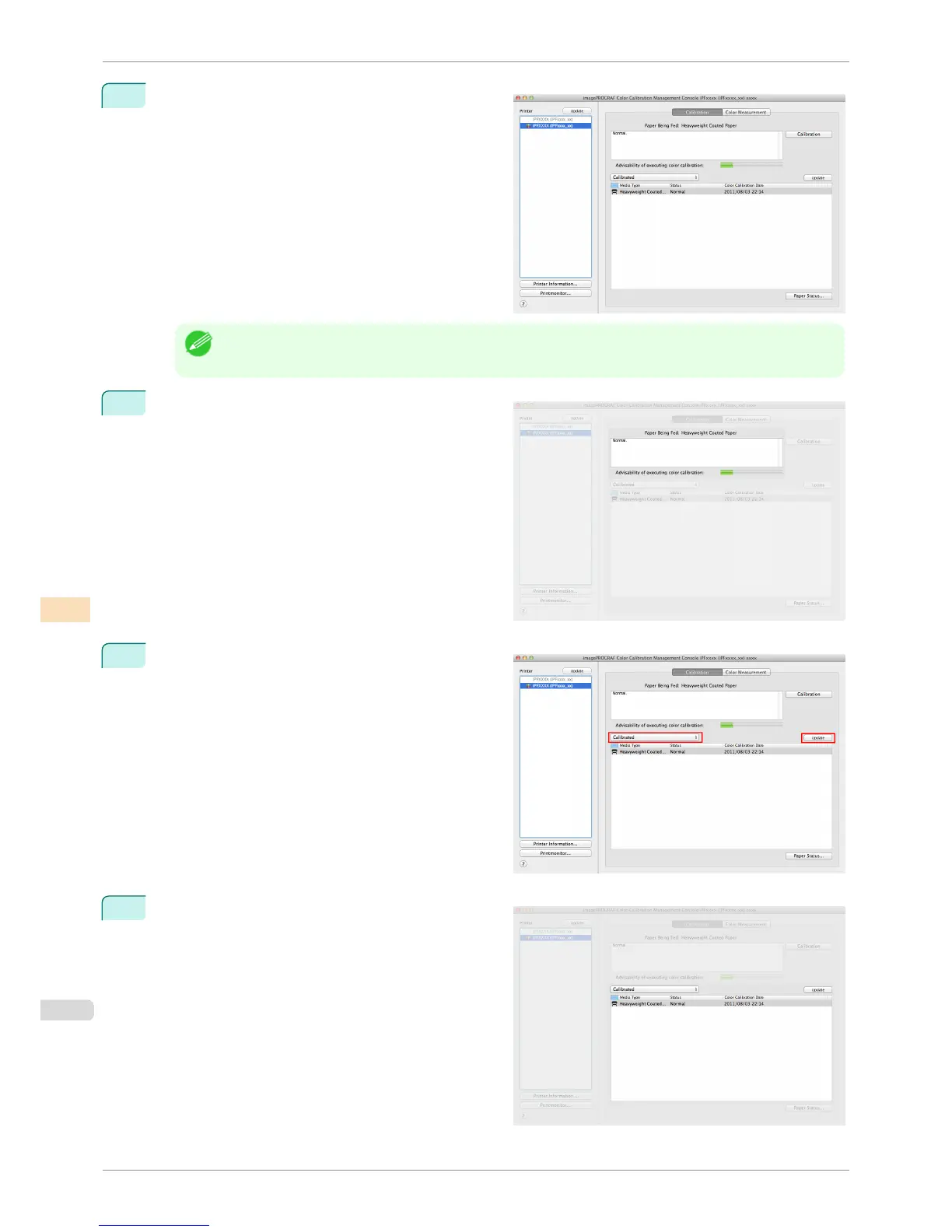
2
Select the printer you want to check the color calibra-
tion status of from the Printer list.
Note
• If there are multiple printers, printers that have the same paper type loaded and where color calibration has
been executed on that paper are displayed in the same calibration group.
3
Check the color calibration status of the paper being
fed in the upper part of the Calibration sheet.
4
Select Calibrated and click the Update button.
5
Check the color calibration logs in the lower part of
the Calibration sheet.
Checking the Color Calibration Status
iPF8400S
User's Guide
Color Management Color Calibration Management Console (Mac OS)
788














 To Next Page