Acquiring Color Measurement Data
1
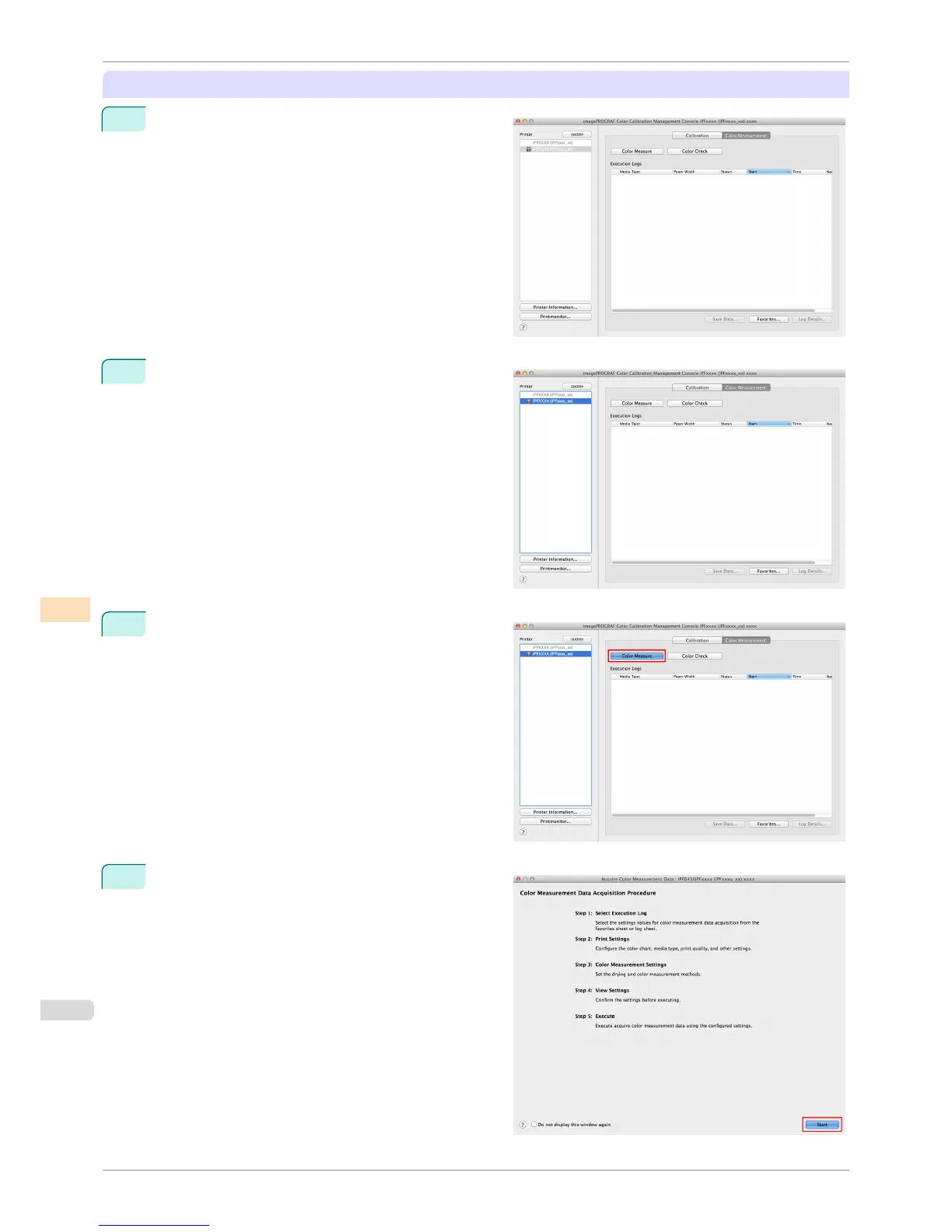
Open the Color Measurement sheet.
2
Select the printer you want to measure the color chart
on from the Printer list.
3
Click the Color Measure button.
4
Check the color chart measurement procedure in the
procedure description window and then click Start.
Acquiring Color Measurement Data For Any Color Chart
iPF8400S
User's Guide
Color Management Color Calibration Management Console (Mac OS)
792














 To Next Page