4
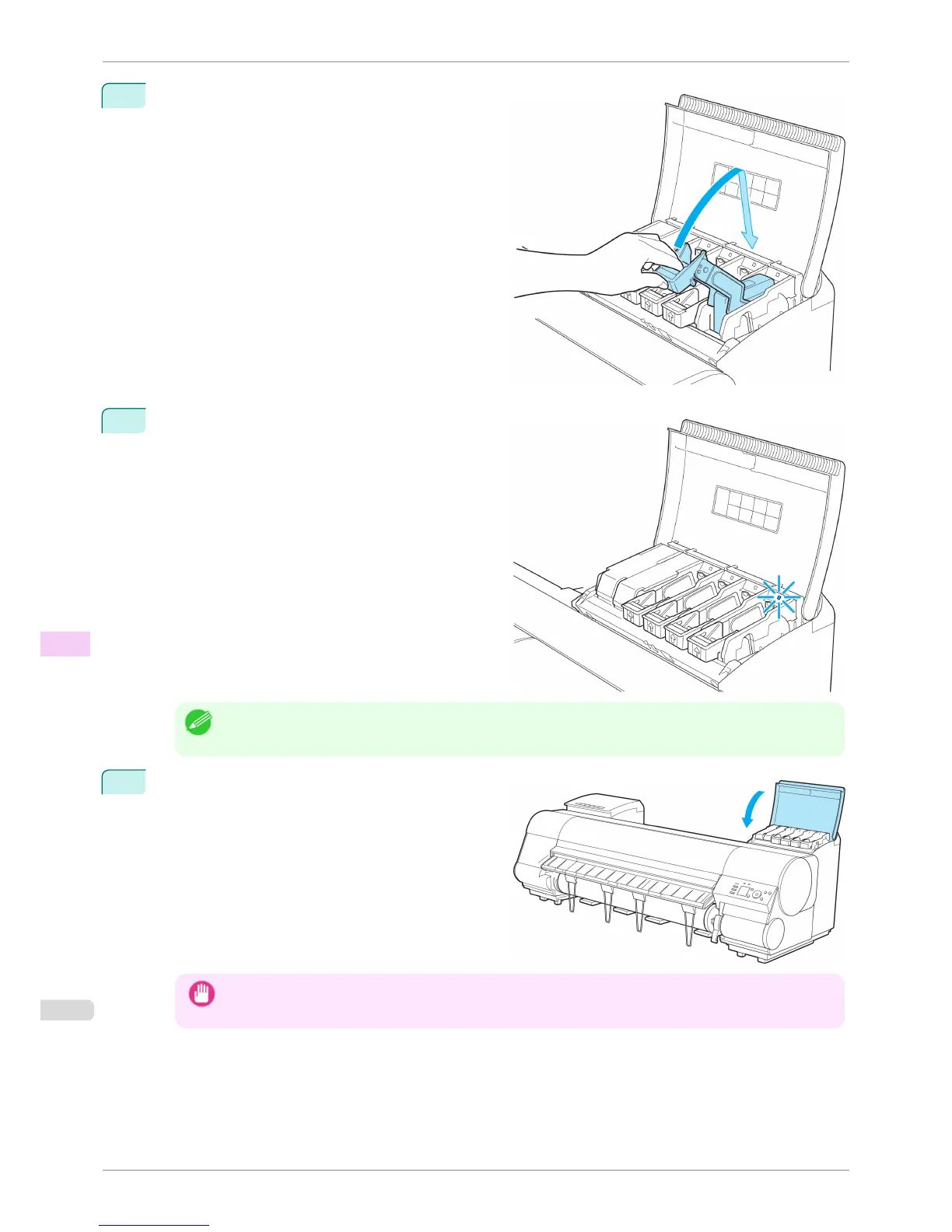
Lift the Ink Tank Lock Lever until it stops, and then
push it down until it clicks into place.
5
Make sure the Ink Lamp is lit in red.
Note
• If the Ink Lamp is not lit in red, reload the tank.
6
Close the Ink Tank Cover.
Important
• After Ink Tank replacement, always close the Ink Tank Cover. If the Ink Tank Cover cannot close, some Ink
Tank Lock Lever may not be closed completely. Make sure all ink tank lock levers are fully closed.
Replacing Ink Tanks
iPF8400S
User's Guide
Maintenance and Consumables Ink Tanks
812














 To Next Page