CONSOLE AI | Adding Partitions, Channels, and GPIO Settings (CP2) | 169
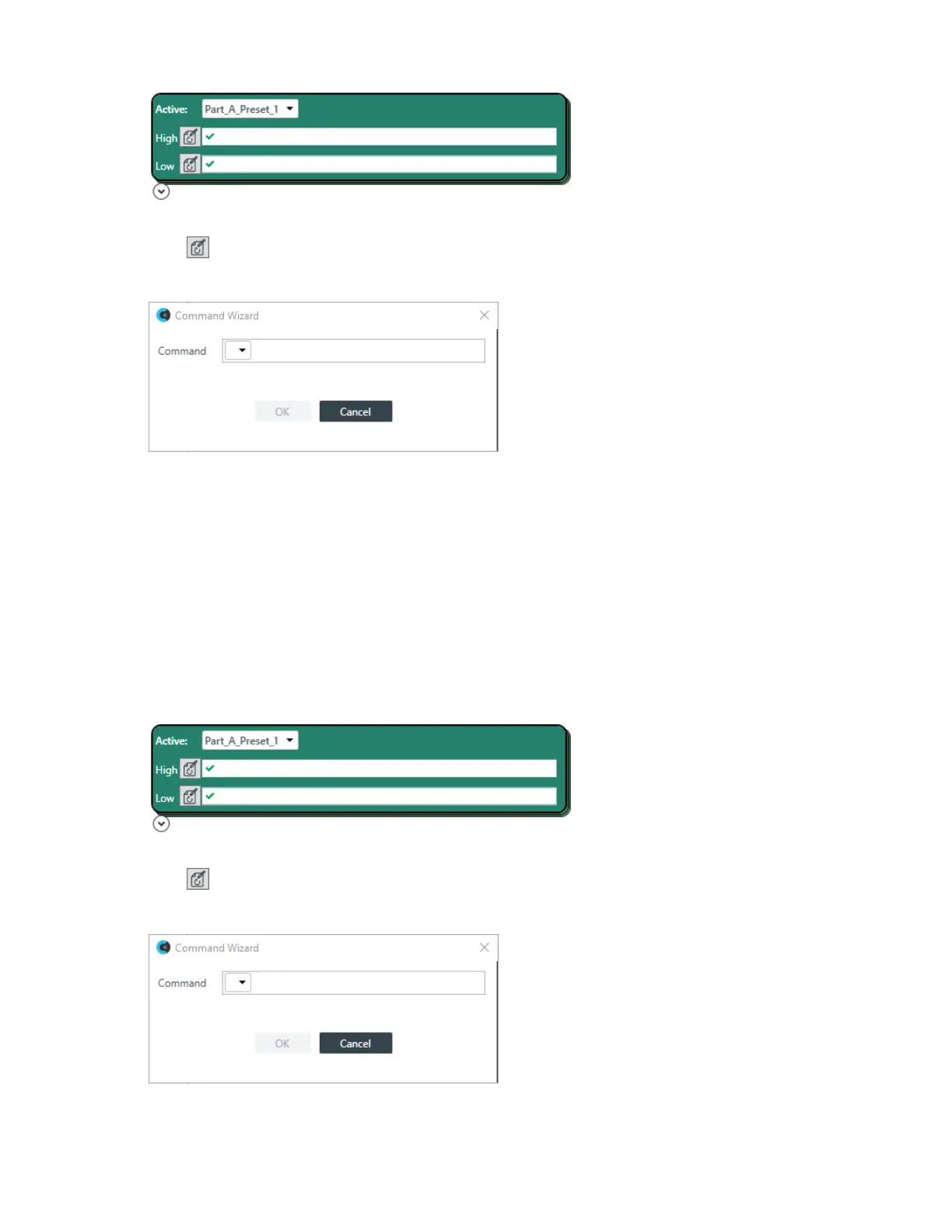
13.Choose a preset from the Active drop-down list.
14.
Click next to High to open the Command Wizard.
The Command Wizard appears:
15.Choose a command from the drop-down list in the Command field.
The only available command is “run.”
16.A new drop-down menu appears to let you choose the next part of the command.
You can run a macro or a preset.
17.A new drop-down menu appears to let you choose which macro or preset you want to run.
18.Click OK.
The completed command appears in the Command column.
19.Repeat steps 14-18 for Low.
Logic Input Trigger Commands
20.For Logic Input Trigger Commands, the following options appear:
21.Choose a preset from the Active drop-down list.
22.
Click next to High to open the Command Wizard.
The Command Wizard appears:
23.Choose a command from the drop-down list in the Command field.
CONSOLE AI User Manual









 To Next Page