CONSOLE AI | Managing Channels (CP2) | 192
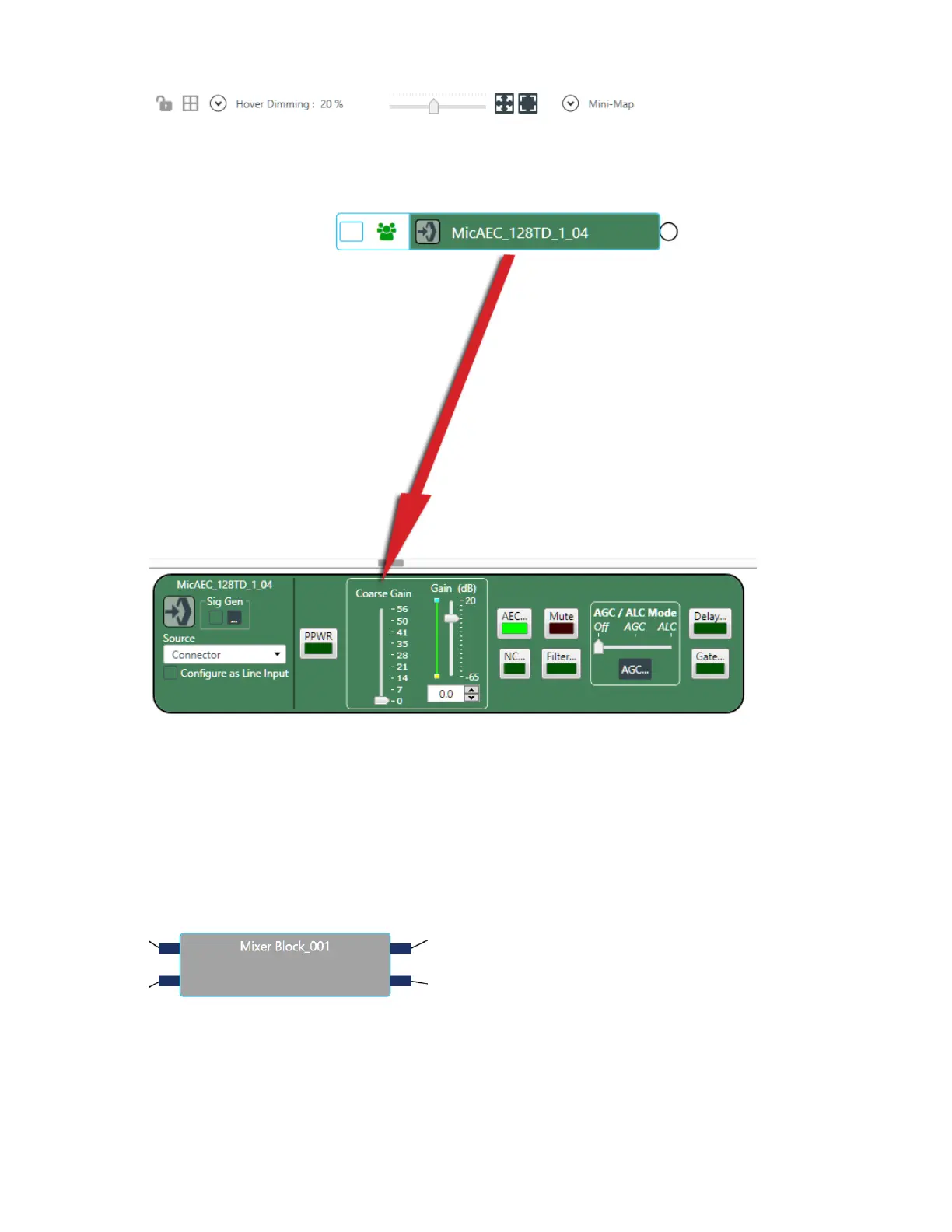
You can make any changes you want in the Properties block.
Use a Mixer Block
32.To use a mixer block, drag the Mixer Block resource from the lower left of the FlowView area (at the
bottom of the Resources area) to the main FlowView area.
A mixer block, which is just a gray block, appears.
33.Create channel routes to or from the mixer block by dragging the routes from a channel connector (it
can be any channel connector on top of the mixer block.
Route connectors appear on the mixer block:
34.Add as many channel routes as you want to mix within the mixer block.
35.To create the routes within the mixer block, double-click the mixing block.
The mixer block mini matrix appears, to let you create routes using the channels connected to the
mixing block:
CONSOLE AI User Manual









 To Next Page