TDR9000
™
Circuit Breaker Test System User’s Guide
72A-1898 Rev. A 11/01 4-43
Monday, November 26, 2001 1:09 pm
Setting Up a Test
Plan Manually with
TRXField
™
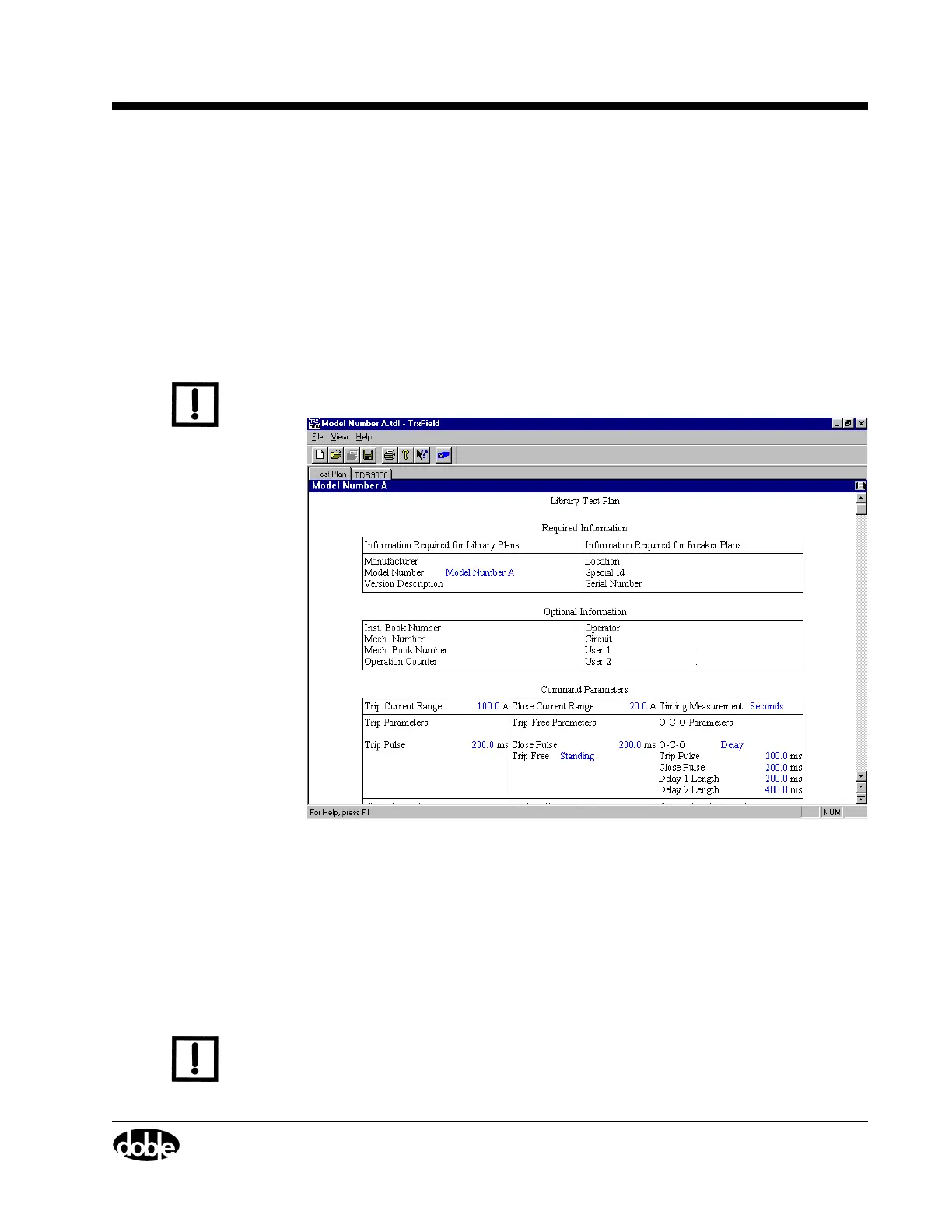
Once the choice to manually create a Test Plan is made, the New Test
Plan - TRXField window (Figure 4.19) appears (Only the top portion of
this window is shown). All the data fields required to create a Test Plan
appear on this Test Plan editor tab. Explanations of all these fields are
given in Appendix A ”TRXField™ Software and Circuit Breaker Testing
Theory”.
Figure 4.19 is primarily meant to show the two tabs that appear at this
time on TRXField: Test Plan and TDR9000.
N
OTE
The Test Plan tab is the default tab. It is not possible to move to any
other tab until the Model Number is entered.
Figure 4.19 TRXField
™
Library Test Plan
The Test Plan and TDR9000 tabs are used to configure Test Plans. Since
Appendix A ”TRXField™ Software and Circuit Breaker Testing Theory”
explains the use of the fields on the Test Plan tab, the discussions in this
chapter focus only on the use of the TDR9000 tab Virtual Front Panel to
create or modify Test Plans. All changes implemented on the Virtual
Front Panel are reflected on the Test Plan tab.
N
OTE
Not all parameters available on the Test Plan tab are available on the
TDR9000 tab.



 To Next Page