Saving Test Results/Test Plans
4-98 72A-1898 Rev. A 11/01
Monday, November 26, 2001 1:09 pm
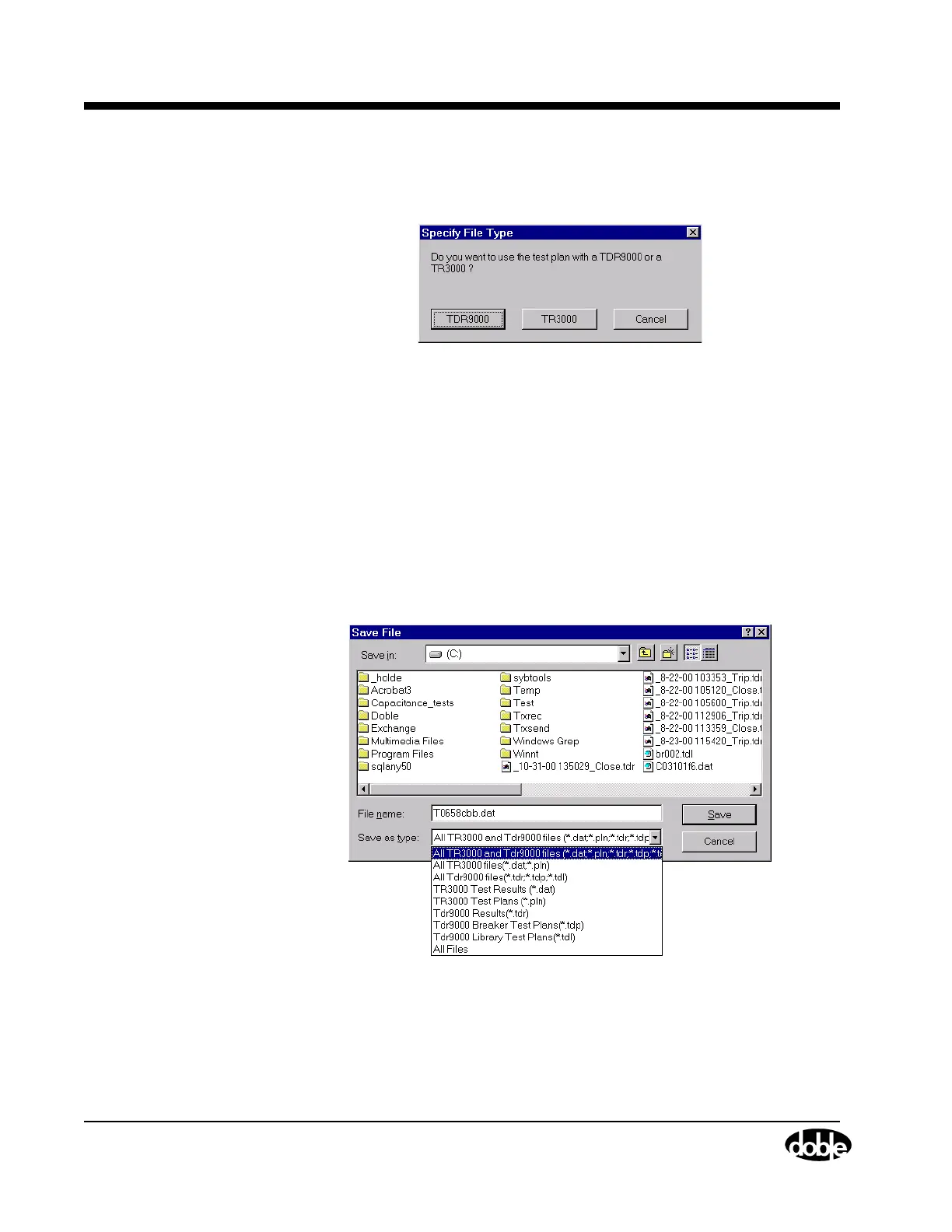
1. Click Yes and the Specify File Type window appears as shown in
Figure 4.70.
Figure 4.70 Specify File Type Window
2. Select the type of save to perform:
• Click the TDR9000 button.
The window shown in Figure 4.66 on page 4-95 appears. Follow
the procedure for saving Test Results, starting at step 2 of ”Test
Results” on page 4-95.
or
• Click the TR3000 button.
The window shown in Figure 4.71 appears.
Figure 4.71 Save File



 To Next Page