TDR9000
™
Circuit Breaker Test System User’s Guide
72A-1898 Rev. A 11/01 4-91
Monday, November 26, 2001 1:09 pm
4. Use the keyboard to make precision moves (Table 4.9).
Each 1600 mSec channel consists of 16,000 samples.
Once the primary cursor is active, the secondary cursor can also
be activated.
5. Position the mouse at or near the second point of interest on
the channel.
6. Right-click and the red cursor appears.
The Cursor Delete button changes to red, indicating the secondary
(red) cursor is now active.
7. Reposition this cursor by clicking the right mouse button repeatedly.
8. Precision moves can be made using the keyboard as described in
step 4.
The keyboard acts on the active cursor only. The Cursor Delete button
indicates whether the active cursor is the primary (green) or secondary
(red). Click the mouse, or press Ctrl-P to activate the green cursor, and
right-click or press Ctrl-S to activate the red cursor.
Clicking on the Cursor Delete button deletes the cursors.
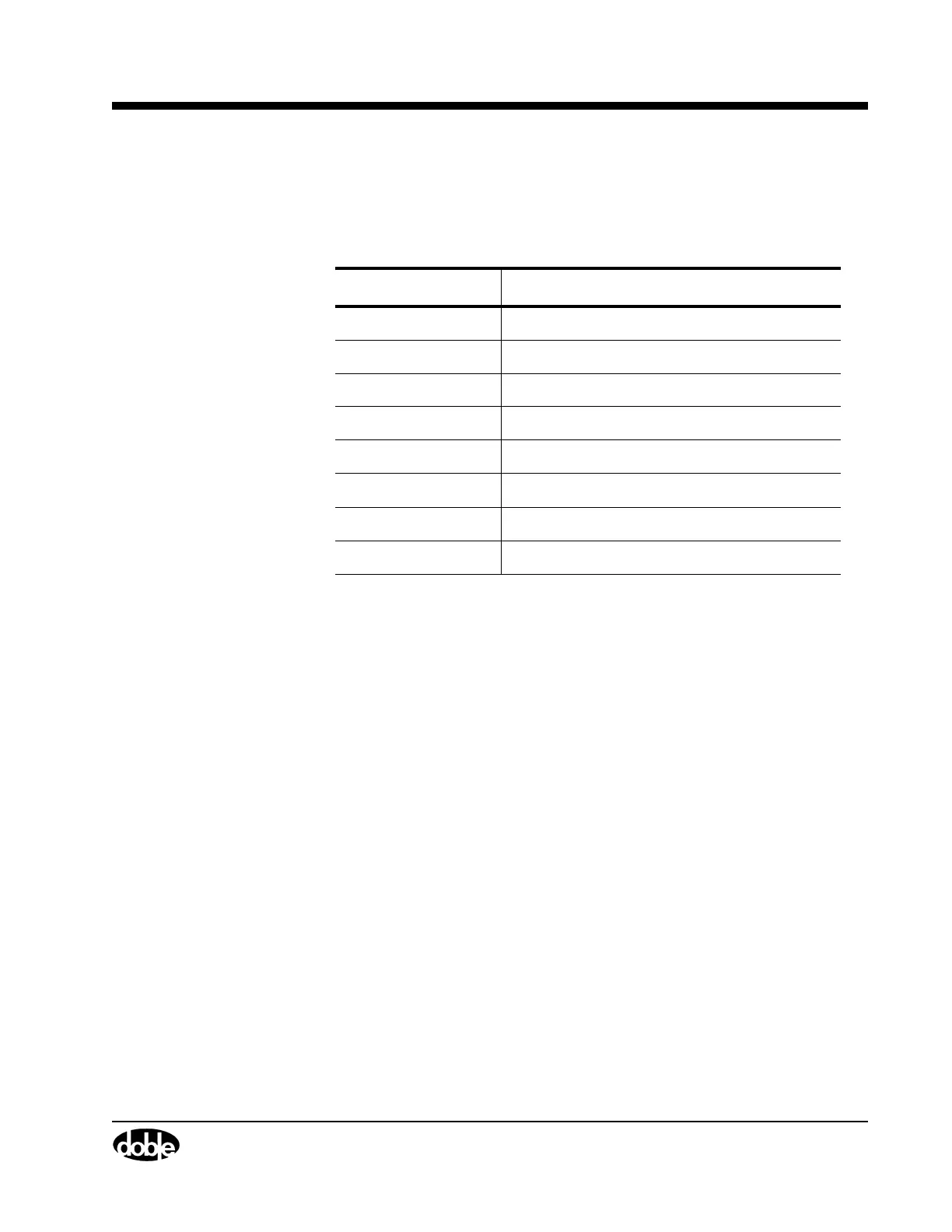
Table 4.9 Keyboard Selections for Precision Cursor Movement
Key Cursor Direction
Left arrow Moves 0.1 mSec (1 sample) left.
Right arrow Moves 0.1mSec right.
Up arrow Moves 1 mSec (10 samples) left.
Down arrow Moves 1 mSec right.
Page Up Moves 10 mSec (100 samples) left.
Page Down Moves 10 mSec to the right.
Home Moves to the first displayed mSec.
End Moves to the last displayed mSec.


 To Next Page