C-4 72A-1898 Rev. A 11/01
Monday, November 26, 2001 1:09 pm
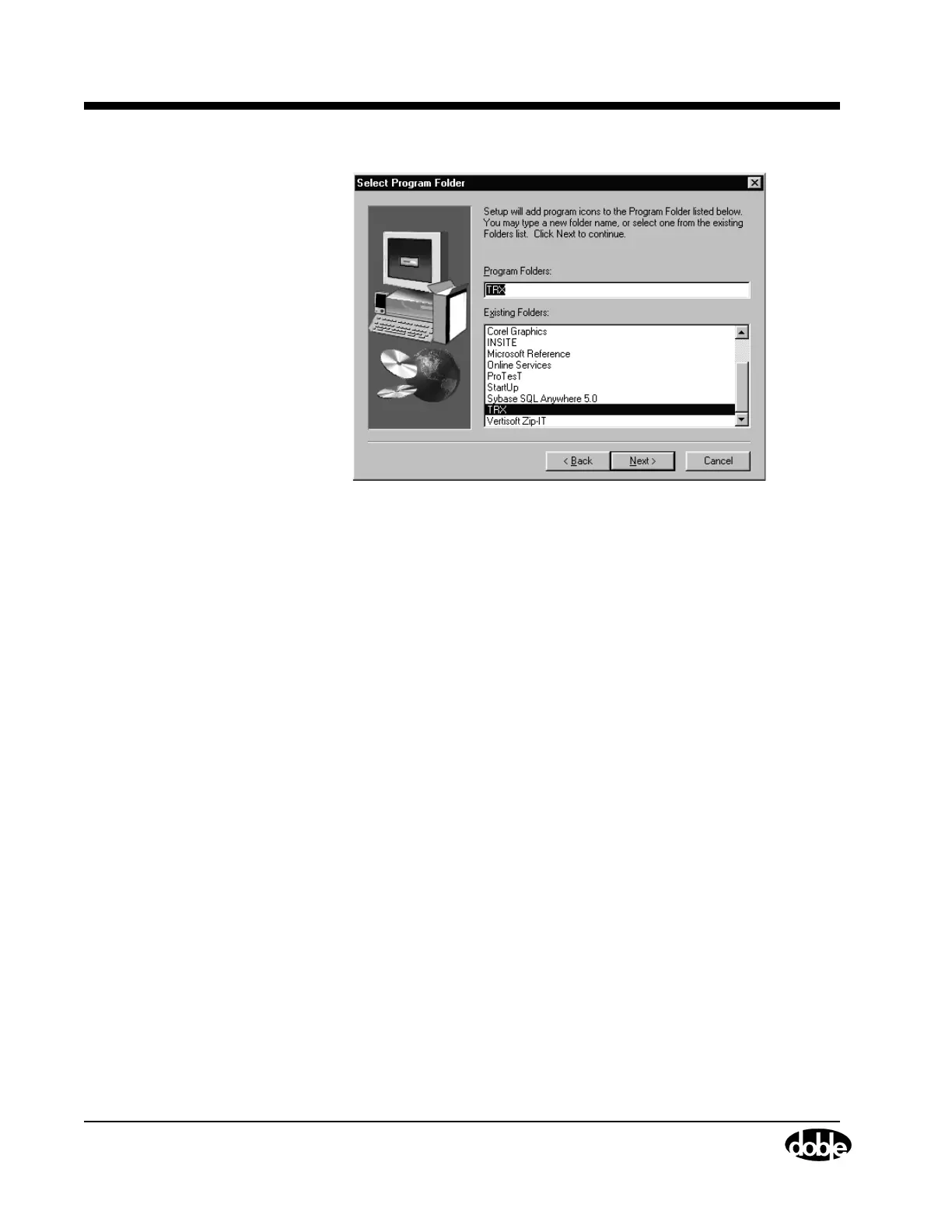
Figure C.6 Select Program Folder
These settings should not be changed, as they overwrite any existing
TRX folder.
14. Click Next.
The Choose Desktop Preference window appears.
15. Click:
• Yes to add a TRXField icon to the desktop.
• No to proceed to the next window without adding the icon.
The Setup Complete window appears.
16. Click Finish.
TRXField installation is complete.



 To Next Page