Windows 95/98
™
C-6 72A-1898 Rev. A 11/01
Monday, November 26, 2001 1:09 pm
Loading the Printer Driver
In order to print, the Pentax PocketJet II printer requires a driver be
resident on the laptop running the TRXField program. A driver diskette
accompanies the TDR9000 unit, including a driver for Windows 95/98
and one for Windows NT. This driver needs only to be loaded once.
Once the driver is loaded, refer to ”Printer Settings” on page C-18 to
explain the procedure for tailoring the printer settings to those
recommended by Doble Engineering.
Windows 95/98
™
To load the Windows 95/98 driver:
1. Turn on the laptop.
Wait for Windows to fully boot up.
2. Insert the diskette provided into the laptop’s floppy drive.
3. Click Printers from the Settings menu on the Windows Start menu
bar.
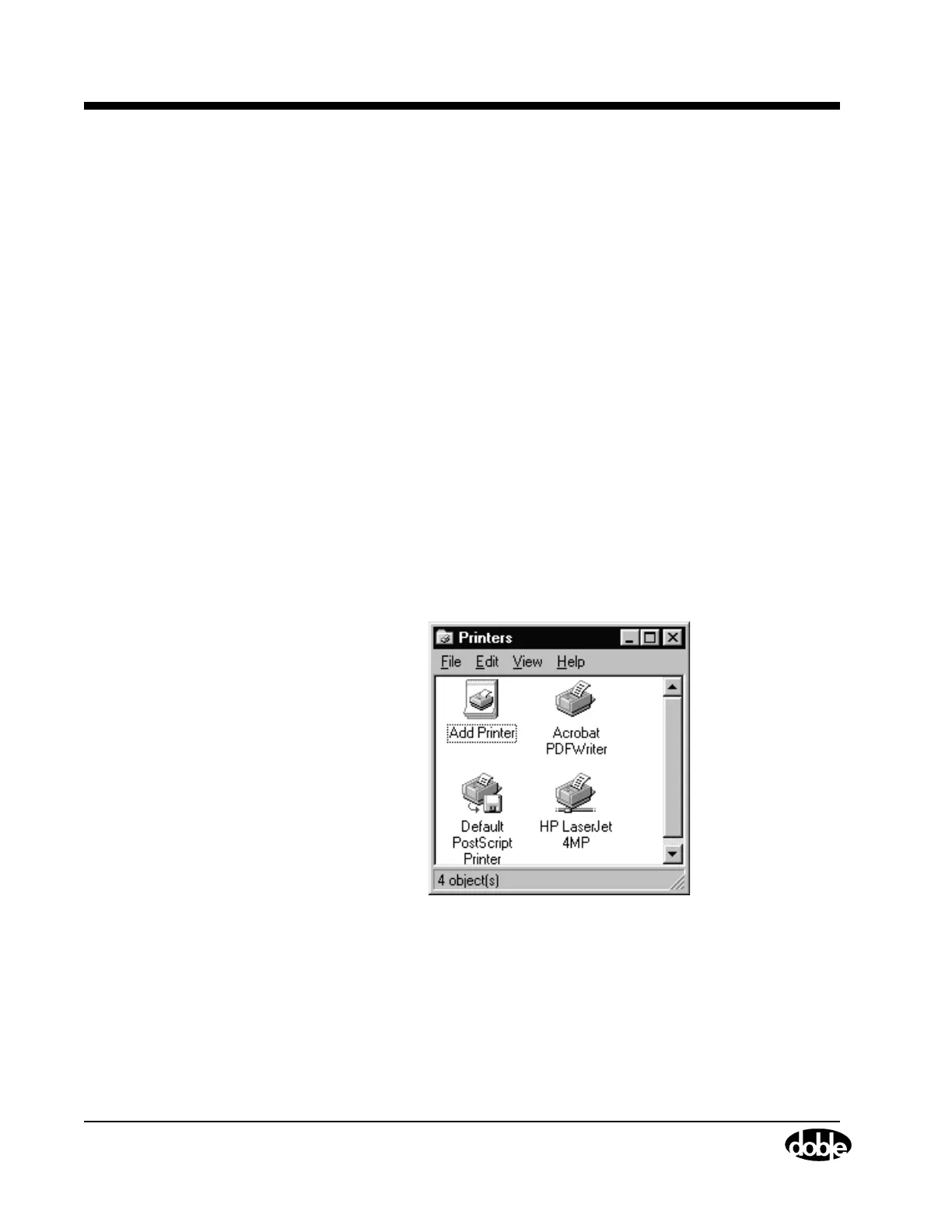
The Printers window appears, as shown in Figure C.7.
Figure C.7 Printers



 To Next Page