Working with Test Results
4-94 72A-1898 Rev. A 11/01
Monday, November 26, 2001 1:09 pm
Channel Viewing
Advanced
Properties
To access advanced channel viewing properties:
• Click the Advanced button.
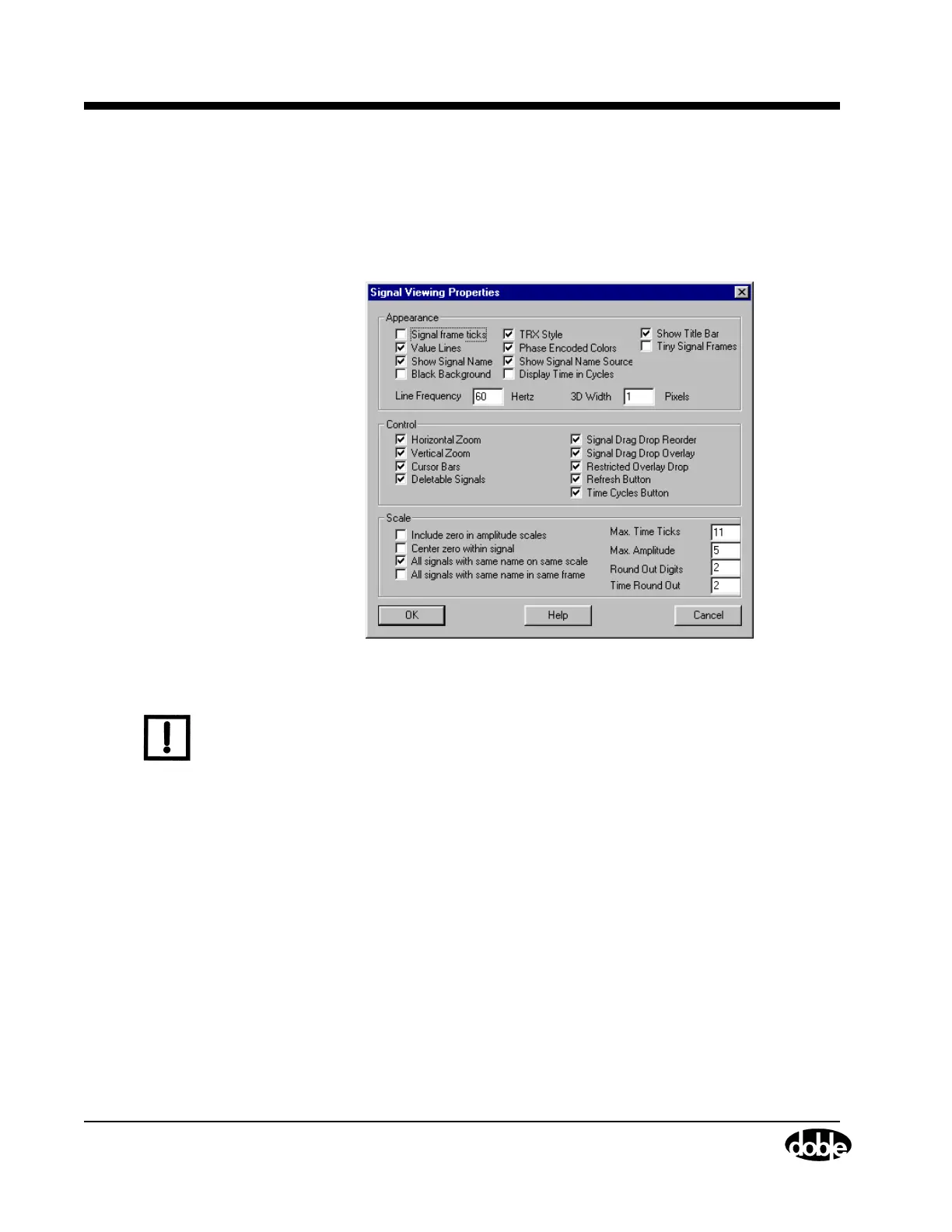
The Signal Viewing Properties Advanced window shown in
Figure 4.65 appears.
Figure 4.65 Signal Viewing Properties Advanced Window
N
OTE
Doble recommends that these defaults remain unchanged.
Using the Edit
Specs. Tab
The Edit Specs. tab appears once the test is run. This tab contains all the
fields that were configured for the test. Some fields can be edited. The
effects of changing the parameters can then be viewed on the Graphics
and Test results tabs. This is merely an analysis tool, as the original Test
Results file and the original Test Plan configuration remain intact.



 To Next Page