Windows 95/98
™
C-10 72A-1898 Rev. A 11/01
Monday, November 26, 2001 1:09 pm
8. Click Browse.
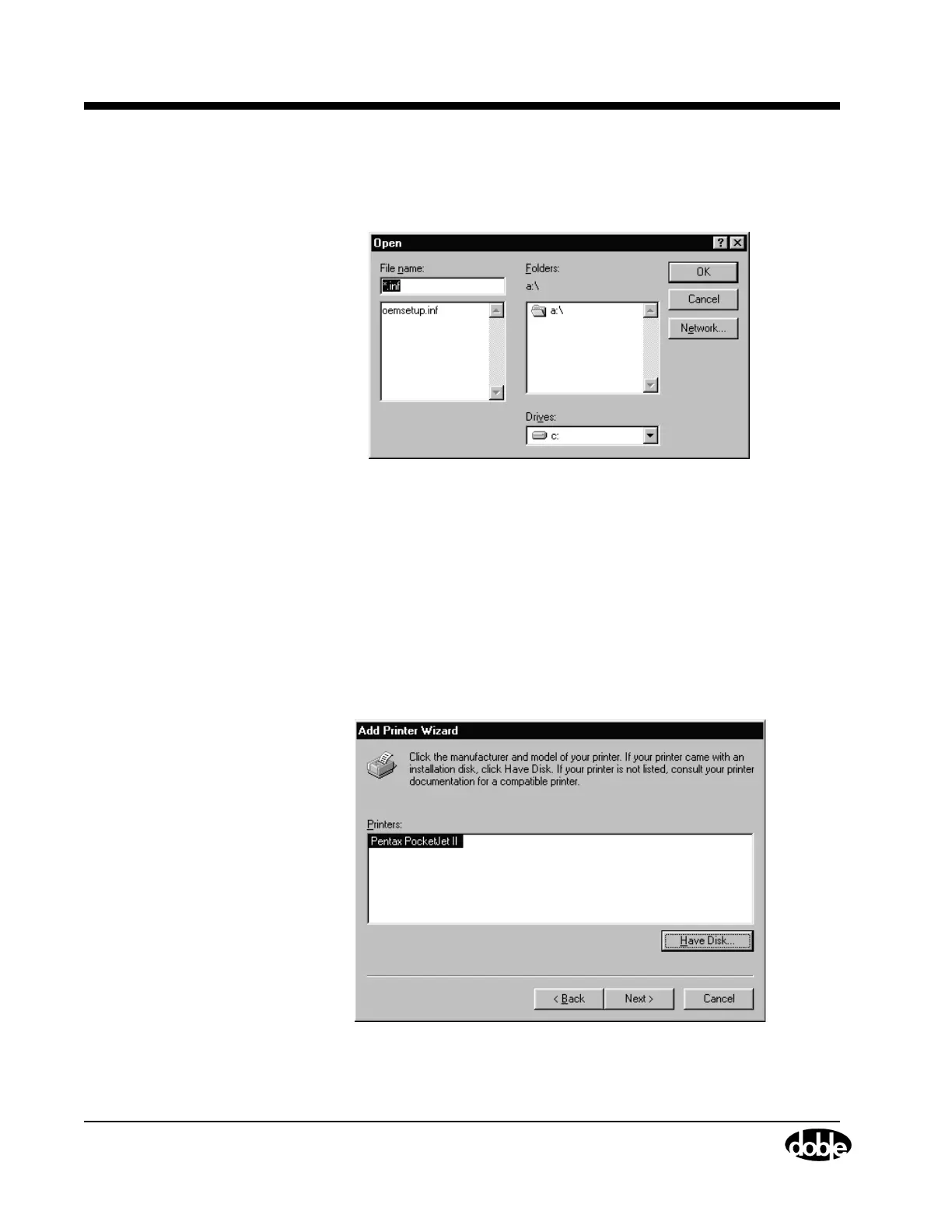
The Open window appears, as shown in Figure C.12.
Figure C.12 Open
9. Select the A:\ drive from the Drives picklist.
10. Click OK and OEMSETUP.INF is added to the File Name field.
11. Click OK.
The Install From Disk window reappears.
12. Click OK.
The Add Printer Wizard window shown in Figure C.13 appears with
Pentax PocketJet II added to the Printers list.
Figure C.13 Add Printer Wizard IV



 To Next Page