Running a First Trip/Close Test: Special Considerations
4-76 72A-1898 Rev. A 11/01
Monday, November 26, 2001 1:09 pm
To run the test:
1. Select a test type from the picklist on the upper right corner of the
window.
2. Click Run XXX Test where XXX designates the type of test.
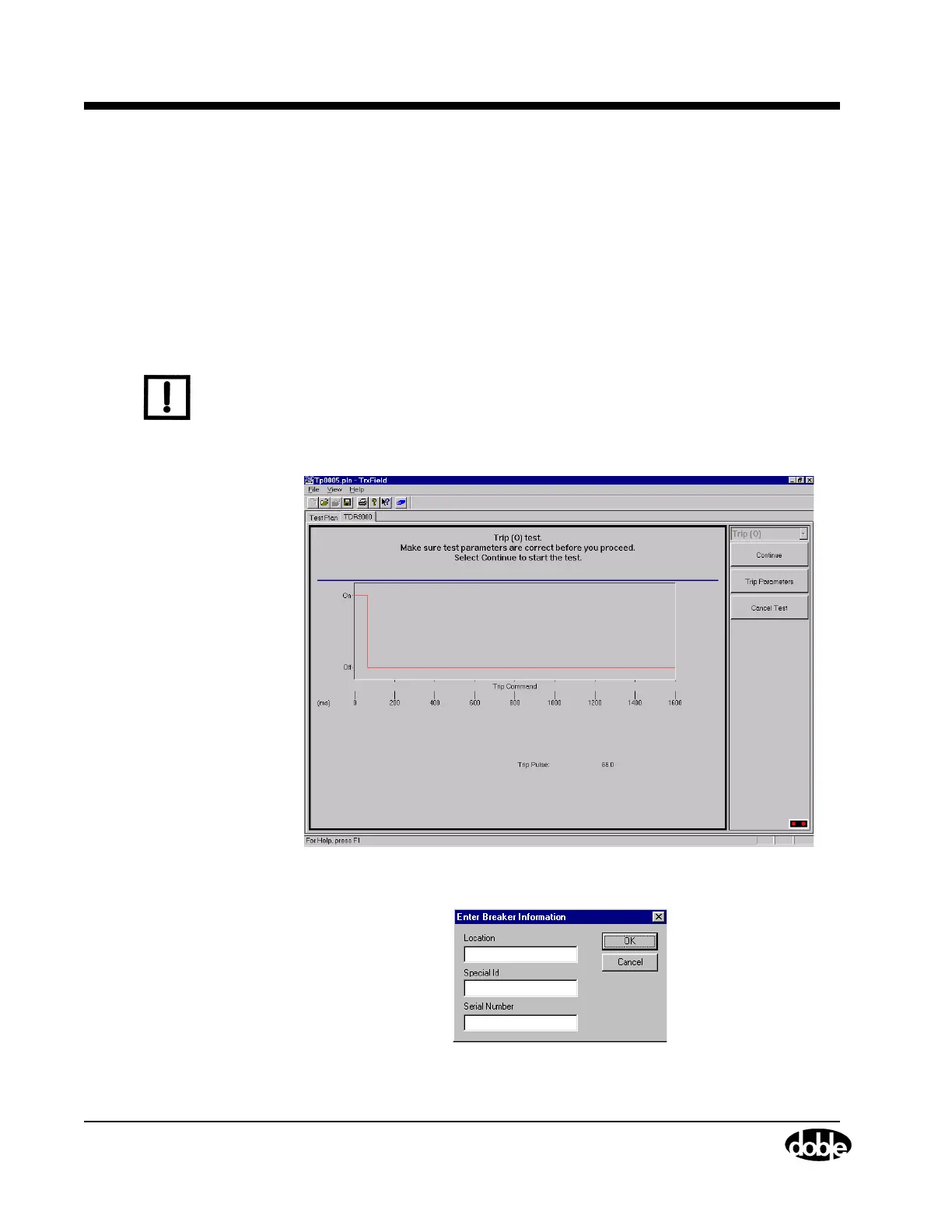
The Virtual Front Panel then appears as shown in Figure 4.49. This
window displays the values of the configured command parameters
and allows for confirmation by the operator.
N
OTE
If the fields shown in Figure 4.50 have not been correctly filled in on the
Test Plan, the Enter Breaker Information window appears. This window
contains the fields constituting the minimal information required to
identify a specific breaker in the field. If Special ID is not used, enter
NONE.
Figure 4.49 Enable Safety Switch
Figure 4.50 Enter Breaker Information



 To Next Page