TDR9000
™
Circuit Breaker Test System User’s Guide
72A-1898 Rev. A 11/01 C-13
Monday, November 26, 2001 1:09 pm
3. Click Printers from the Settings menu on the Windows Start menu
bar.
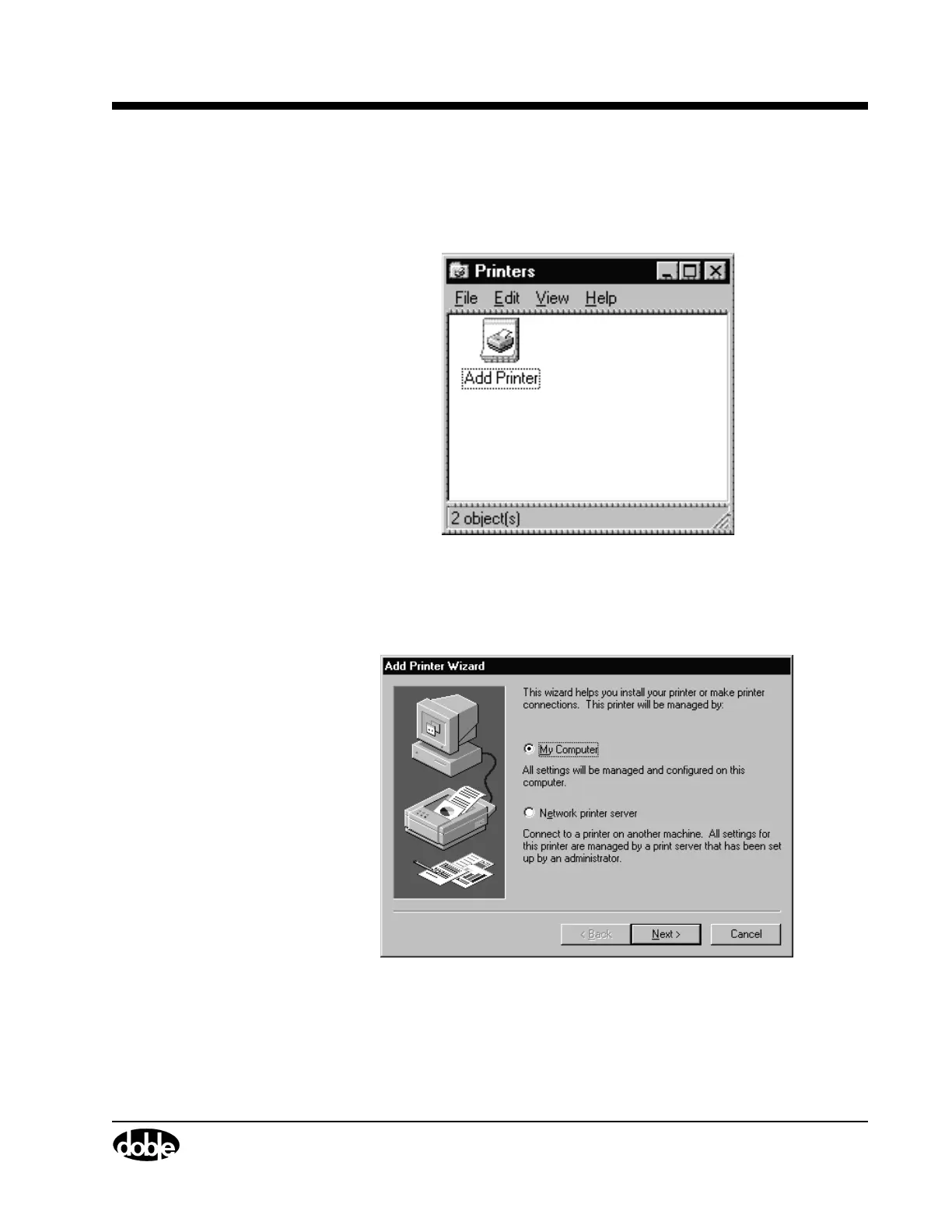
The Printers window appears, as shown in Figure C.17.
Figure C.17 Printers
4. Double-click Add Printer.
The Add Printer Wizard window appears, as shown in Figure C.18.
Figure C.18 Add Printer Wizard



 To Next Page