Windows NT
™
C-14 72A-1898 Rev. A 11/01
Monday, November 26, 2001 1:09 pm
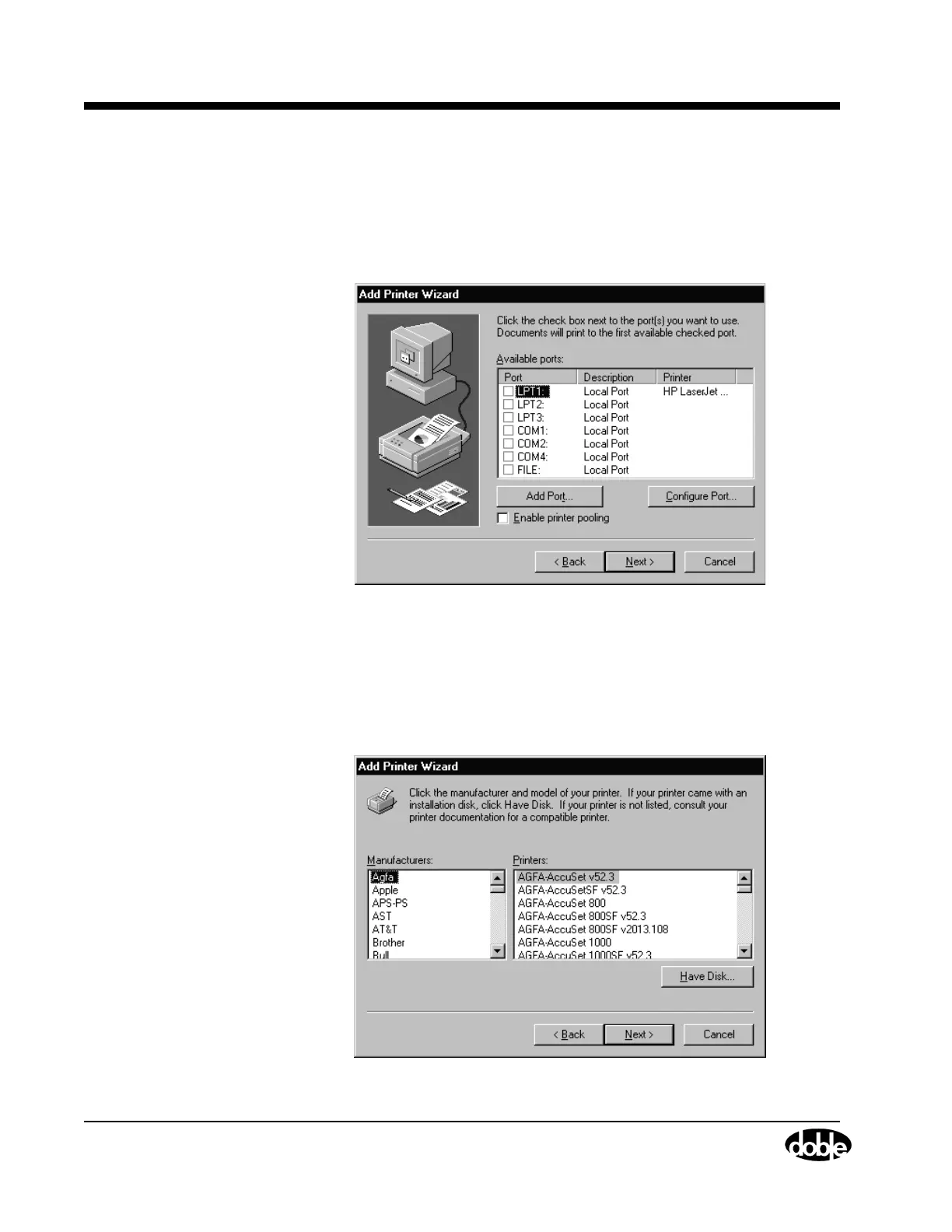
5. Ensure that the My Computer radio button is selected.
Click Next.
A second Add Printer Wizard window appears, as shown in
Figure C.19.
Figure C.19 Add Printer Wizard II
6. Click the LPT1 checkbox.
Click Next.
A third Add Printer Wizard window appears, as shown in
Figure C.20.
Figure C.20 Add Printer Wizard III



 To Next Page