TDR9000
™
Circuit Breaker Test System User’s Guide
72A-1898 Rev. A 11/01 B-3
Monday, November 26, 2001 1:09 pm
To run the Self-Diagnostics test:
N
OTE
This test can be run with cables connected to the Instrument.
1. Click Self-Diag. from the test picklist on the upper right corner of the
TDR9000 tab.
The Run Self-Diag. Test button appears on the TDR9000 tab.
2. Click Run Self-Diag. Test.
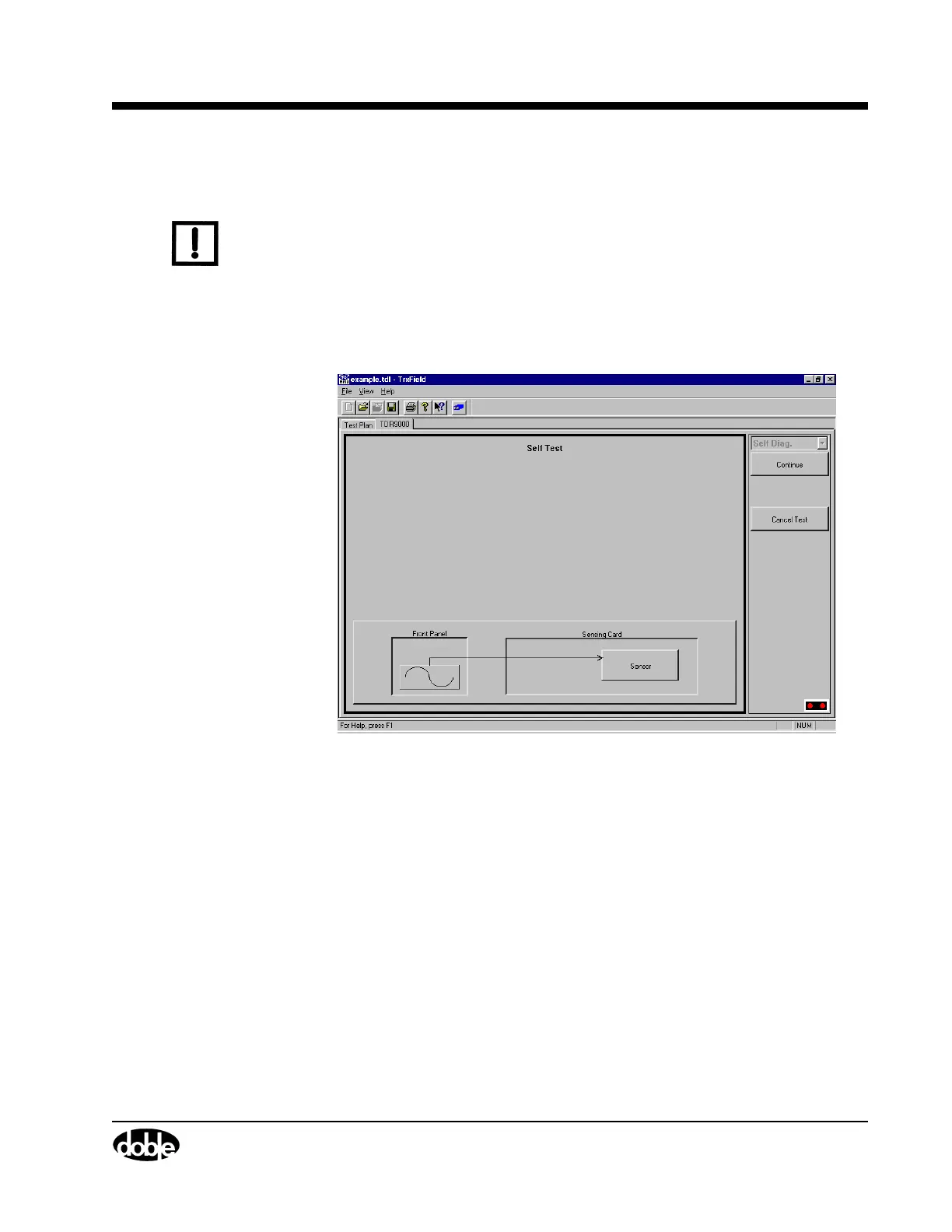
3. The Self Test window appears, as shown in Figure B.1.
Figure B.1 Self-Diag Test
4. Click Continue.



 To Next Page