TDR9000
™
Circuit Breaker Test System User’s Guide
72A-1898 Rev. A 11/01 B-11
Monday, November 26, 2001 1:09 pm
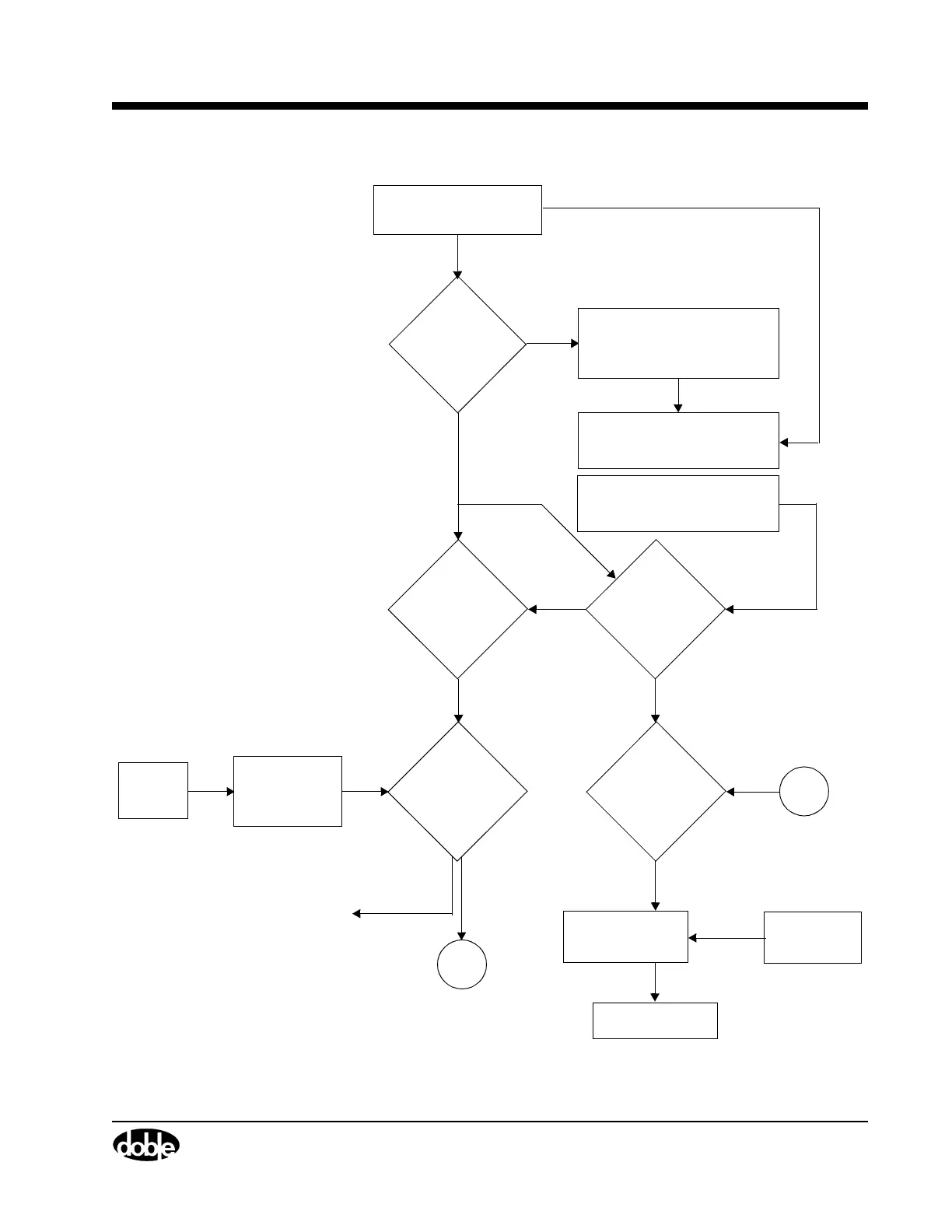
Figure B.9 Troubleshooting Flow Chart I
Reseat or replace
No
No
Yes
Does
Power up PC
Does
A
Yes
Run Continuity
Replace
Fail
No
[If OK]
Yes
Pass
Yes
No
* OCB and EHV cables cannot be
connected at the same time
(”Cable-In Bits Failure” on page B-9).
Replace P/S assembly
(”Power Supply” on page B-26).
No
Contact Doble
B
Yes
Check LED on
Reseat or
Not Steady
Steady Green
VFP = Virtual Front Panel
Is the
and TDR9000.
Power DC
LED turn
green?
RS-232 cable
VFP on PC
match
TDR9000?
cable
Test on OCB
or EHV*
internal
communications
LED lit?
Green
CPU Board
Swap CPU
Are OCB
or EHV cables
suspected
bad?
1. Check AC input cable
2. Check P/S fuses
[replace if necessary]
Is
RS-232 cable
OK and seated
properly?



 To Next Page