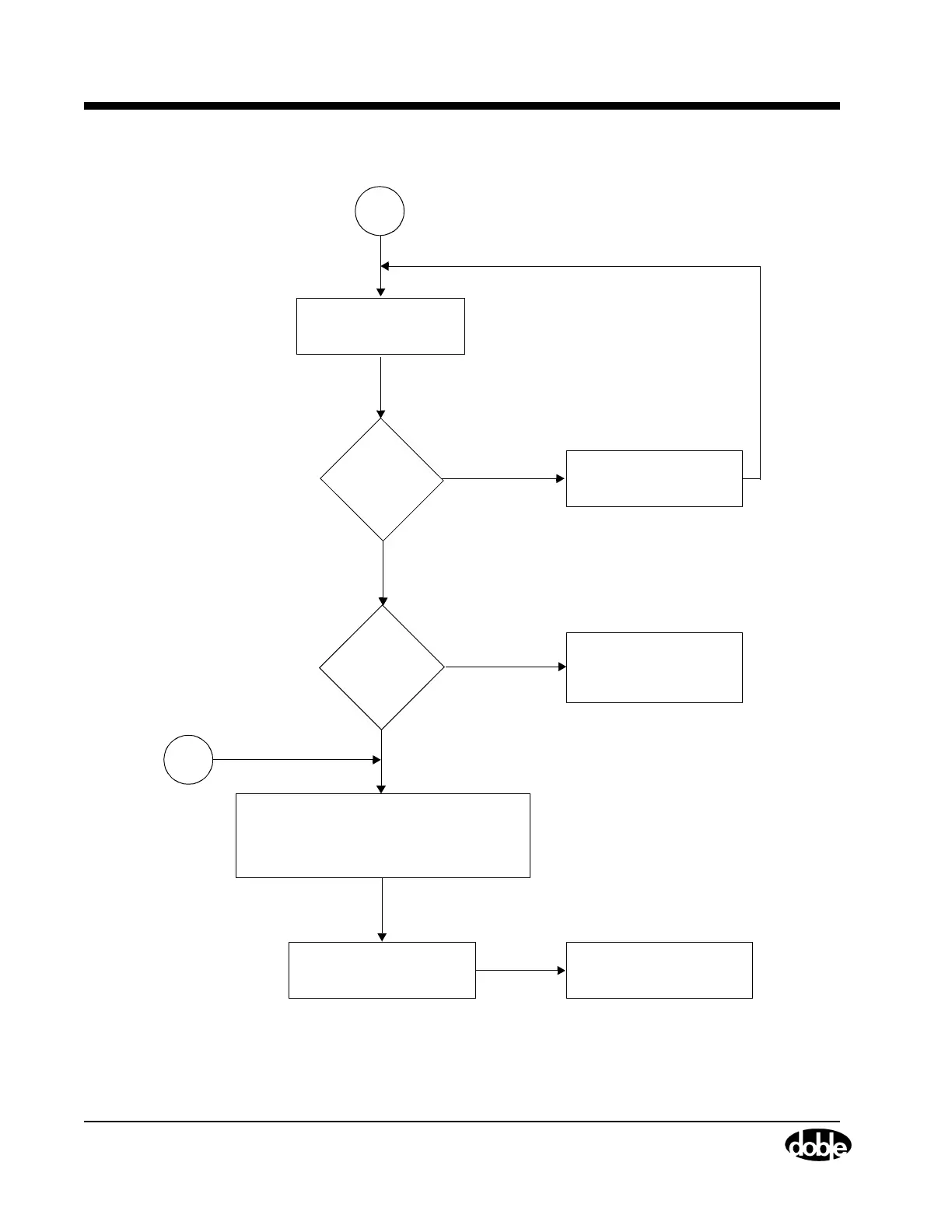
Troubleshooting Flow Chart
B-12 72A-1898 Rev. A 11/01
Monday, November 26, 2001 1:09 pm
Figure B.10 Troubleshooting Flow Chart II
Yes
Run Self-Diagnostic
A
No
No
B
Yes
1. Remove top cover of TDR9000.
2. Verify that all circuit board LEDs are green
(Figure B.12 on page B-16)
3. Verify D8 and D18 LEDS are blinking green.
Replace any circuit board where
LED is off or red.
Verify with Doble the version of
TRX and TRXField software.
from VFP
Replace Failed Module
Run Trip/Close Function Test
(”Trip/Close Function Test”
on page B-28)
Is
Trip/Close
Functioning
OK?
Does
Self-Diagnostic
pass?



 To Next Page