TDR9000
™
Circuit Breaker Test System User’s Guide
72A-1898 Rev. A 11/01 A-29
Monday, November 26, 2001 1:09 pm
General Test Plan
Functionality
The two areas of functionality used to configure the TRXField Test Plan
are the:
• TRXField menu bar
• Right-click menu
TRXField
™
Menu Bar
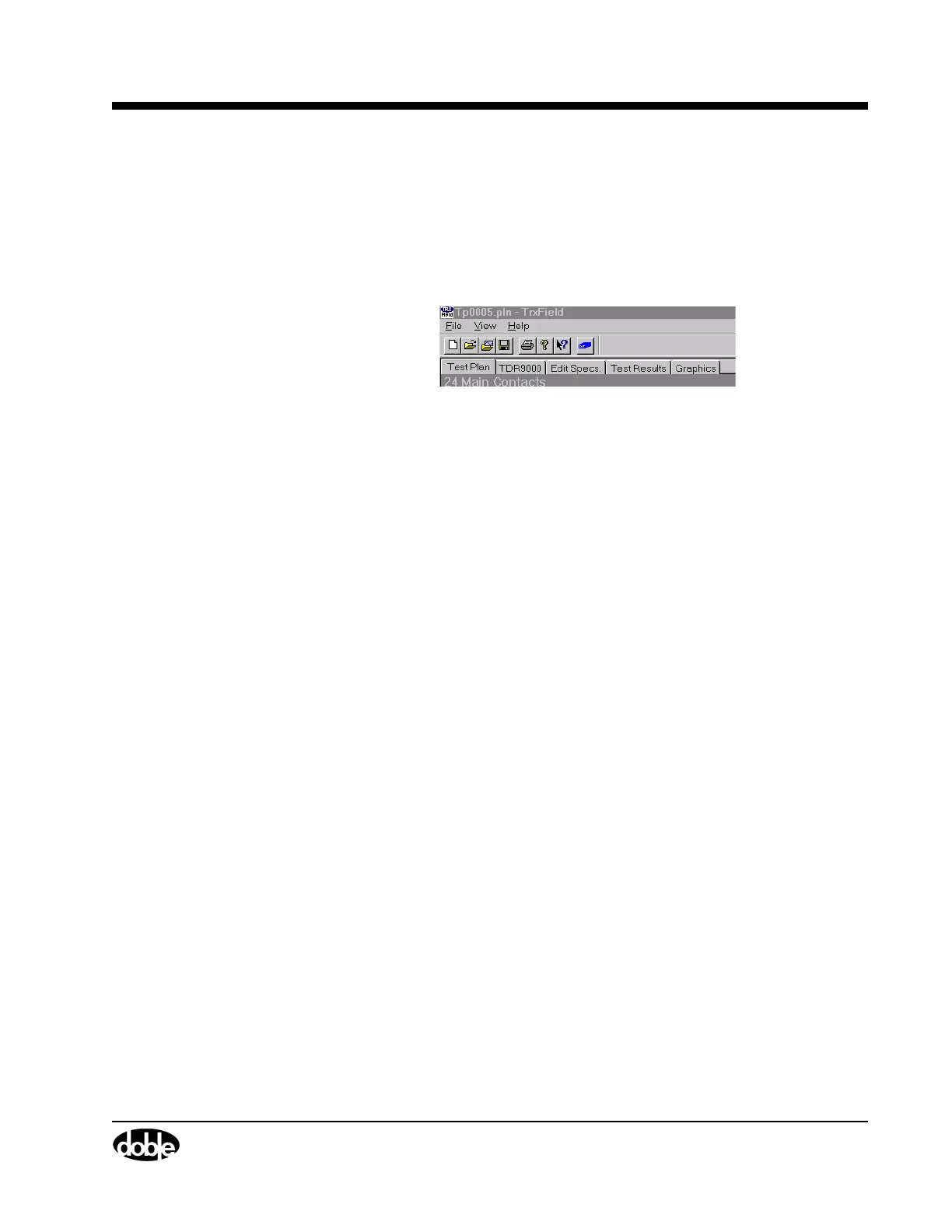
The TRXField menu bar is shown in Figure A.31.
Figure A.31 TRXField
™
Menu Bar
The menu items include:
File
• New Test Plan
A blank Library test Plan appears.
• Open
An Open window appears from which existing Test Plans or
Test Results are opened. Refer to ”Tab Navigation” on page 3-5
for more information.
• Save
A Specify File Type dialog box appears and a TDR9000 file or
TR3000 file is created. Refer to ”Saving Test Results/Test Plans”
on page 4-95 for more information.
• Overlay Graphics
A dialog box appears where the Graphics tabs for Test Result files
of similar type can be overlaid. This item is only active when a
Test Result file is open. Refer to the TRX User’s Guide for more
information.
•Print
Refer to ”Printing Test Results” on page 4-100 for more
information.
• Exit



 To Next Page