Working with Test Results
4-92 72A-1898 Rev. A 11/01
Monday, November 26, 2001 1:09 pm
Channel Viewing
Properties
To change the way channels are viewed:
1. Display a graphical Test Result.
2. Right-click in the Data window before activating any cursors.
3. From the resulting menu, choose Properties.
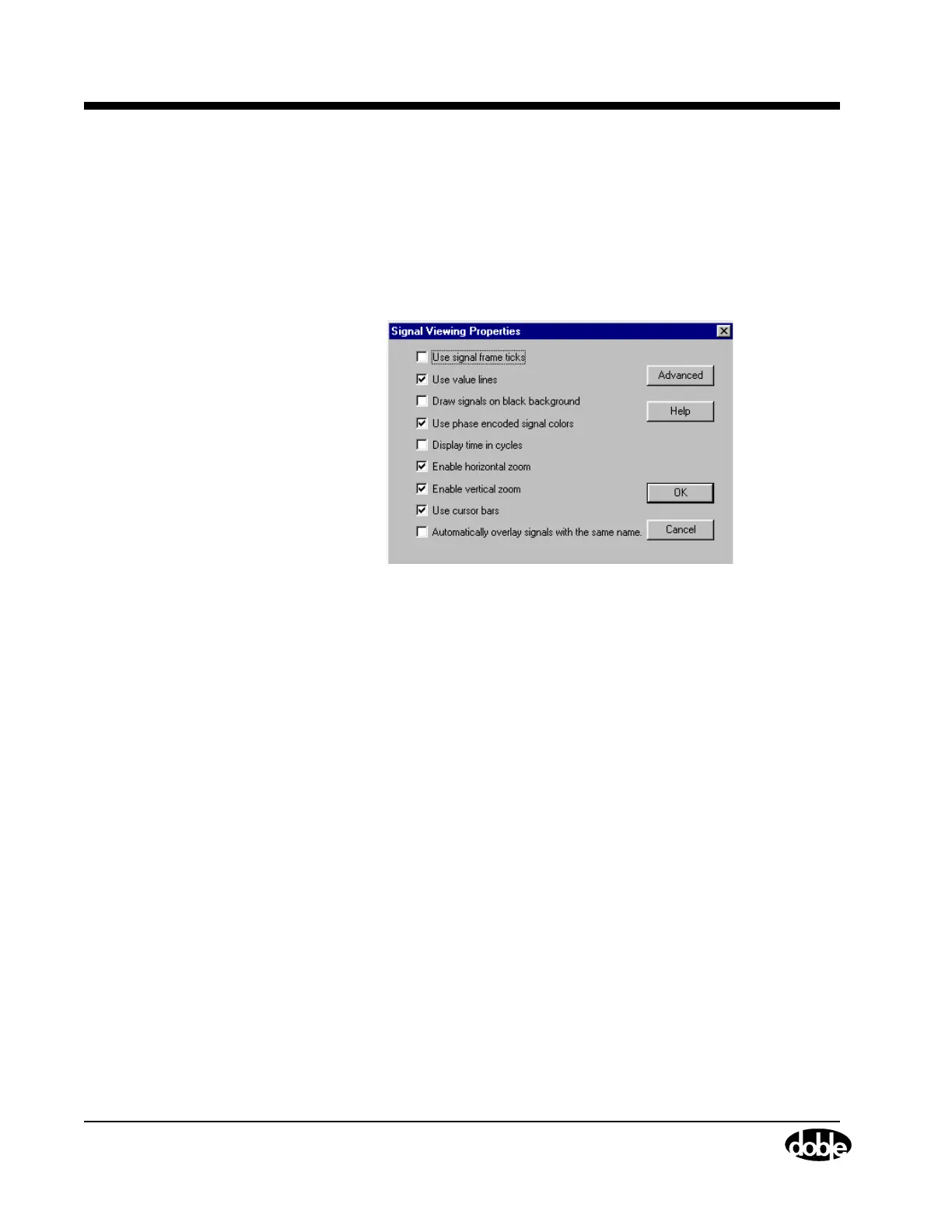
The Signal Viewing Properties window appears (Figure 4.64).
Figure 4.64 Signal Viewing Properties
The following checkboxes can be selected:
Use signal frame ticks
Adds a tiny vertical tick under each vertical value
line outside the signal frame.
Use value lines
Adds vertical and horizontal value lines to the
channel frames.
Draw signals on black background
Makes the channel frame background black
(de-selecting makes it gray).
When printing, the background is always white
and is not affected by this command.



 To Next Page