97
12-2. Backing-up Stills
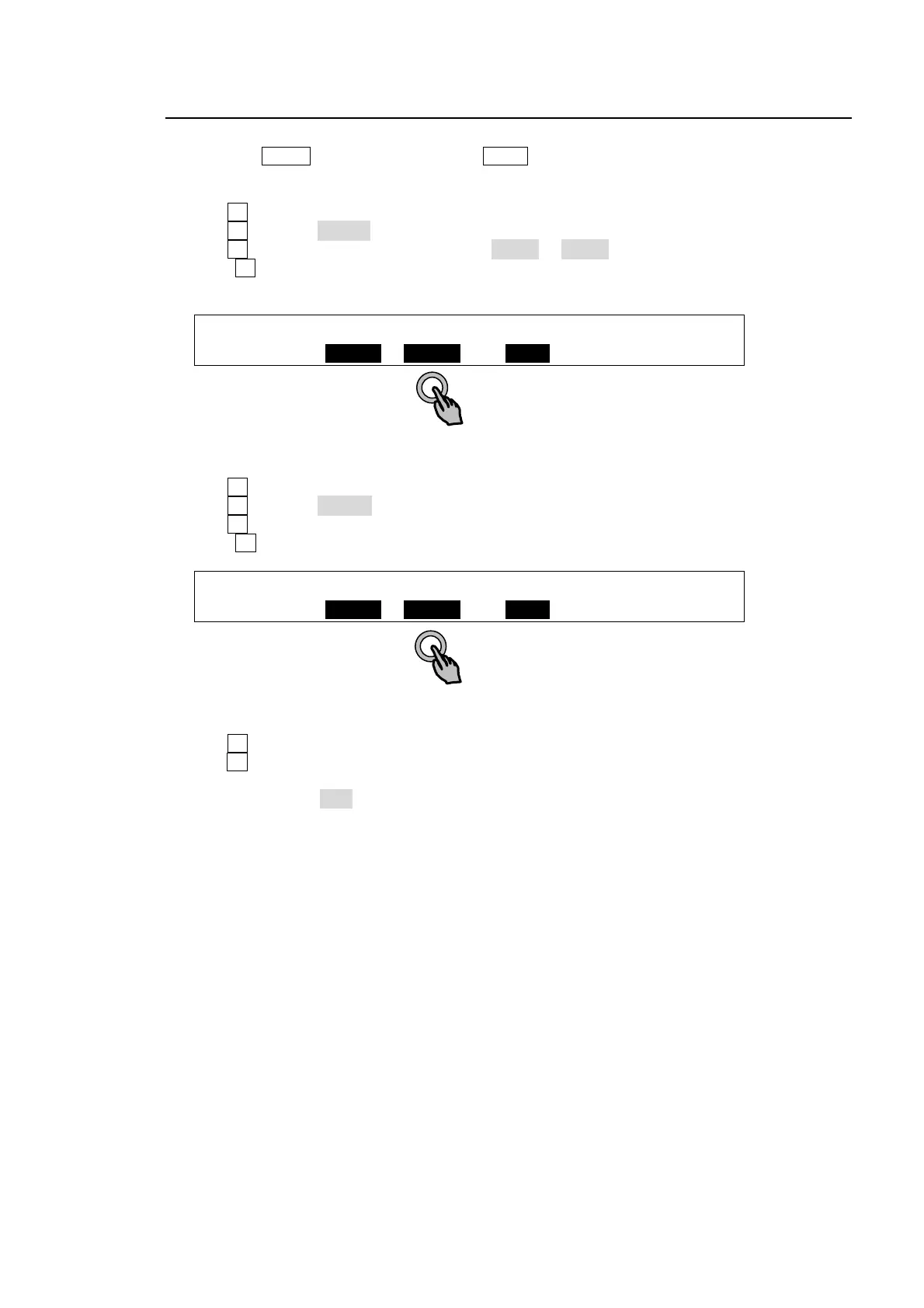
To Save Still Images:
(1) Press the MENU control button and then STILL in the SELECT/KEYPAD block to display the
[STILL] menu
(2) Press page down to go to PAGE 3 ([STILL RESUME] menu).
(3) Turn F1 to select a still to be backed up to the backup memory.
(4) Turn F2 to select SAVE>.
(5) Turn F3 to select a memory number from MEM1 to MEM6.
(6) Press F2 to save the still to the selected memory number. The backed up stills are preserved
after powering off the switcher.
STILL :STILL : FUNC :MEMORY :RESUME : 3/6
BACKUP : =STIL1: SAVE> : =MEM1 : =MEM1 :
To Load Saved Images to Still Memory Manually:
(1) Open PAGE3 of the [STILL] menu.
(2) Turn F1 to select a still to be loaded from the backup memory.
(3) Turn F2 to select <LOAD.
(4) Turn F3 to select a memory number where the desired still image is to be stored.
(5) Press F2 to load the still from the memory.
STILL :STILL : FUNC :MEMORY :RESUME : 3/6
BACKUP : =STIL1: <LOAD : =MEM1 : =MEM1 :
To Load Saved Images to Still Memory Automatically:
(1) Open PAGE3 of the [STILL] menu.
(2) Turn F1 to select the desired still.
(3) Turn F4 to select the memory number where the desired still image is to be stored. Then the
still images are automatically loaded at startup.
Turn RESUME to OFF if you do not wish to recall any data to stills at startup.



 To Next Page