59
8-8. How to Select Patterns
Wipe patterns are available for background and KEY transitions. More than 150 preset patterns
are provided. This chapter explains how to select patterns for transitions, how to check which
pattern is currently selected and how to select patterns quickly using the Direct Pattern function.
8-8-1. Selecting Patterns in the Menu
(1) Press the PATTERN button in the Transition block to display the [WIPE-PATTERN]
menu.
Users can also display the [WIPE-PATTERN] menu by quickly pressing the WIPE
button twice.
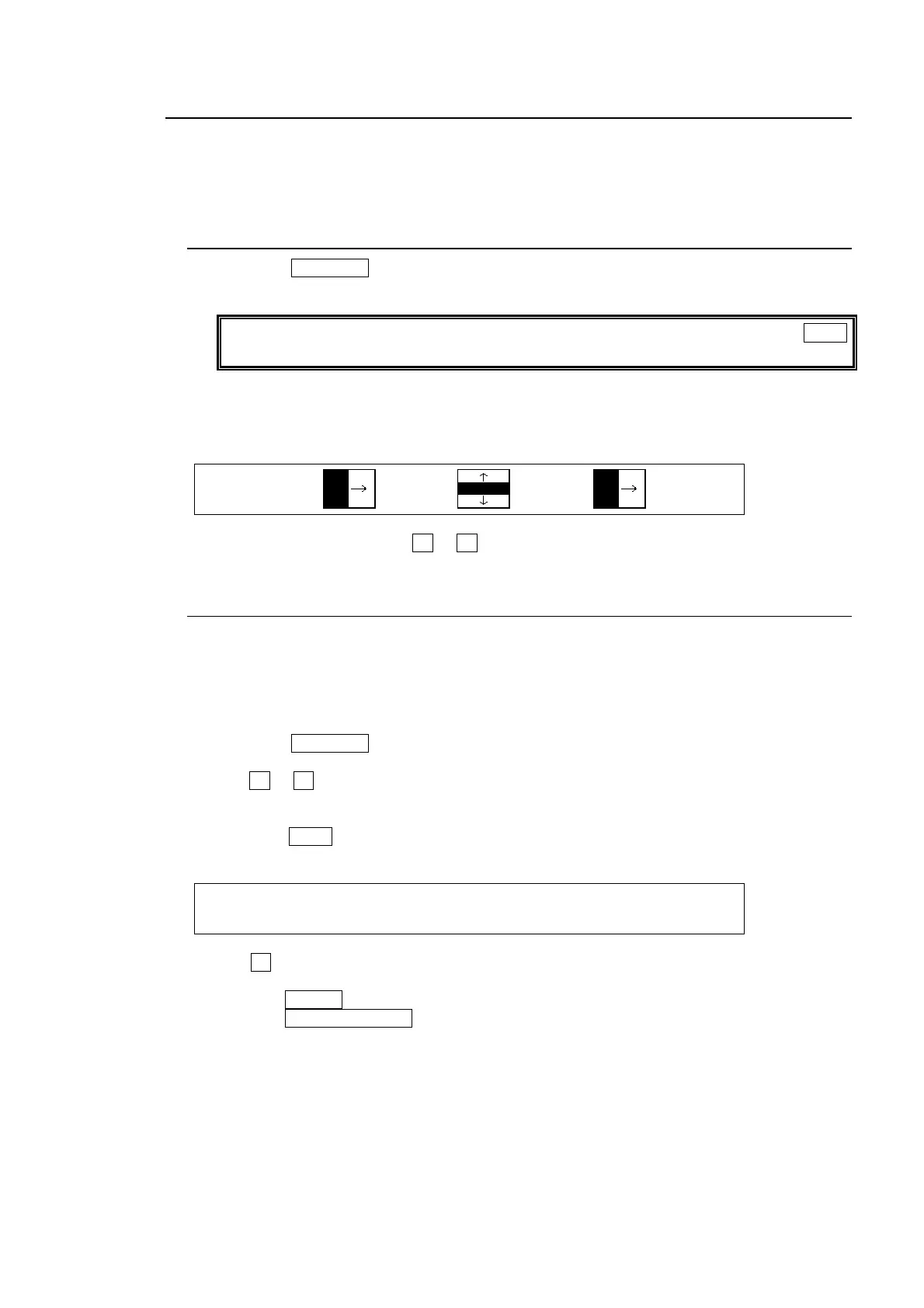
The number and icon of the currently selected pattern are displayed in the menu display.
The letter M is added in front of the number if the pattern is modified. (See section 9
"Modifying Patterns.")
WIPE:BKGD :KEY1 :KEY2 : 1/1
PATT:00 :20 :00 :
(2) To change the pattern, turn F1 or F3 to select a desired pattern.
8-8-2. Direct Pattern Function
The Direct Pattern Selection feature uses the number buttons on the keypad (0-9), to which
WIPE patterns previously registered can be recalled at the touch of one button. So it is useful
to assign frequently used patterns to number buttons. Up to 20 patterns can be registered.
To Register a Pattern:
(1) Press the PATTERN button in the Transition block to display the [WIPE-PATTERN]
menu.
(2) Turn F1 or F3 to select a pattern for registration.
(3) Modify the pattern, if needed. See section 9 "Modifying Patterns" for the pattern
modification.
(4) Press the WIPE button above the SELECT/KEYPAD block. The [DIRECT PATTERN]
menu is displayed and the keypad changes to DIRECT PATTERN mode.
DIRECT : PAGE :DIRECT :CLEAR : : 1/1
PATTERN : =0 : =ON : >OFF : :
(5) Turn F1 to select a page of the Direct Pattern memory. The patterns 0-9 are stored on
PAGE 1 and the patterns 10-19 are stored on PAGE 2.
(6) Press the STORE button.
(7)Press the WIPE CHANNEL button once or twice to select the bus where the pattern is
being used.
(8) Press a number button (0-9). The selected pattern is saved to the number button of the
selected page.
(9) Repeat steps (1) to (8) to register patterns.



 To Next Page